7. OTHER FUNCTIONS
7-7
7.7 User Display Menu
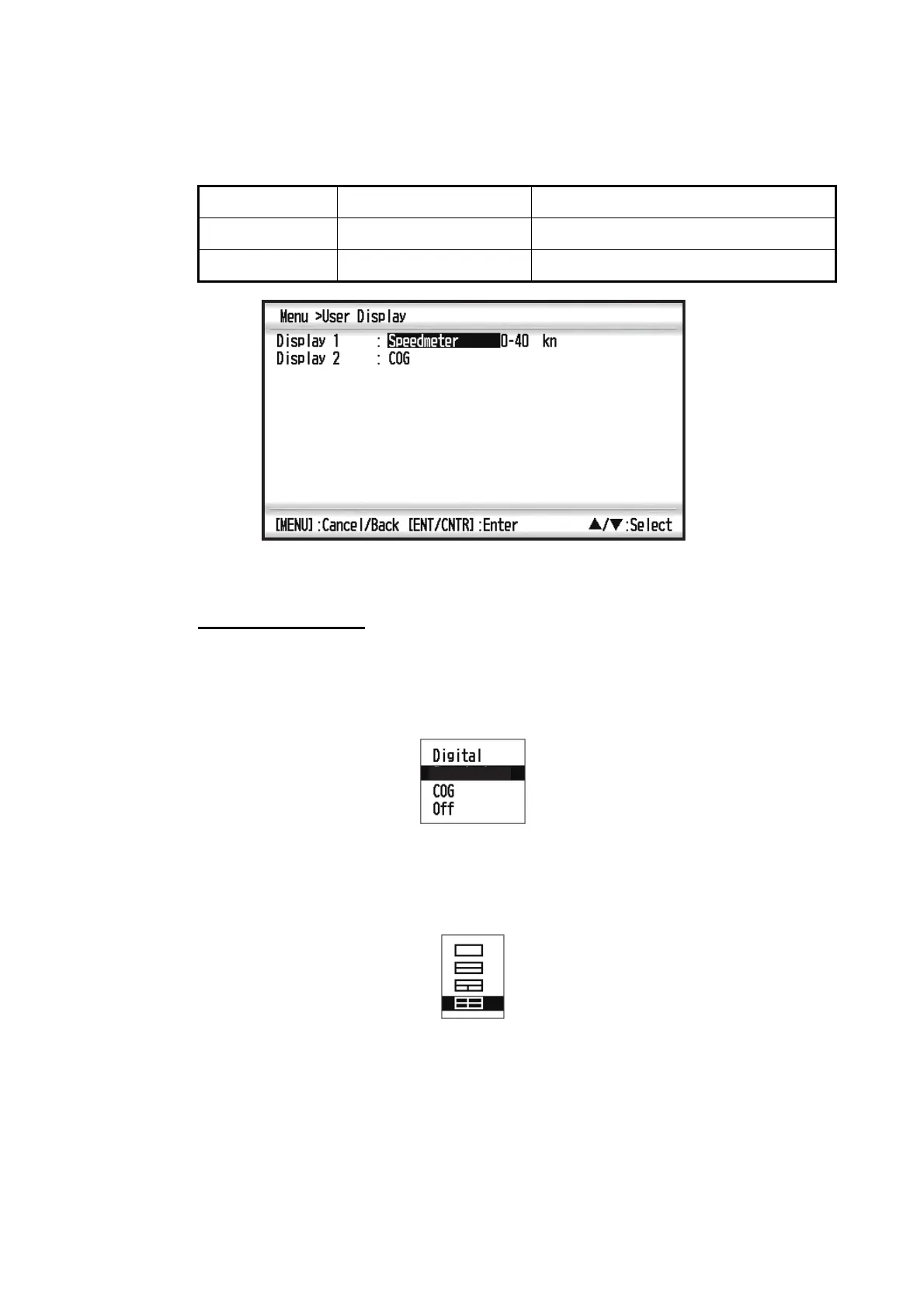
To customize user displays, which are [6] and [7] appeared when the DISP key is
pressed (see section 1.4), use the User Display menu.
Note: You can show the User Display menu by pressing the ENT/CNTR key more
than three seconds at the User display 1 (display [6]) and 2 ([7]).
Display 1, Display 2
You can select items to show on the User display 1 (display [6]) and 2 ([7]), from
among digital data, speedometer and COG (see page 1-7). When choosing [Off] for
Display 2, for example, the display [7] is not shown.
For [Digital], you can display one to four items of digital navigation data on the user
display.
1. Press and ENT/CNTR key in order to show the following window.
DISP key is pressed Item name on User Display menu
User display 1 Display [6] Display 1
User display 2 Display [7] Display 2
Speedometer



 To Next Page