7. OTHER FUNCTIONS
7-14
Operation on GP-32
Only after the operation on GP-39 is done, proceed to operate the GP-32.
1. Press the MENU key to show the main menu.
2. Select [I/O Setup], and press the ENT key.
3. Select [Save WPT/RTE -> PC?], and press the ENT key to select [CONTINUE?].
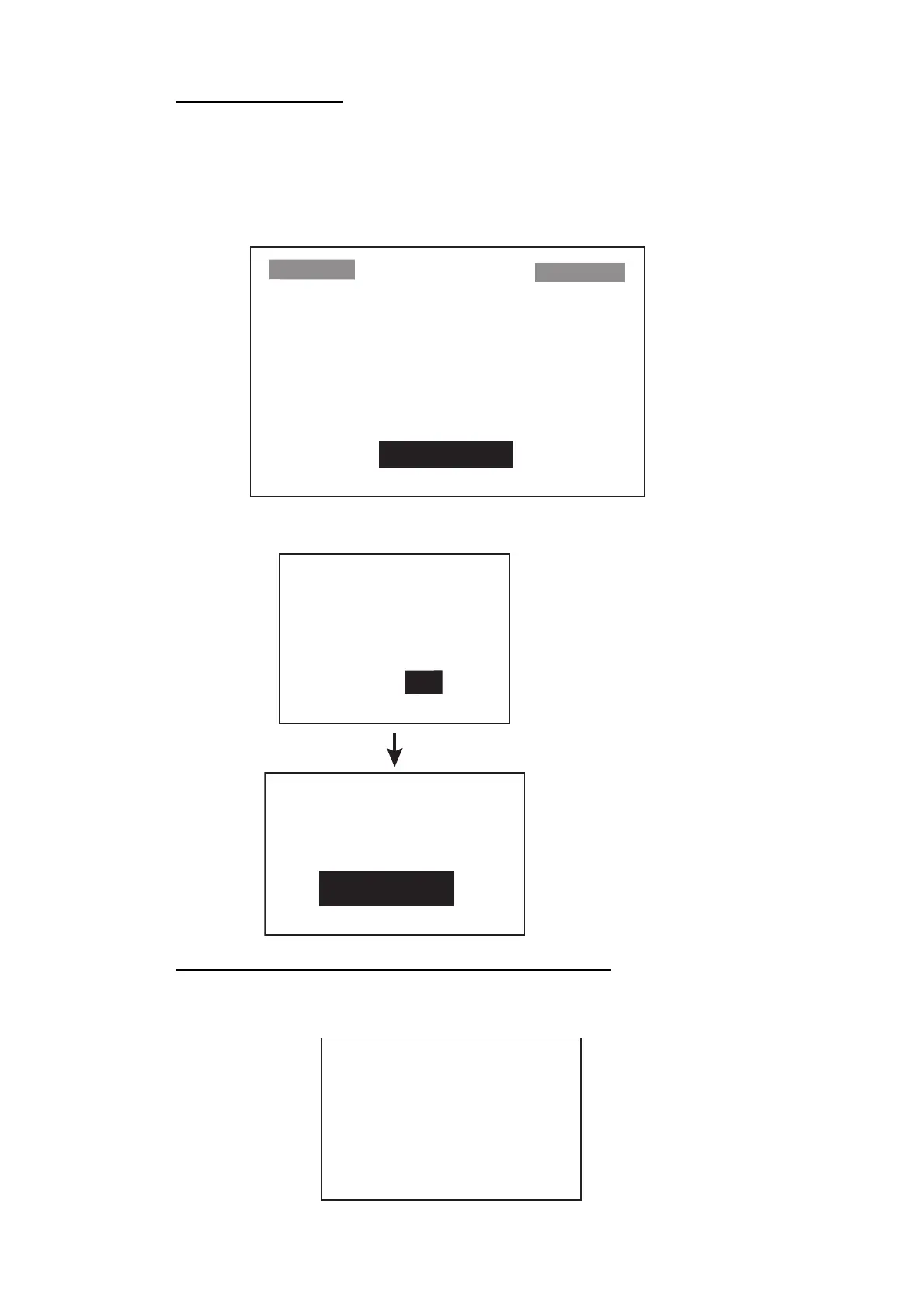
4. Below message pops-up. Select [YES] and press the ENT key.
When data transfer from GP-32 to GP-39 completed
GP-32 shows below pop-up message.
SAVE WPT/RTE
ALL WPTS/ROUTES
WILL BE SAVED TO PC.
SET PC PORT TO 4800
8 BIT, P-N, S1, XON/OFF.
CONTINUE?
SAVING START?
(PC READY?)
ARE YOU SURE?
YES NO
WPTS & ROUTES
SAVING ...
CANCEL?
Data is being saved.
To cancel, press the
[ENT] key.
SAVING
COMPLETED
HIT ANY KEY.



 To Next Page