9. INSTALLATION
9-7
Output setting
1. Press the MENU key twice to show the main menu.
2. Select [I/O Setup], then press the ENT/CNTR key.
3. Select [Data 1] or [NMEA0183 Version] depending on the equipment connected.
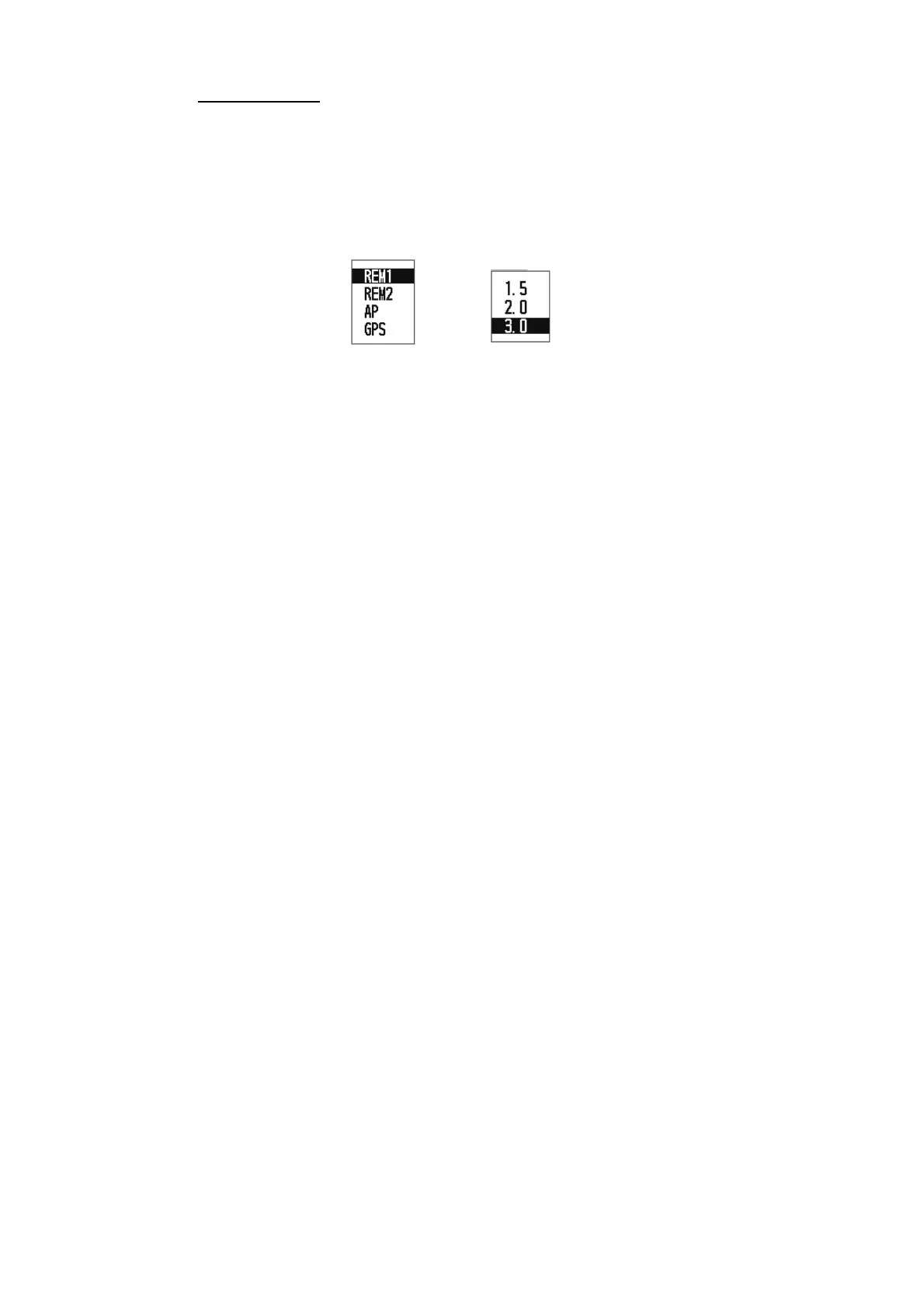
4. Press the ENT/CNTR key. One of the following screens appears depending on
the item selected at step 3.
5. Press or to select the option.
[REM1], [REM2]: Output data to radar, echo sounder.
[AP]: Output data to an autopilot.
[GPS]: Output GPS data (used for the service)
[1.5], [2.0], [3.0]: select the NMEA version of external equipment. If you are unsure
of the version number, try both and select the one which successfully outputs da-
ta.
6. Press the ENT/CNTR key.
7. Press the MENU key twice to close the menu.
“Data1”
“NMEA0183 Version”



 To Next Page