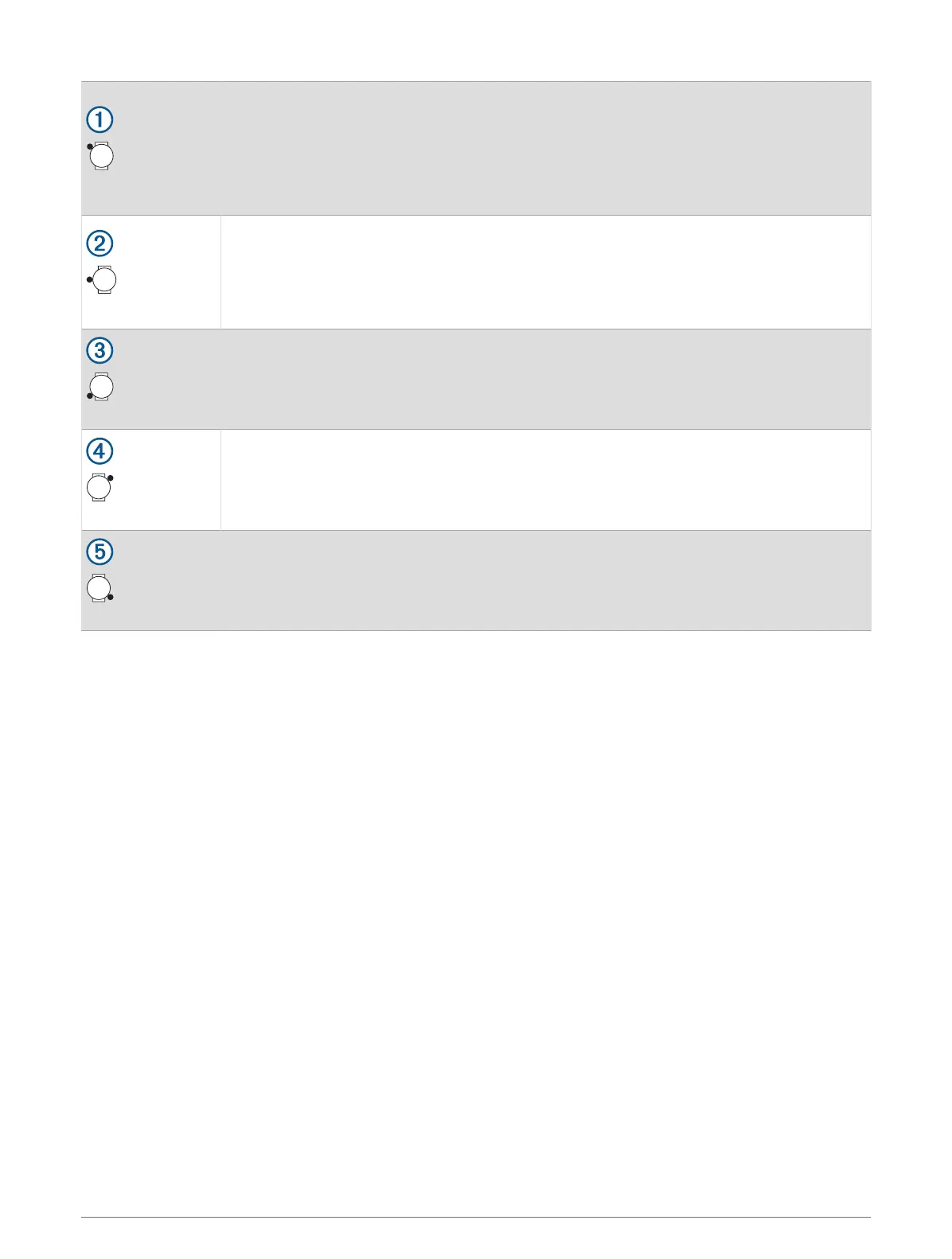
Upper-left button
• Press to illuminate the screen.
• Quickly press twice to turn the flashlight on or off (Using the Flashlight Screen,
page54).
• Hold for three seconds to turn on the device.
• Hold for two seconds to view the controls menu (Controls, page51).
• Hold for five seconds to request assistance (Requesting Assistance, page111).
Middle-left button
• From the watch face, press to view the notification center (Viewing Notifications,
page88).
• Press to scroll through the menus or data screens.
• From the watch face, hold to access the main menu.
• Hold to access a contextual menu, if one is available in that part of the user interface.
Lower-left button
• From the watch face, press to scroll through the glances list (Viewing Glances,
page57).
• Press to scroll through the menus or data screens.
• Hold to view the music controls (Listening to Music, page114).
Upper-right button
• Press to choose an option in a menu.
• From the watch face, press to open the apps and activities menu (Apps and Activities,
page4).
• Press to start or stop an activity (Starting an Activity, page17).
Lower-right button
• Press to return to the previous screen.
• During an activity, press to record a lap, rest, or advance to the next workout step.
• Hold to view a list of your recently used apps.
2 Introduction















 To Next Page