Viewing Notifications
You can view your phone notifications on your watch from several menu locations.
1
Select an option:
•
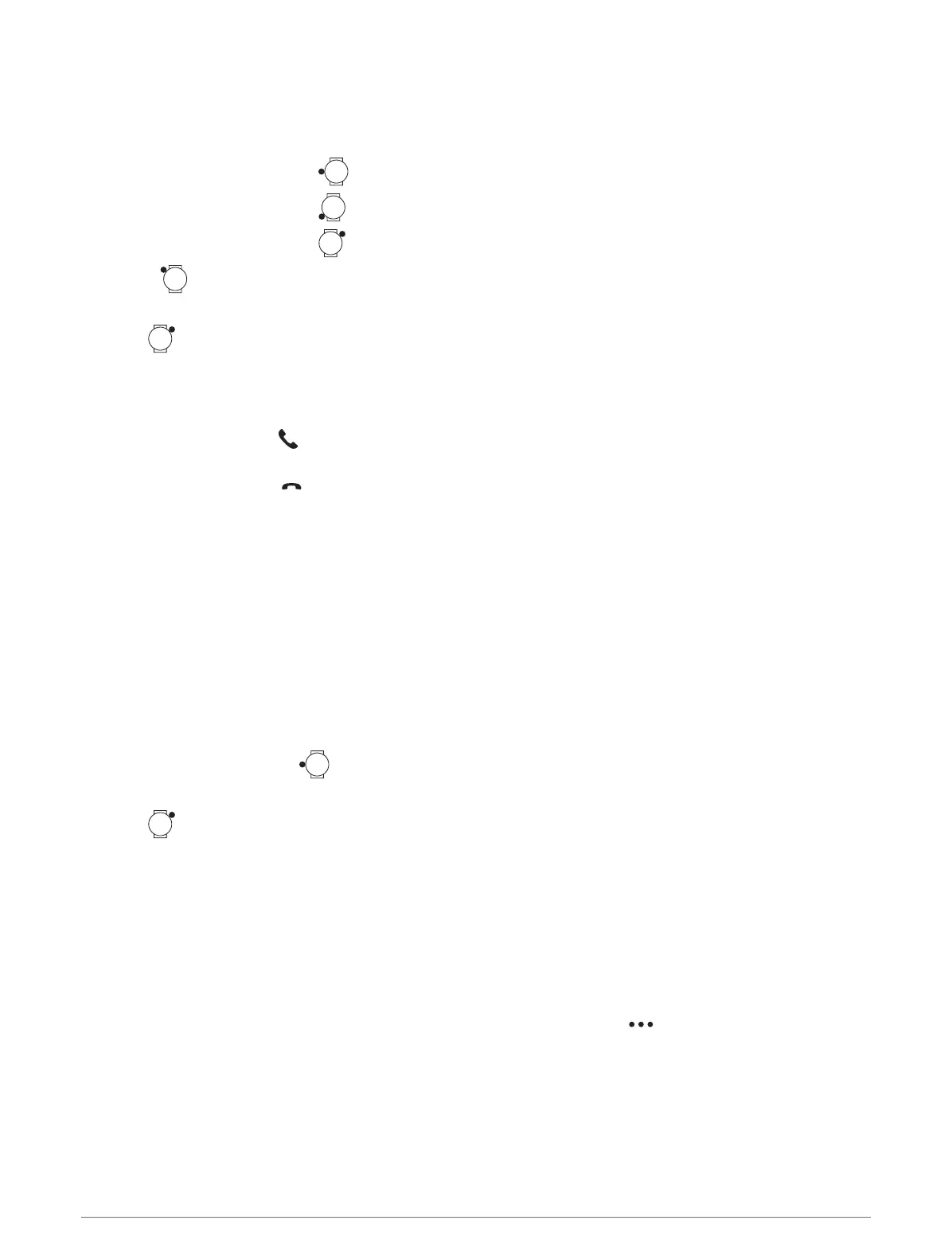
From the watch face, press to view the notification center.
•
From the watch face, press to view the notifications glance.
•
From the watch face, press , and select Notifications to view the notifications app.
•
Hold , and select Notifications to view the notifications control.
2 Select a notification.
3
Press for more options.
Receiving an Incoming Phone Call
When you receive a phone call on your connected phone, the fēnix watch displays the name or phone number of
the caller.
• To accept the call, select .
NOTE: To talk to the caller, you must use your connected phone.
• To decline the call, select .
• To decline the call and immediately send a text message reply, select Reply, and select a message from the
list.
NOTE: To send a text message reply, you must be connected to a compatible Android phone using Bluetooth
technology.
Replying to a Text Message
NOTE: This feature is available only for compatible Android phones.
When you receive a text message notification on your watch, you can send a quick reply by selecting from a list
of messages. You can customize messages in the Garmin Connect app.
NOTE: This feature sends text messages using your phone. Regular text message limits and charges from your
carrier and phone plan may apply. Contact your mobile carrier for more information about text message charges
or limits.
1
From the watch face, press to view the notification center.
2 Select a text message notification.
3
Press .
4 Select Reply.
5 Select a message from the list.
Your phone sends the selected message as an SMS text message.
Managing Notifications
You can use your compatible phone to manage notifications that appear on your fēnix watch.
Select an option:
• If you are using an iPhone
®
, go to the iOS
®
notifications settings to select the items to show on the watch.
• If you are using an Android phone, from the Garmin Connect app, select > Settings > Notifications.
88 Connectivity















 To Next Page