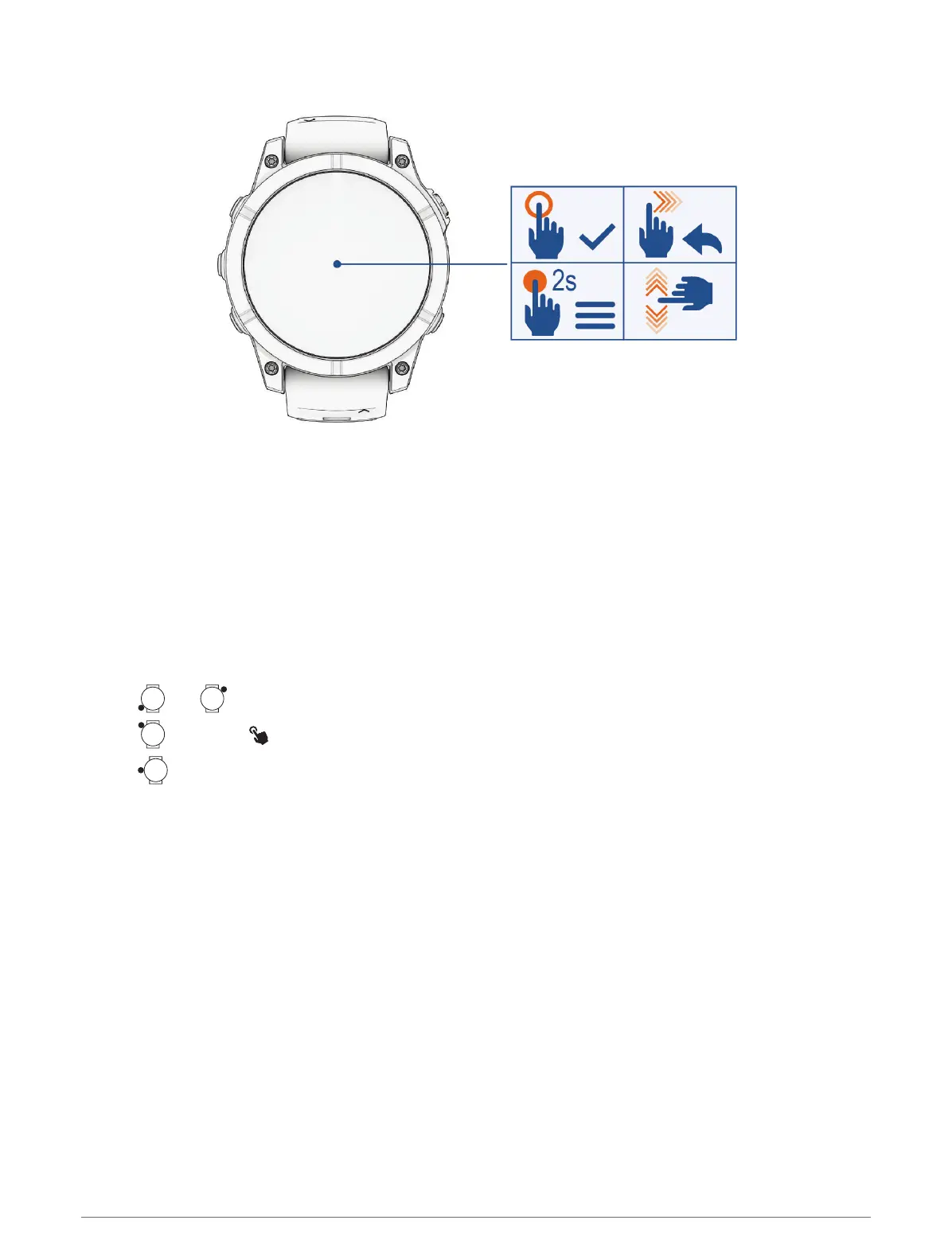
Touchscreen Functions
• Tap to choose an option in a menu.
• Hold to view the menu.
• Hold the watch face data to open the glance or feature.
NOTE: This feature is not available on all watch faces.
• From the watch face, swipe down to view the notification center.
• From the watch face, swipe up to scroll through the glances list.
• Swipe up or down to scroll through the menus.
• Swipe right to return to the previous screen.
• Cover the screen with your palm to return to the watch face and turn down the screen brightness.
Enabling and Disabling the Touchscreen
•
Hold and .
•
Hold , and select .
•
Hold , select Watch Settings > Display & Brightness > Touch, and select an option.
Introduction 3















 To Next Page