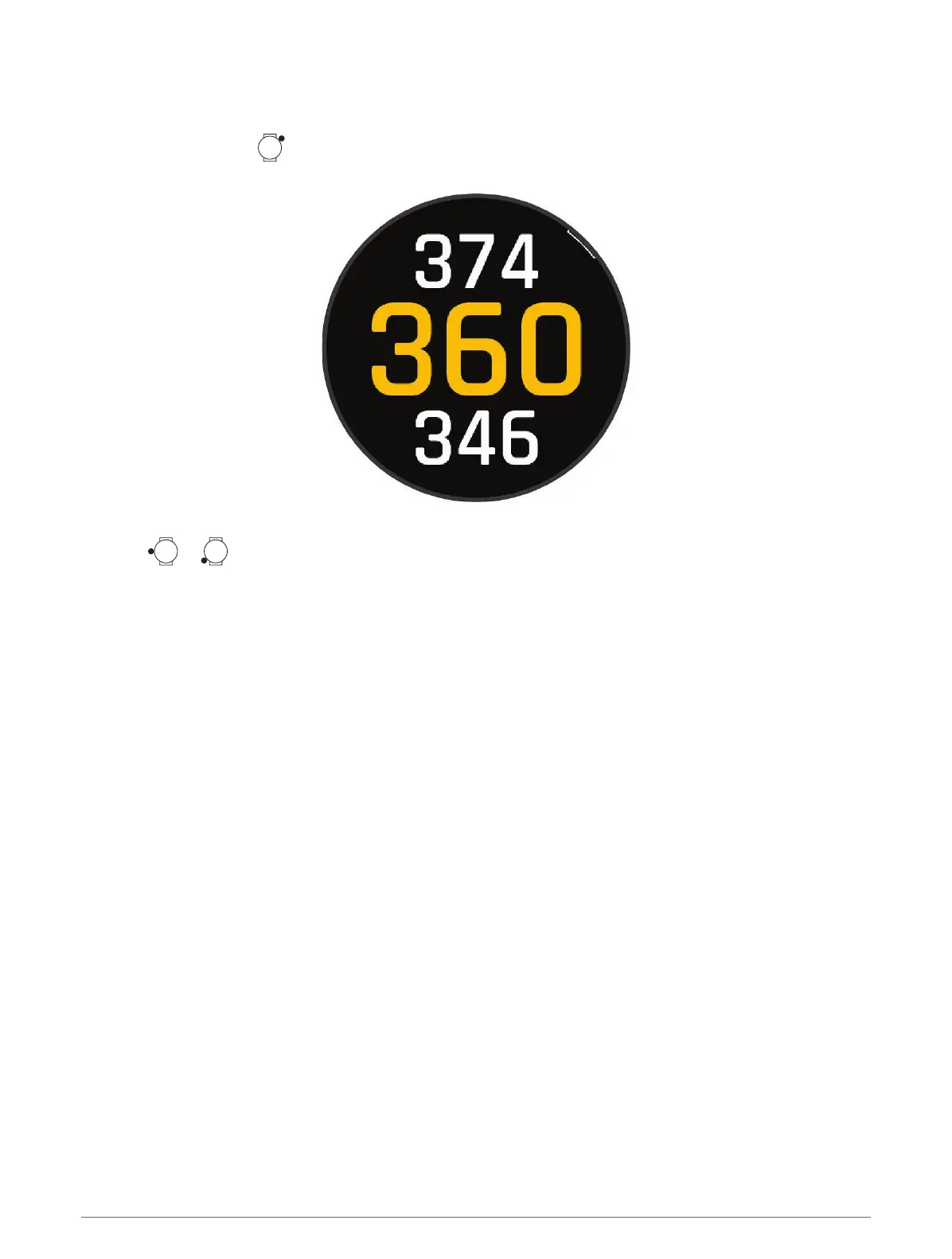
Big Numbers Mode
You can change the size of the numbers on the hole information screen.
1
During a round, press .
2 Select Settings > Big Numbers.
The distances to the front, middle, and back of the green appear in large font on the hole information screen.
3
Press or to view additional data, including the PlaysLike distance to the middle of the green, wind
speed and direction, and your handicap rating.
Swing Tempo Training
The Tempo Training activity helps you perform a more consistent swing. The device measures and displays
your backswing time and downswing time. The device also displays your swing tempo. Swing tempo is the
backswing time divided by the downswing time, expressed in a ratio. A 3 to 1 ratio, or 3.0, is the ideal swing
tempo based on studies of professional golfers.
26 Apps and Activities















 To Next Page