Introduction
WARNING
See the Important Safety and Product Information guide in the product box for product warnings and other
important information.
Always consult your physician before you begin or modify any exercise program.
Getting Started
When using your watch the first time, you should complete these tasks to set it up and get to know the basic
features.
1
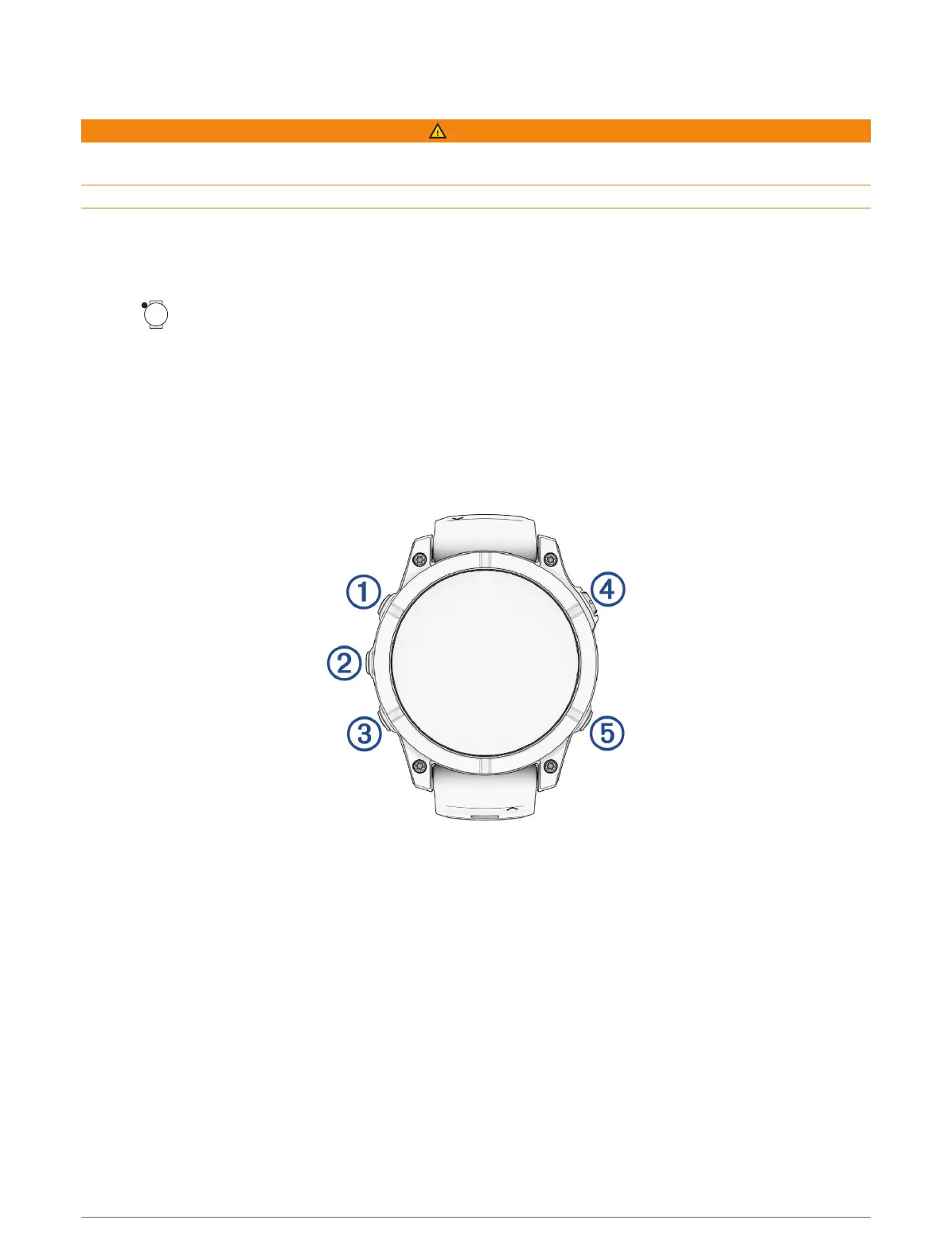
Hold to turn on the watch (Button Functions, page1).
2 Follow the on-screen instructions to complete the initial setup.
During the initial setup, you can pair your phone with your watch to receive notifications, sync your activities,
and more (Pairing Your Phone, page87). If you are upgrading from a compatible watch, you can migrate
your watch settings, saved courses, and more when you pair your new fēnix watch with your phone.
3 Charge the watch (Charging the Watch, page123).
4 Start an activity (Starting an Activity, page17).
Button Functions
Introduction 1















 To Next Page