Navigating to a Nearby Point of Interest
If the map data installed on your watch includes points of interest, you can navigate to them.
1
From the watch face, press .
2 Select Map.
3
Press .
4 Select Navigate > Explore Nearby.
A list of points of interest near your current location appears.
5
Select an option:
• Select a category and, if necessary, follow the on-screen prompts.
•
Press to open the keyboard, and enter a location name.
6 Select a point of interest from the search results.
7 Select Go To.
8 Select the activity you want to use while following the course.
Navigation information appears.
9
Press to begin navigation.
Navigating to Your Starting Point During an Activity
You can navigate back to the starting point of your current activity in a straight line or along the path you
traveled. This feature is available only for activities that use GPS.
1
During an activity, press .
2 Select Back to Start, and select an option:
• To navigate back to the starting point of your activity along the path you traveled, select TracBack.
• If you do not have a supported map or are using direct routing, select Route to navigate back to the
starting point of your activity in a straight line.
• If you are not using direct routing, select Route to navigate back to the starting point of your activity using
turn-by-turn directions.
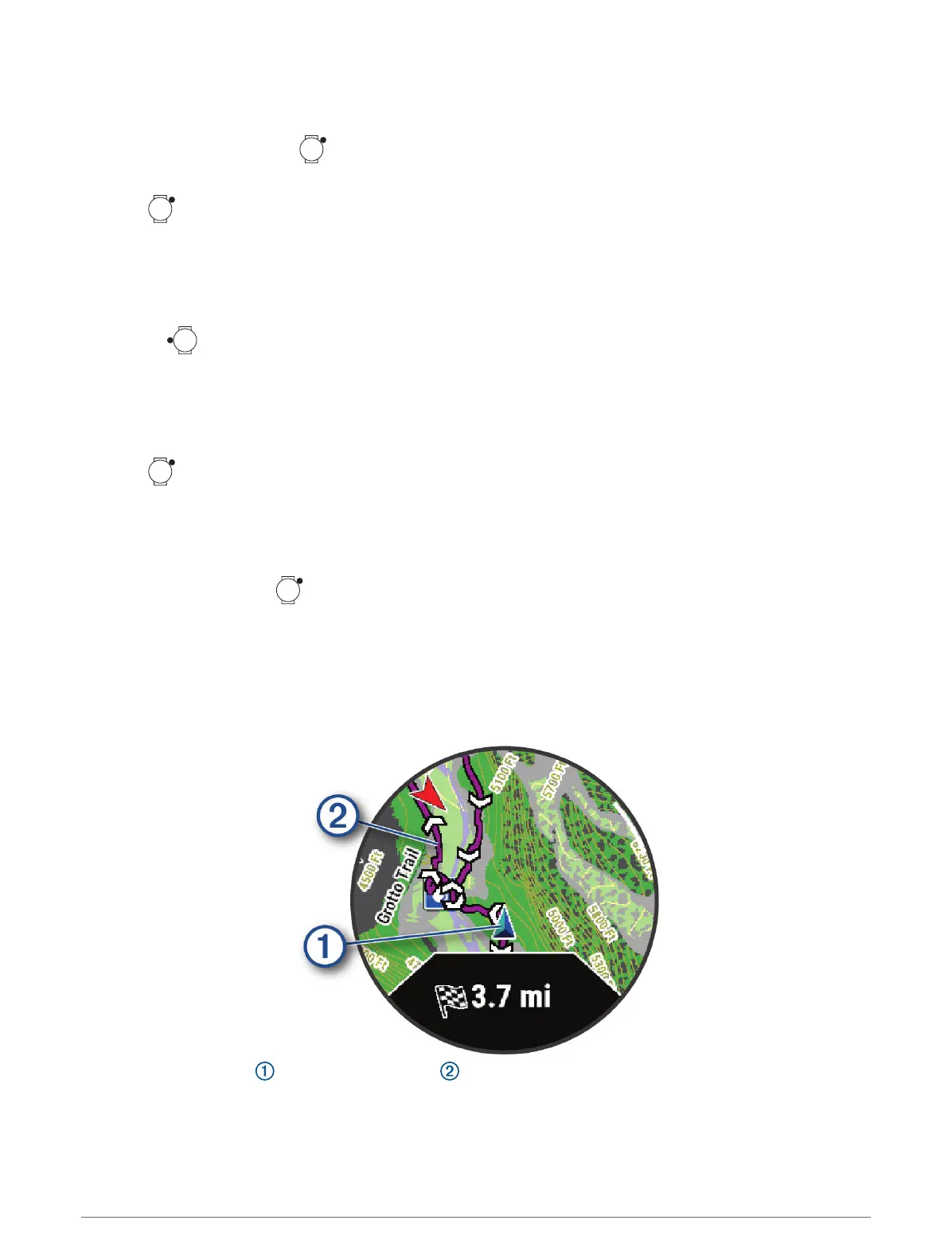
Your current location and the track to follow appear on the map.
Navigation 105















 To Next Page