Apps
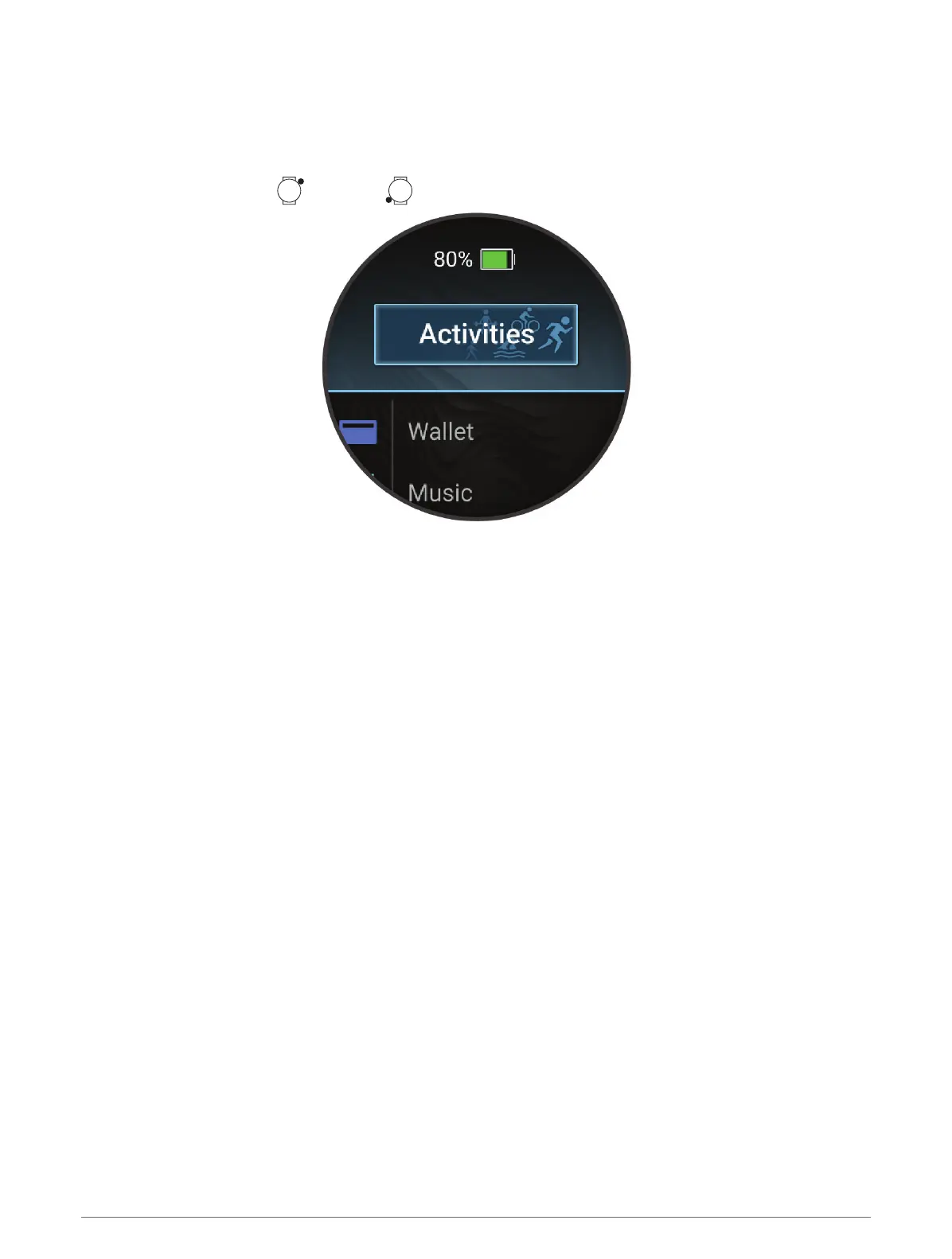
You can customize your watch using the apps menu, which lets you quickly access watch features and options.
Some apps require a Bluetooth
®
connection to a compatible phone. Many apps can also be found in the glances
(Glances, page54) or controls (Controls, page51).
From the watch face, press , and press to scroll through the apps.
Apps and Activities 5















 To Next Page