Deleting a Countdown Timer
1
Select an option:
•
From the watch face, hold .
•
From the watch face, press .
•
Hold .
2 Select Clocks > Timers > Edit.
3 Select a timer.
4 Select Delete.
Using the Stopwatch
1
Select an option:
•
From the watch face, hold .
•
From the watch face, press .
•
Hold .
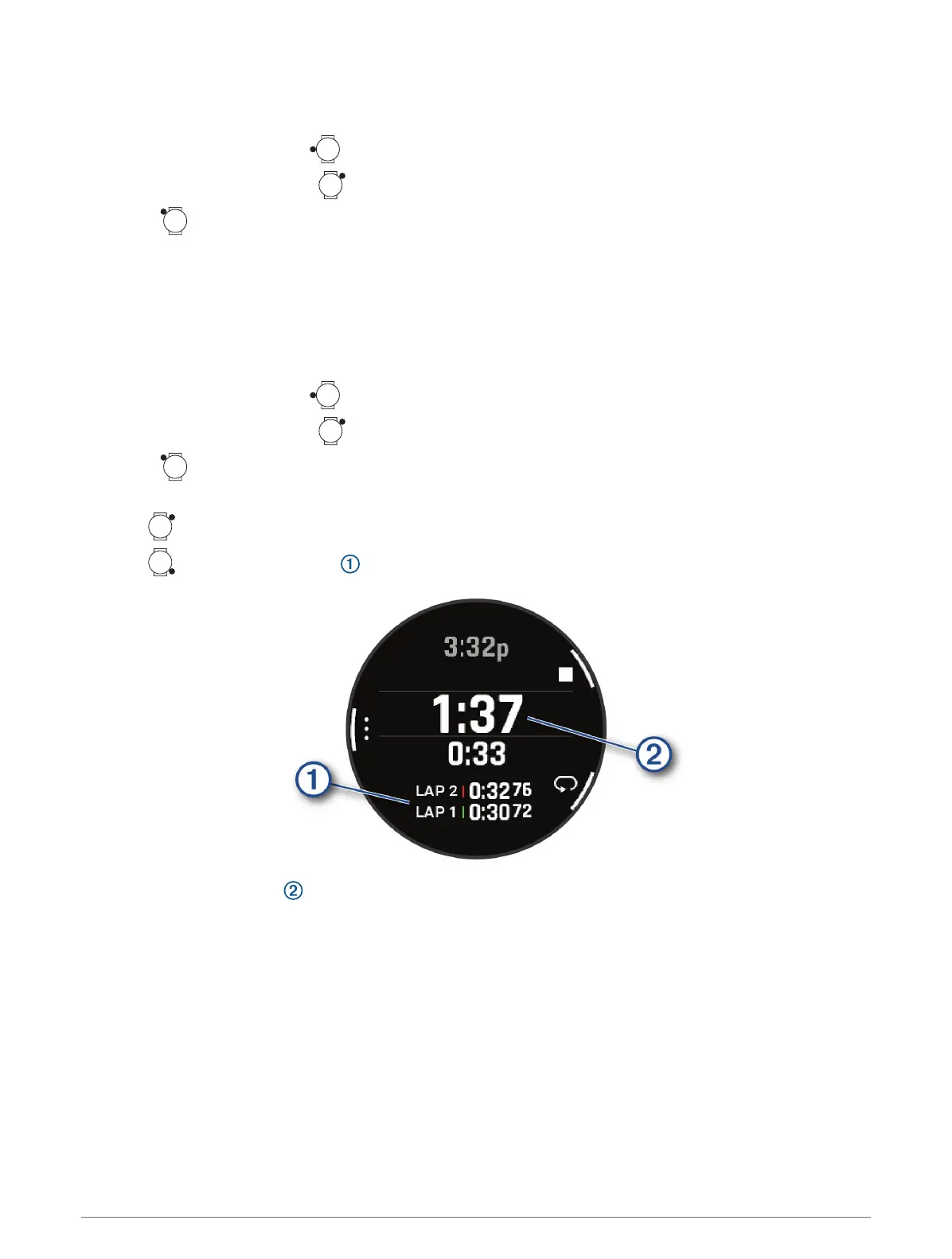
2 Select Clocks > Stopwatch.
3
Press to start the timer.
4
Press to restart the lap timer .
The total stopwatch time continues running.
Clocks 75















 To Next Page