Name Description
Stress
Displays your current stress level and a graph of your stress level. You can do a breathing
activity to help you relax. If you are too active for the watch to determine your stress level,
stress measurements are not recorded.
Sunrise and sunset
Displays sunrise, sunset, dawn, and dusk times, along with a map of the sun's current
position and a graph of the day's sunlight.
Temperature Displays temperature data from the internal temperature sensor.
Tides
Displays information about a tide station, such as the tide height and when the next high
and low tides will occur (Viewing Tide Information, page14).
Training readiness
Displays a score and a short message that helps you determine how ready you are for
training each day (Training Readiness, page70).
Training status
Displays your current training status and training load, which shows you how your training
affects your fitness level and performance (Training Status, page66).
Weather
Displays the current temperature and weather forecast. You can also view the current
weather conditions on the map using several map overlays.
Xero
®
device
Displays laser location information when you have a compatible Xero device paired with
your fēnix watch (Xero Laser Location Settings, page87).
Viewing Glances
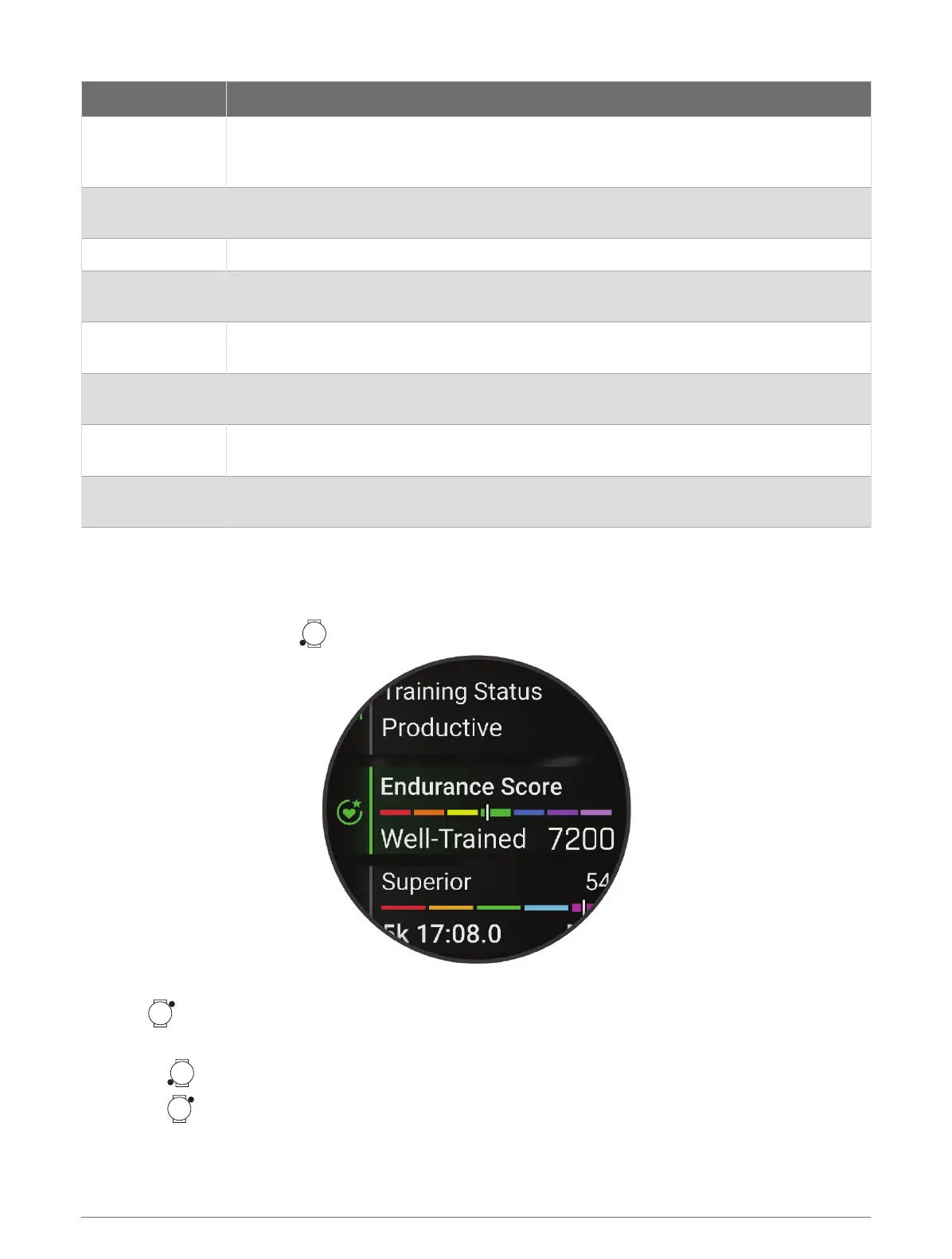
Glances provide quick access to health data, activity information, built-in sensors, and more. When you pair your
watch, you can view data from your phone, such as health information, weather, and calendar events.
1
From the watch face, press to scroll through the glances list.
TIP: You can also swipe to scroll or tap to select options.
2
Press to view more information.
3
Select an option:
•
Press to view details about a glance.
•
Press to view additional options and functions for a glance.
Glances 57















 To Next Page