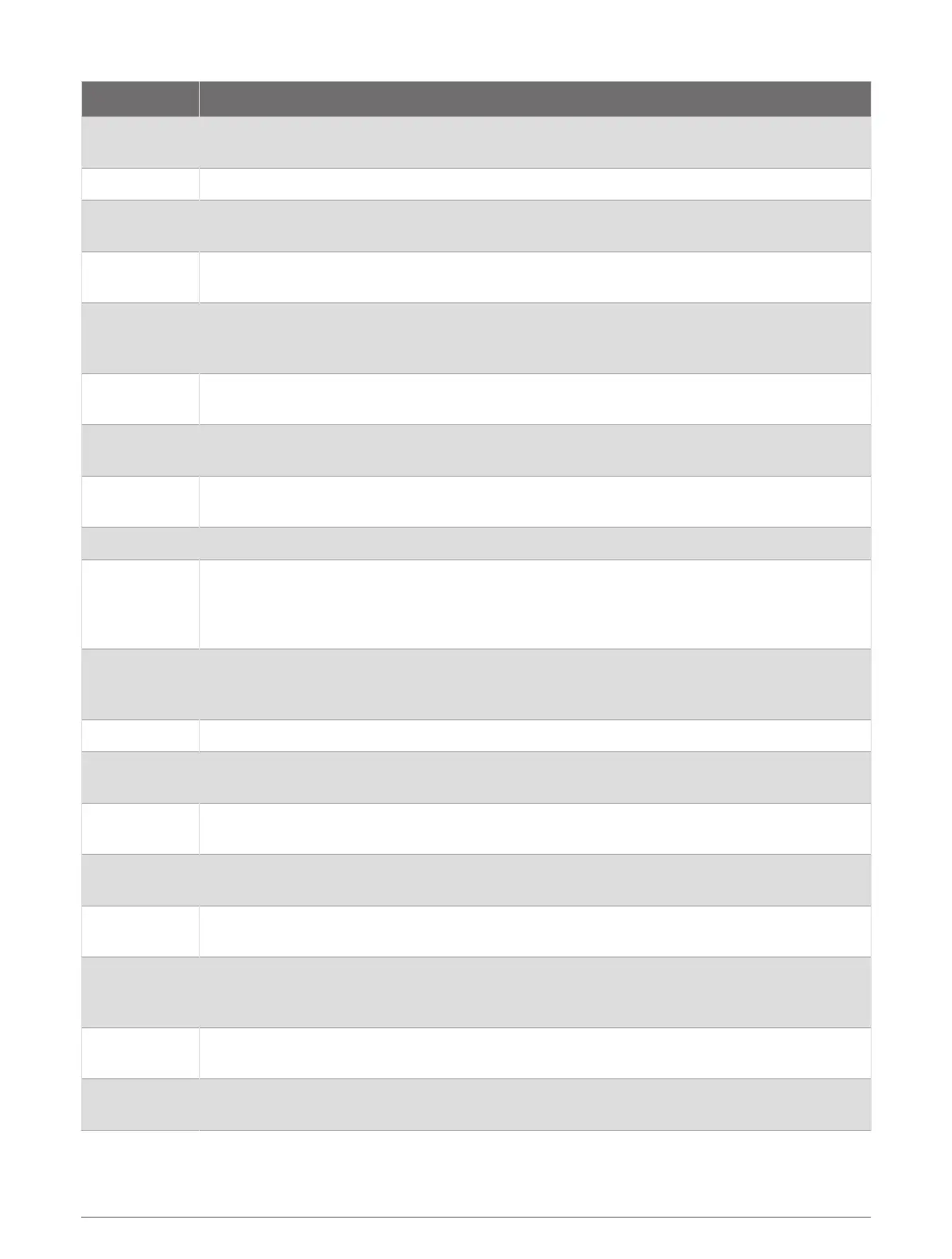
Sensor Type Description
Club Sensors
You can use Approach golf club sensors to automatically track your golf shots, including
location, distance, and club type.
DogTrack Allows you to receive data from a compatible handheld dog tracking device.
eBike
You can use your watch with your eBike and view bike data, such as battery and range
information, during your rides.
Extended
Display
You can use the Extended Display mode to display data screens from your fēnix watch on a
compatible Edge
®
bike computer during a ride or triathlon.
External HR
You can use an external sensor, such as the HRM-Pro series or HRM-Fit
™
heart rate monitor,
to view heart rate data during your activities. Some heart rate monitors can also store data or
provide advanced running data (Running Dynamics, page85) (Running Power, page85).
Foot Pod
You can use a foot pod to record pace and distance instead of using GPS when you are
training indoors or when your GPS signal is weak.
Headphones
You can use Bluetooth headphones to listen to music loaded onto your fēnix watch
(Connecting Bluetooth Headphones, page114).
inReach
The inReach remote function allows you to control your inReach satellite communicator using
your fēnix watch (Using the inReach Remote, page86).
Lights You can use Varia
™
smart bike lights to improve situational awareness.
Power
You can use the Rally
™
or Vector
™
power meter bike pedals to view your power data on your
watch. You can adjust your power zones to match your goals and abilities (Setting Your Power
Zones, page117), or use range alerts to be notified when you reach a specified power zone
(Setting an Alert, page48).
Radar
You can use a Varia rearview bike radar to improve situational awareness and send alerts
about approaching vehicles. With a Varia radar camera tail light, you can also take photos and
record video during a ride (Using the Varia Camera Controls, page86).
Rangefinder You can use a compatible laser rangefinder to view your distance to the flag while golfing.
RD Pod
You can use a Running Dynamics Pod to record running dynamics data and view it on your
watch (Running Dynamics, page85).
Shifting
You can use electronic shifters to display shifting information during a ride. The fēnix watch
displays current adjustment values when the sensor is in adjustment mode.
Shimano Di2
You can use Shimano
®
Di2
™
electronic shifters to display shifting information during a ride.
The fēnix watch displays current adjustment values when the sensor is in adjustment mode.
Smart Trainer
You can use your watch with an indoor bike smart trainer to simulate resistance while
following a course, ride, or workout (Using an Indoor Trainer, page35).
Spd./Cad.
You can attach speed or cadence sensors to your bike and view the data during your ride. If
necessary, you can manually enter your wheel circumference (Wheel Size and Circumference,
page148).
Tempe
You can attach the tempe
™
temperature sensor to a secure strap or loop where it is exposed
to ambient air, so it provides a consistent source of accurate temperature data.
Trolling Motor
You can use your device as a remote control for your Garmin trolling motor (Pairing Your
Watch and Trolling Motor, page15).
Connectivity 83















 To Next Page