Reference
31
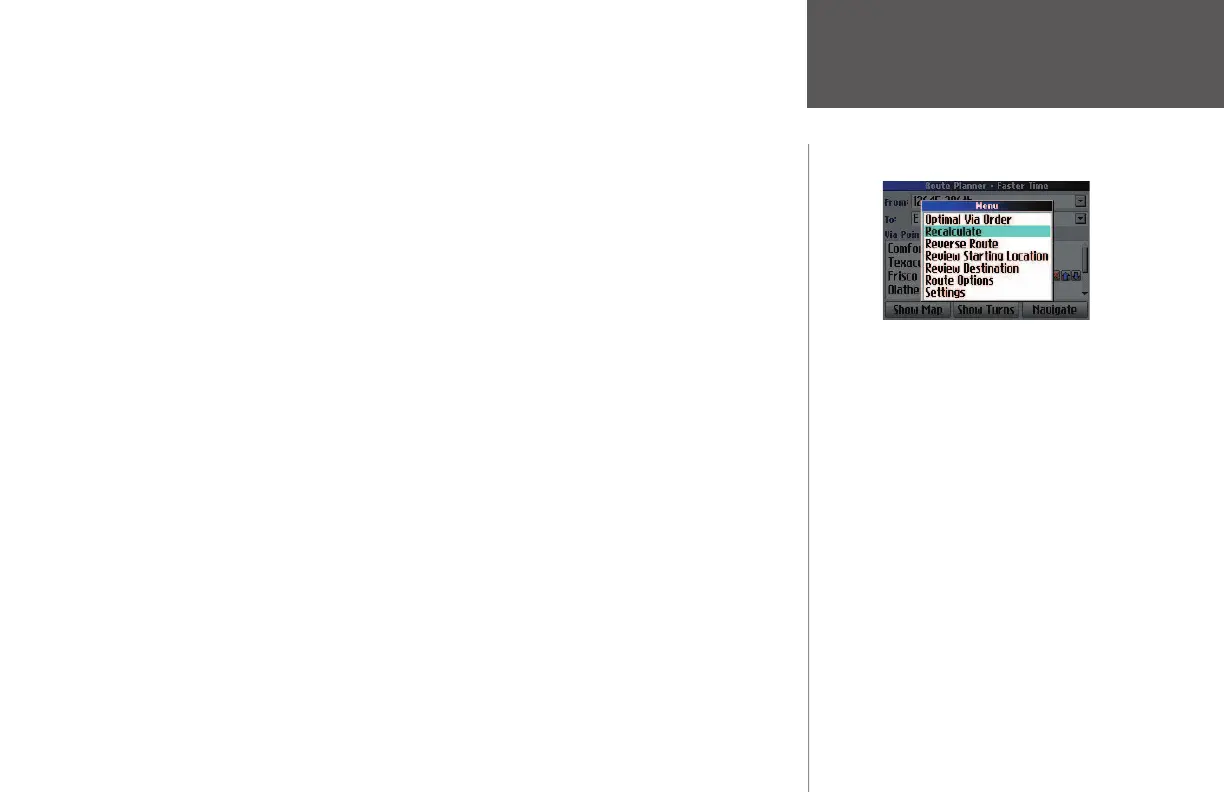
• If you would like to change your route preference (such as from Faster Time to Shorter Distance) and
have the via points be arranged in this new preference, press your Quest’s MENU key and then select
Recalculate from the Menu window that appears.
• If you decide that you would like to reverse the order of your route—including your start and end
destination—press your Quest’s MENU key and then select Reverse Route from the Menu window that
appears.
Deleting Via Points
If you decide that you no longer want to visit one of your via points, simply select that point and then
use the rocker pad to move to the red X that appears to the right of the via point. Press OK and the via
point is immediately removed from your route.
Creating Routes
The above options are available as you
add via points.
190-00323-00_0B.indd 31 8/20/2004, 11:08:25 AM



 To Next Page