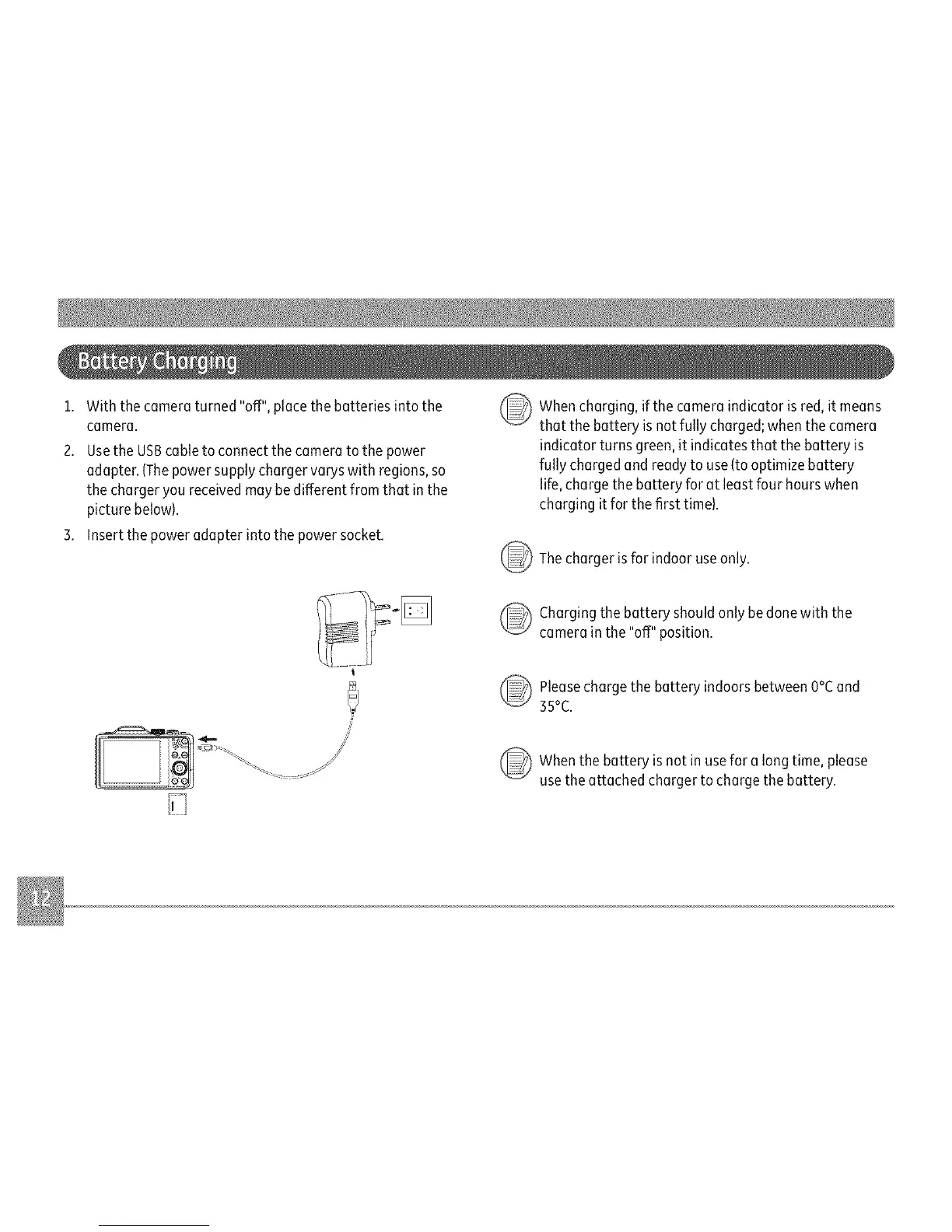
i. Withthecameraturned"off",placethebatteriesintothe (__)
camera.
2.UsetheUSBcabletoconnectthecameratothepower
adapter.(Thepowersupplychargervaryswithregions,so
thechargeryoureceivedmaybedifferentfromthatinthe
picturebelow).
3.Insertthepoweradapterintothepowersocket.
@
Whencharging, if the camera indicator isred, it means
that the battery isnot fully charged; whenthe camera
indicator turns green, it indicates that the battery is
fully chargedand ready to use{to optimize battery
life,charge the battery for at least four hours when
charging it for the first time).
Thecharger isfor indoor useonly.
_ harging the battery should only be done with the
camera in the "off" position.
@
Pleasecharge the battery indoorsbetween O°Cand
35°C.
Whenthe battery is not in usefor a long time, please
usethe attached charger to charge the battery.



 To Next Page
 Loading...








