ISO
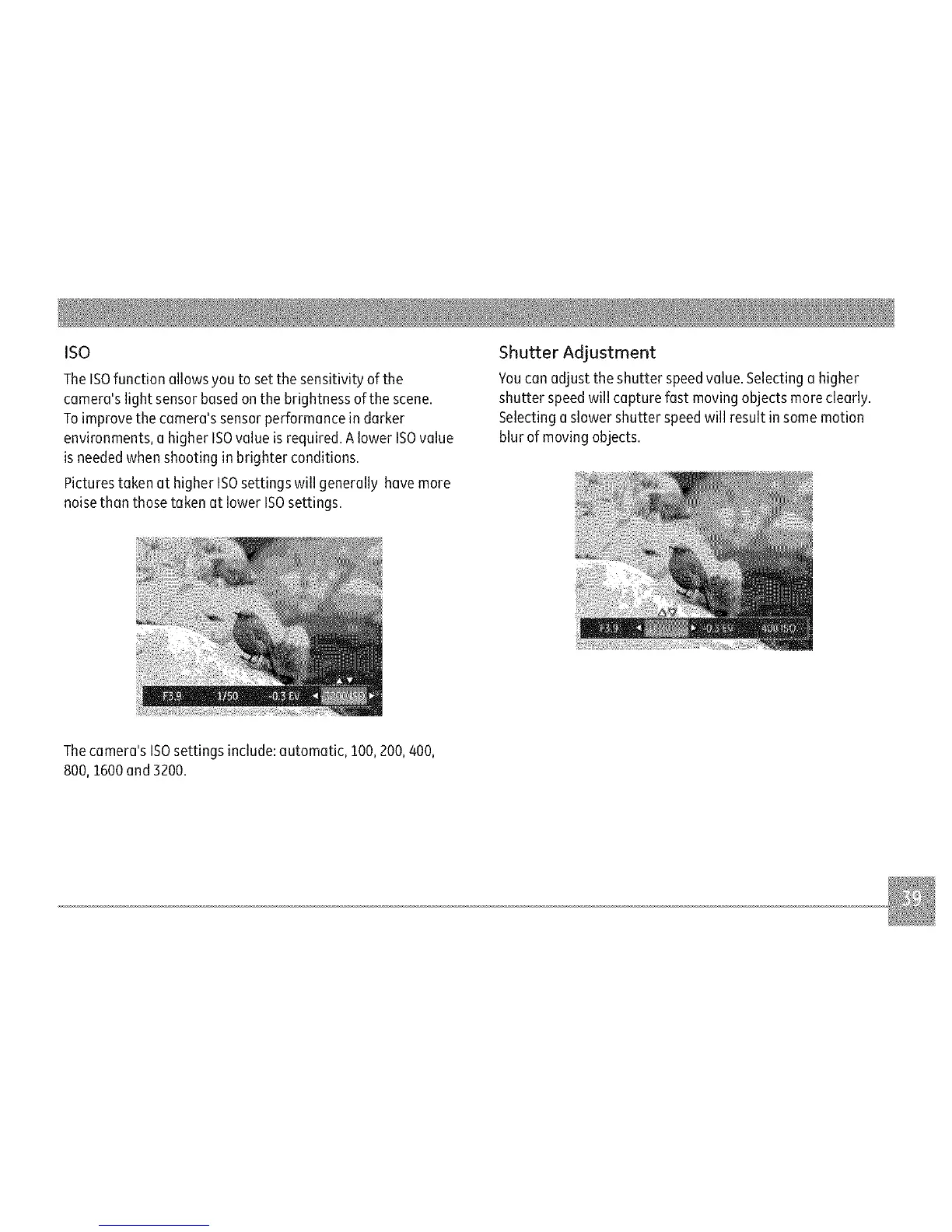
TheISOfunctionallowsyoutosetthesensitivityofthe
camera'slightsensorbasedonthebrightnessofthescene.
Toimprovethecamera'ssensorperformanceindarker
environments,ahigherISOvalueisrequired.AlowerISOvalue
isneededwhenshootinginbrighterconditions.
PicturestakenathigherISOsettingswillgenerallyhavemore
noisethanthosetakenatlowerISOsettings.
Shutter Adjustment
Youcanadjust the shutter speedvalue.Selecting a higher
shutter speedwill capture fast moving objects moreclearly.
Selecting aslower shutter speedwill result insome motion
blur of moving objects.
Thecamera's ISOsettings include:automatic, 100,200, 400,
800, 1600and 3200.


 To Next Page