Zone
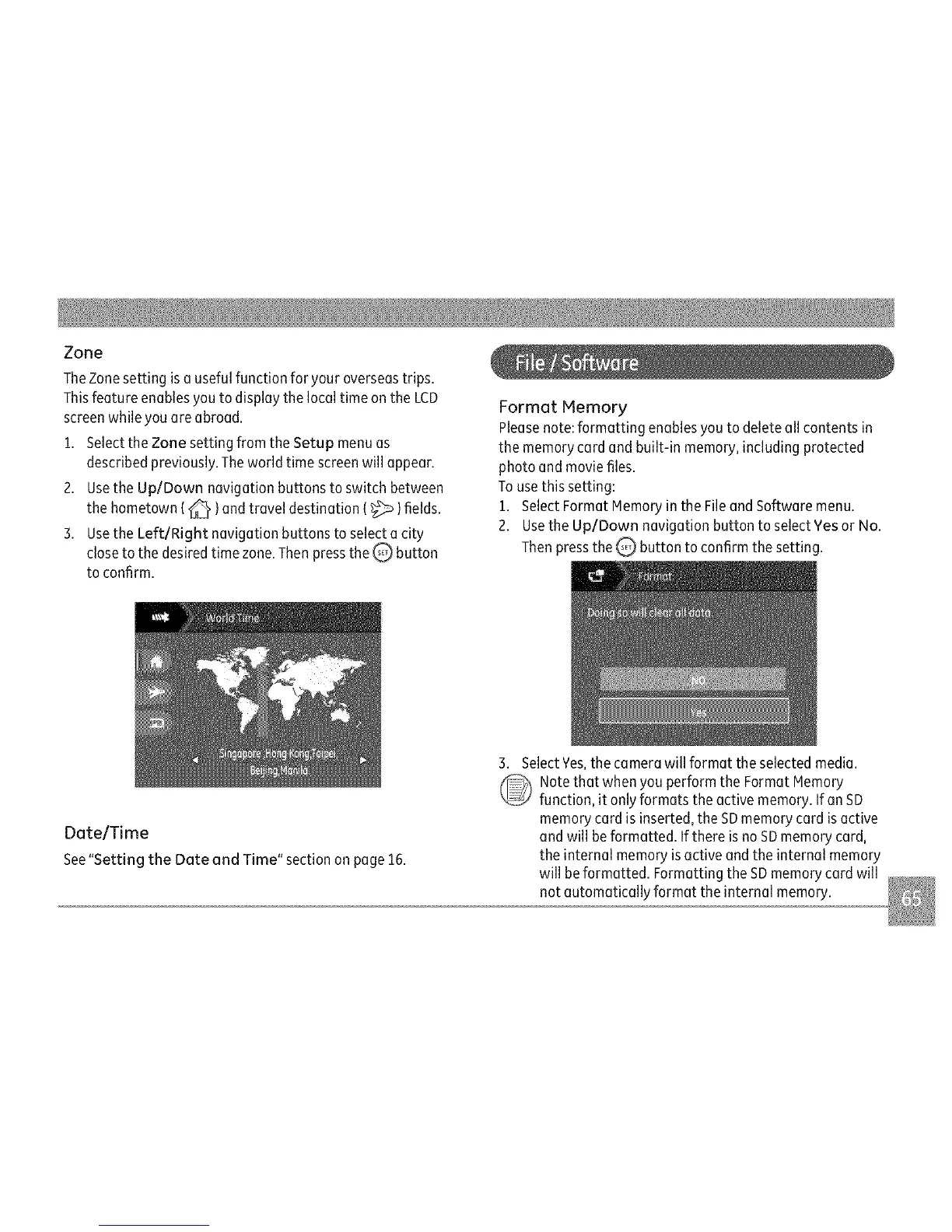
TheZonesettingisousefulfunctionforyouroverseastrips.
ThisfeatureenablesyoutodisplaythelocaltimeontheLCD
screenwhileyouoreabroad.
1.SelecttheZonesettingfromtheSetupmenuas
describedpreviously.Theworldtimescreenwillappear.
2.UsetheUp/Downnavigationbuttonstoswitchbetween
thehometown(_ )andtraveldestination(_ )fields.
3.UsetheLeft/Rightnavigationbuttonstoselectacity
closetothedesiredtimezone.ThenpresstheQ button
toconfirm.
FormotMemory
Pleasenote:formattingenablesyoutodeleteoilcontentsin
thememorycordandbuilt-inmemory,includingprotected
photoandmoviefiles.
Tousethissetting:
1.SelectFormatMemoryintheFileandSoftwaremenu.
2.UsetheUp/DownnavigationbuttontoselectYesorNo.
ThenpresstheQbuttontoconfirmthesetting.
Dote/Time
See"SettingtheDoteandTime"sectiononpage15.
3.SelectYes,thecamerawillformattheselectedmedia.
NotethatwhenyouperformtheFormatMemory
function,itonlyformatstheactivememory.IfonSD
memorycordisinserted,theSDmemorycordisactive
andwillbeformatted.IfthereisnoSDmemorycord,
theinternalmemoryisactiveandtheinternalmemory
willbeformatted.FormattingtheSDmemorycordwill
notautomaticallyformattheinternalmemory.



 To Next Page