TheEVfunctionmenuofthecameraincludesfunctions,such
asEVadjustment,shutter,aperture,etc.Usingtheappropriate
functionsettingscanimproveyourpictures.
Toselectthebestsettingforoptimumphotos,followthese
steps:
1.Press buttontoentersettingscreen.
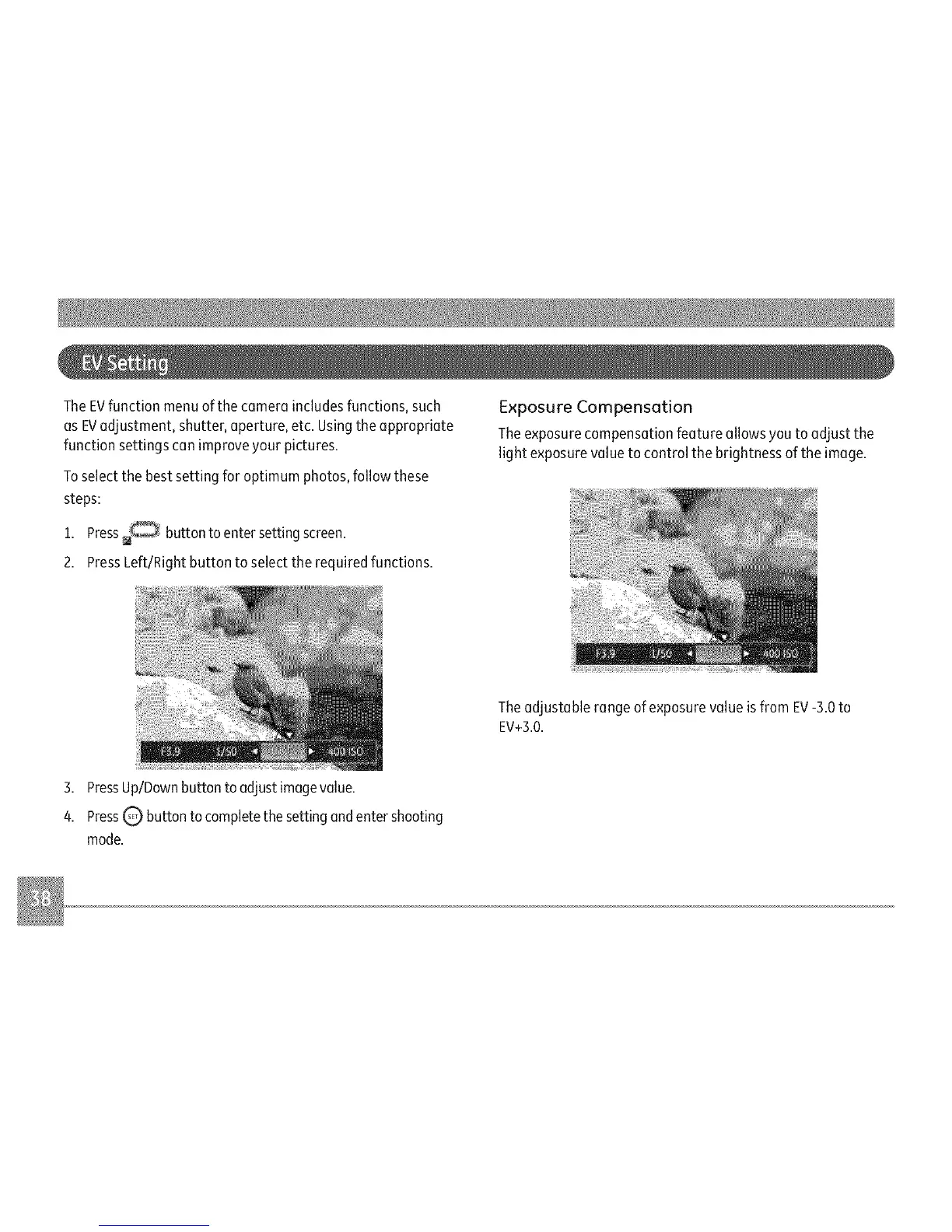
2.PressLeft/Rightbuttontoselecttherequiredfunctions.
ExposureCompensation
Theexposurecompensationfeatureallowsyoutoadjustthe
lightexposurevaluetocontrolthebrightnessoftheimage.
The adjustable range of exposure value is from EV-3.0 to
EV+3.0.
3. Press Up/Down button to adjust image value.
4. Press Q button to complete the setting and enter shooting
mode.



 To Next Page