Mode: 0
Press 0 button to enter shooting menu.
1. Press Up/Down button to choose setting menu.
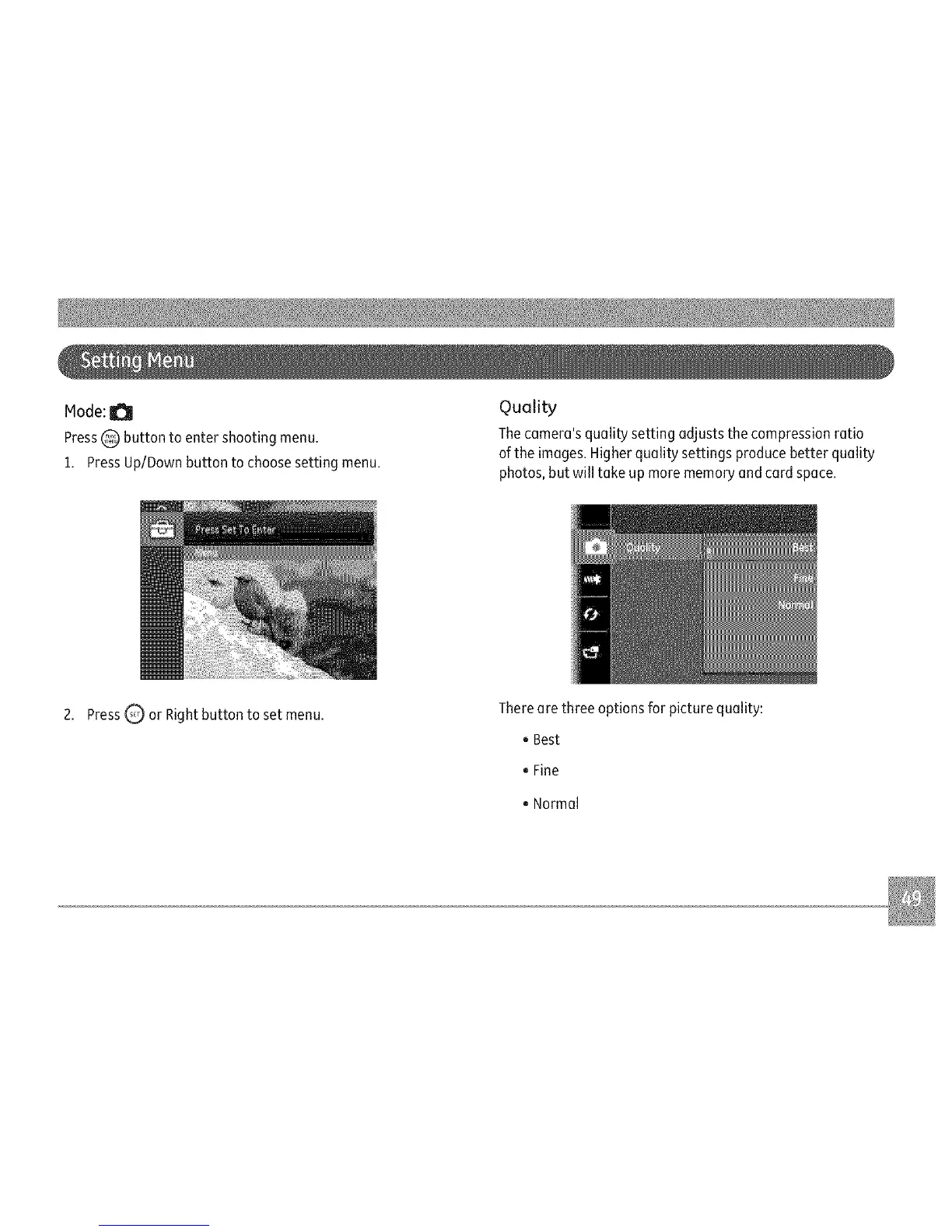
Quality
Thecamera's quality setting adjusts the compression ratio
ofthe images. Higher quality settings produce better quality
photos,but will take up more memoryand card space.
2. Press Q or Right button to set menu.
Thereare three options for picture quality:
oBest
0Fine
. Normal



 To Next Page