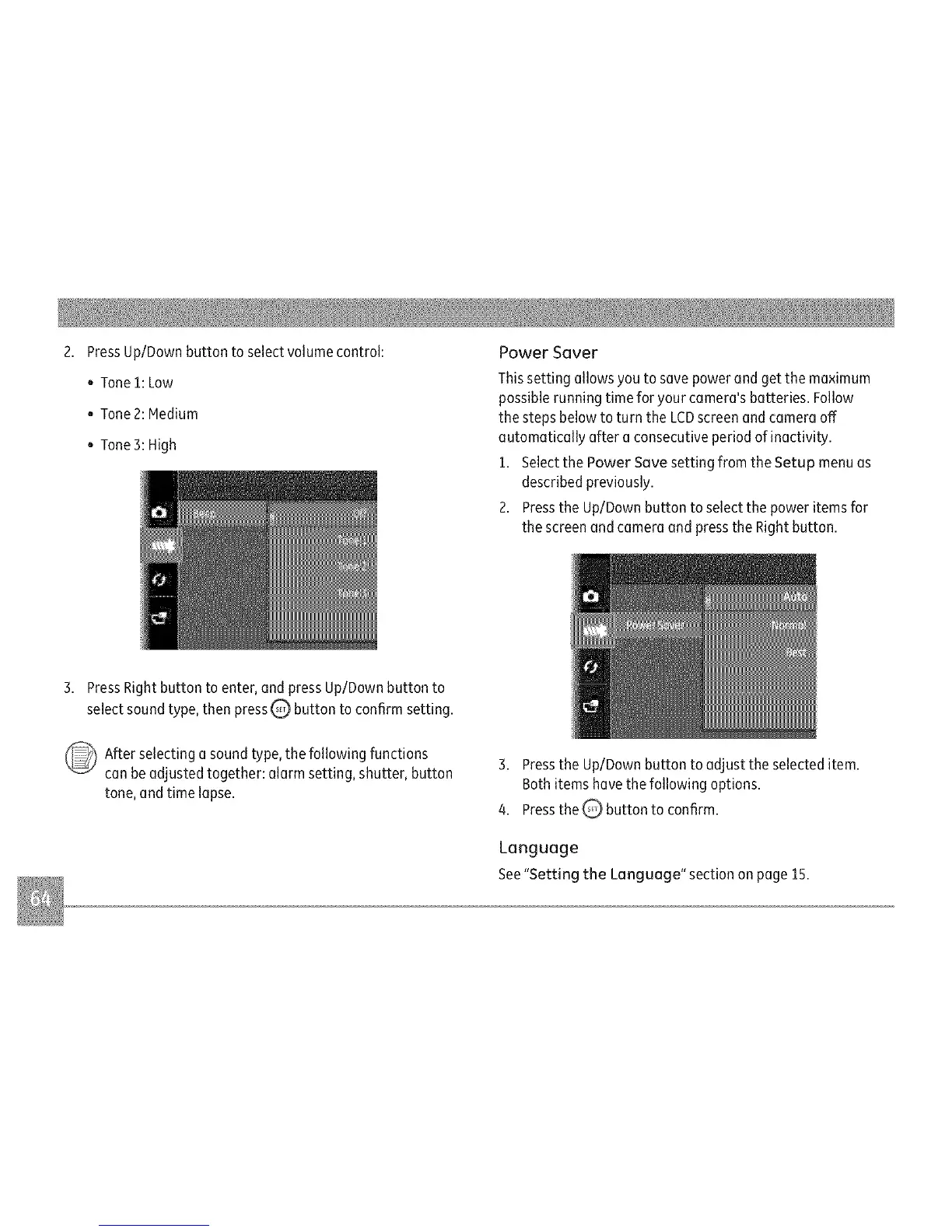
PressUp/Downbuttontoselectvolumecontrol:
oTone1:Low
o Tone2:Medium
. Tone 3:High
Power Saver
Thissetting allows you to save powerand get the maximum
possible running time for your camera's batteries. Follow
the steps belowto turn the LCDscreenand cameraoff
automatically after a consecutiveperiod ofinactivity.
1. Selectthe Power Save setting from the Setup menu as
described previously.
2. Pressthe Up/Down button to selectthe power items for
the screenandcamera and pressthe Right button.
3. PressRightbutton to enter, and press Up/Downbutton to
select soundtype, then pressQ button to confirm setting.
After selecting a soundtype, the following functions
can be adjusted together: alarm setting, shutter, button
tone, and time lapse.
3. Pressthe Up/Down button to adjust the selected item.
Bothitems havethe following options.
4. Pressthe Q' button to confirm.
Language
See"Setting the Language" section on page 15.



 To Next Page