ConnectingtheCameraandPrinter.
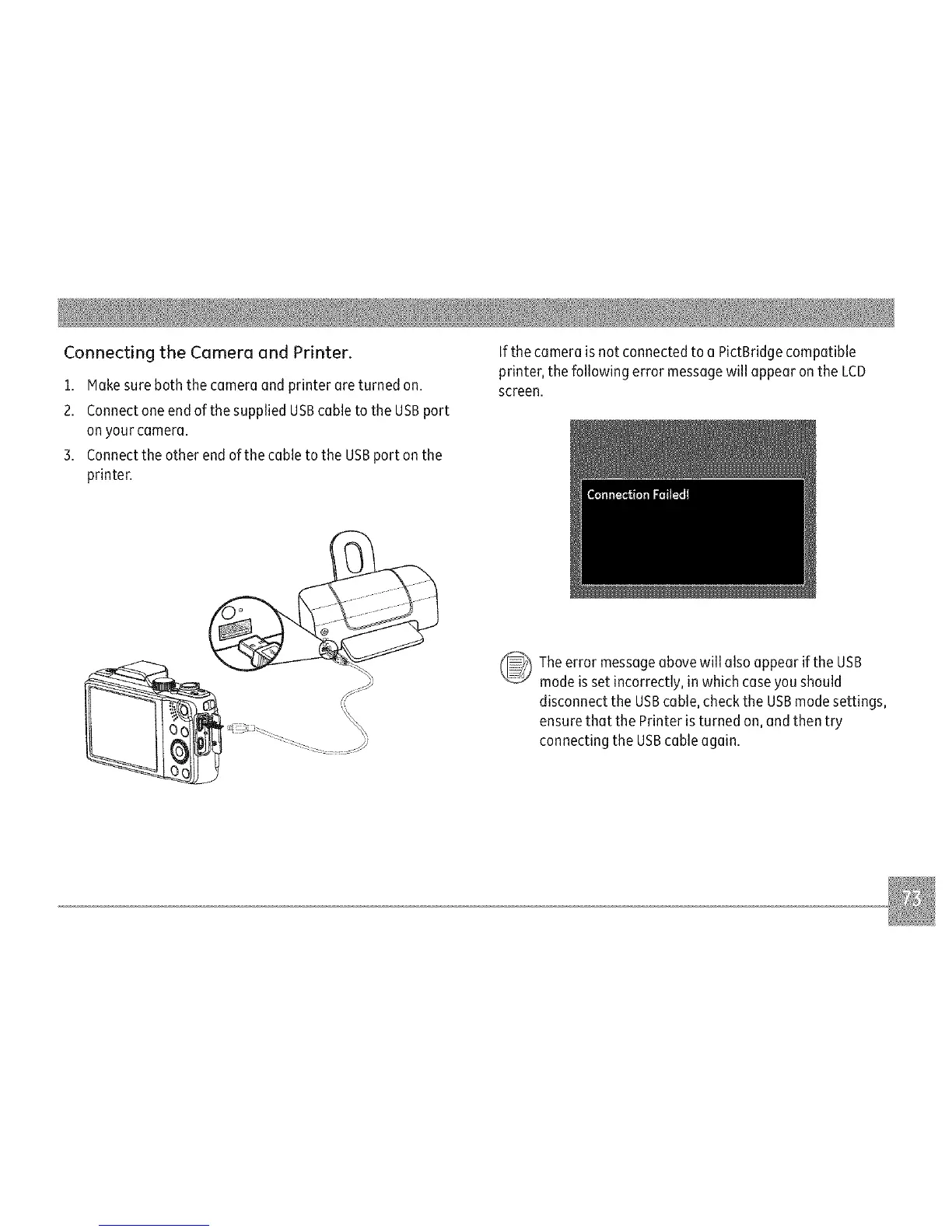
1.Hakesureboththecameraandprinterareturnedon.
2.ConnectoneendofthesuppliedUSBcabletotheUSBport
onyourcamera.
3.ConnecttheotherendofthecabletotheUSBportonthe
printer.
If the camera is not connected to a PictBridge compatible
printer, the following error message will appear on the LCD
screen.
Theerror messageabovewill also appear if the USB
mode isset incorrectly, in which case you should
disconnect the USBcable, check the USBmode settings,
ensurethat the Printer is turned on, and then try
connectingthe USBcable again.



 To Next Page