ToviewthecapturedphotosandvideoclipsontheLCDscreen:
1.Afterpressingthe_)button,thelastphotoorvideoclip
takenwillbedisplayedontheLCDscreen.
2.UsetheLeft/Rightnavigationbuttonstoscrollthrough
thephotosorvideoclipsstoredintheinternalmemoryor
ontheSDmemorycard.
3.Toplayaselectedvideoclip,presstheQ buttontoenter
themovieplaybackmode.
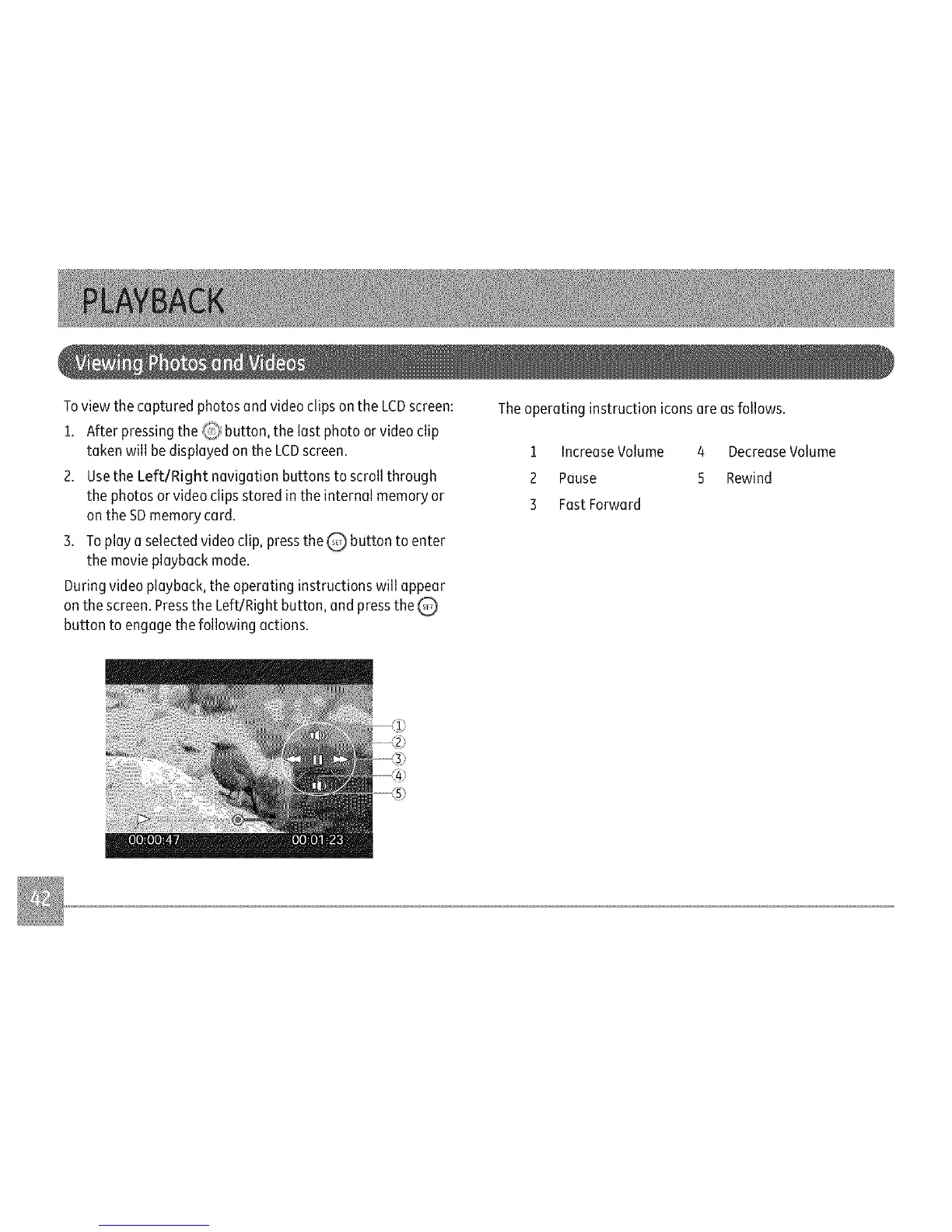
Duringvideoplayback,theoperatinginstructionswillappear
onthescreen.PresstheLeft/Rightbutton,andpressthe
buttontoengagethefollowingactions.
Theoperatinginstructioniconsareasfollows.
1 IncreaseVolume4 DecreaseVolume
2 Pause 5 Rewind
3 FastForward



 To Next Page