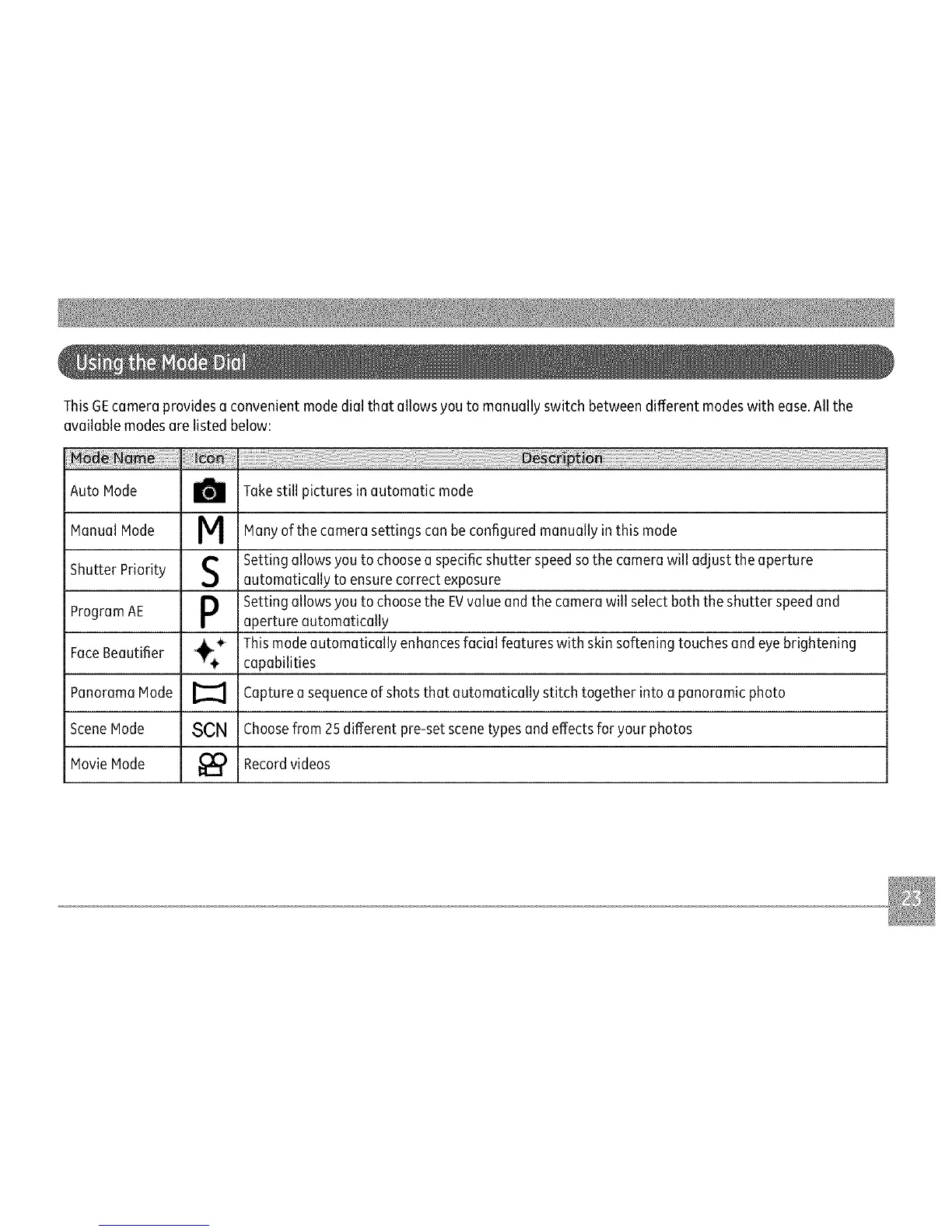
ThisGEcameraprovidesaconvenientmodedialthatallowsyoutomanuallyswitchbetweendifferentmodeswithease.Allthe
availablemodesarelistedbelow:
AutoNode _ Takestillpicturesinautomaticmode
ManualNode M Manyofthecamerasettingscanbeconfiguredmanuallyinthismode
_1 Settingallowsyoutochooseaspecificshutterspeedsothecamerawilladjusttheaperture
ShutterPriority automaticallytoensurecorrectexposure
SettingallowsyoutochoosetheEVvalueandthecamerawillselectboththeshutterspeedand
ProgramAE apertureautomatically
FaceBeautifier_!_ZThismodeautomaticallyenhancesfacialfeatureswithskinsofteningtouchesandeyebrightening
capabilities
PanoramaMode[_ Captureasequenceofshotsthatautomaticallystitchtogetherintoapanoramicphoto
SceneMode SCNChoosefrom25differentpre-setscenetypesandeffectsforyour photos
MovieMode _) Recordvideos



 To Next Page