Mode: _)
Press Mode Dial to select _ mode,
1, Press Q button to enter _ menu,
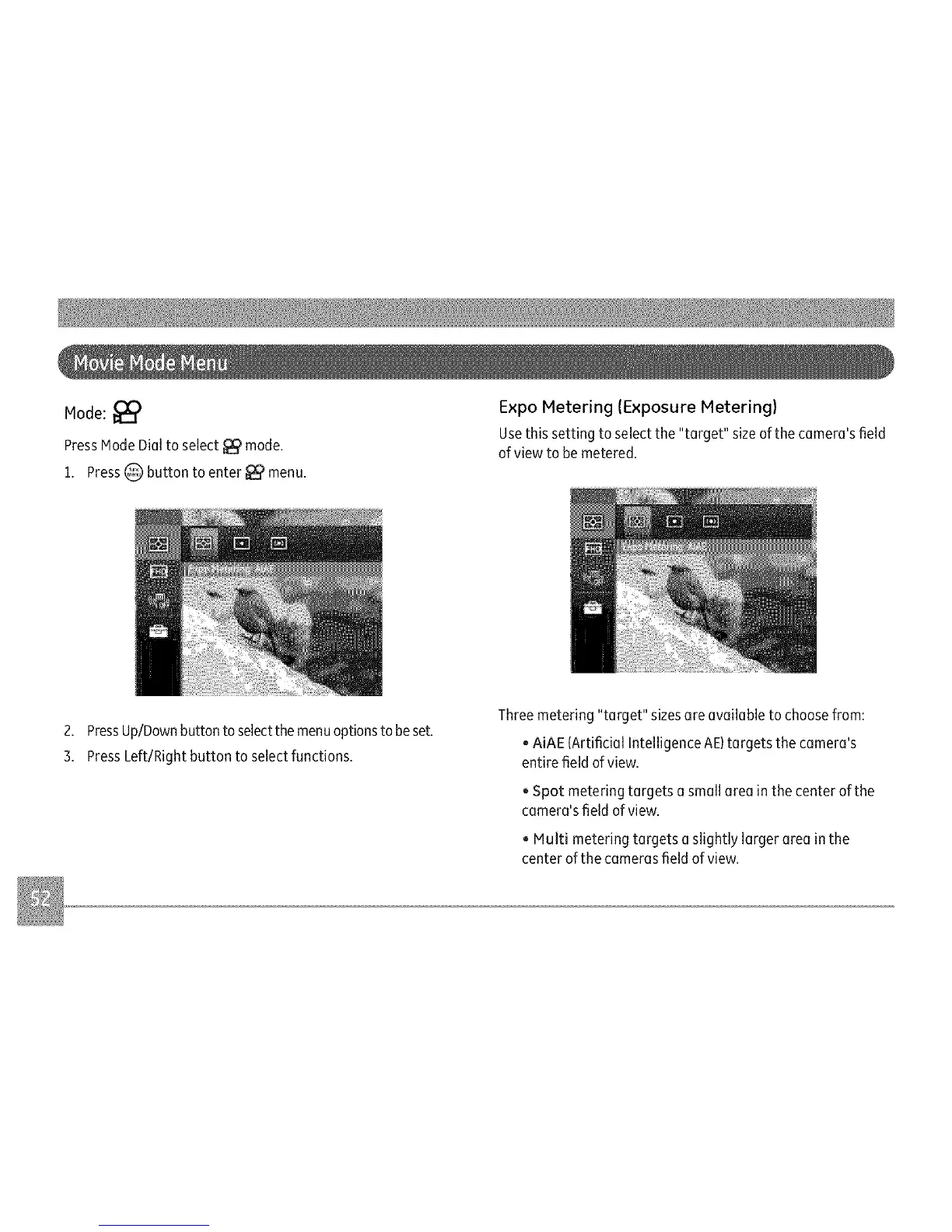
Expo Metering (Exposure Metering)
Usethis setting to selectthe "target" sizeof the camera'sfield
ofview to be metered.
2. PressUp/Downbutton toselectthe menuoptionsto beset.
3, PressLeft/Right button to select functions,
Three metering "target" sizes are available to choosefrom:
, AiAE {Artificial Intelligence AE)targets the camera's
entire field ofview.
, Spot metering targets a small area in the center of the
camera'sfield of view.
, Multi metering targets aslightly larger area in the
center of the camerasfield ofview.



 To Next Page