Automodeistheeasiestmodetotakephotos.While
operatinginthismode,thecameraautomaticallyoptimizes
numerouscamerasettingstoadjustyourphotosandvideos
foroptimumresults.
Followthesesteps:
1.SwitchtheModeDialtoAutoMode(_ ).
2.ComposeyourpictureintheLCDscreenorElectronicView
FinderandpresstheShutterbuttonhalfwaydowntofocus
onthesubject.
3.TheLCDscreenwillshowagreenfocusframeafterthe
subjectisinfocus.
4.PresstheShutterbuttondownfullytocapturetheimage.
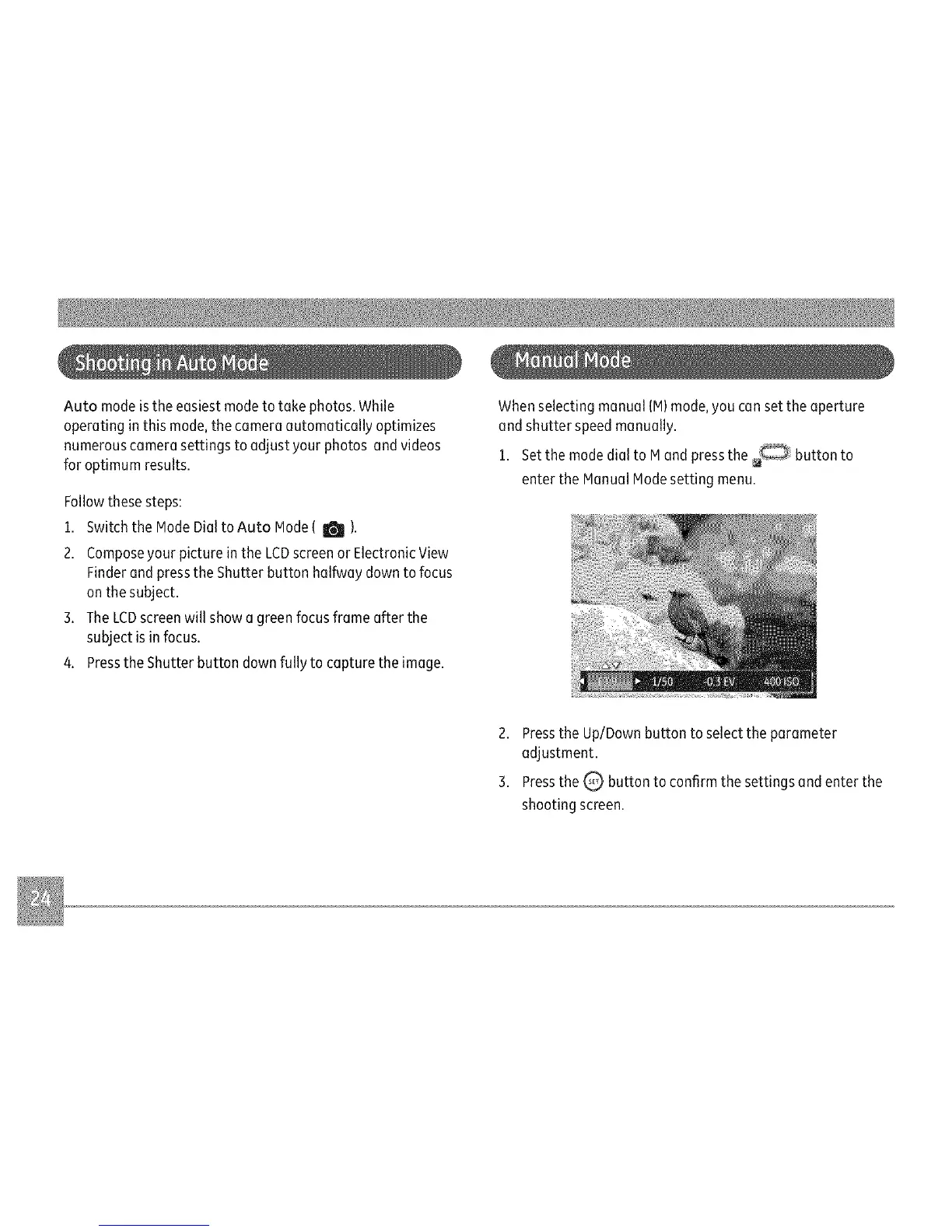
Whenselectingmanual(M)mode,youcansettheaperture
andshutterspeedmanually.
1.SetthemodedialtoMandpressthe buttonto
entertheManualModesettingmenu.
2.PresstheUp/Downbuttontoselecttheparameter
adjustment.
3.PresstheQ buttontoconfirmthesettingsandenterthe
shootingscreen.



 To Next Page