HDMI(HighDefinitionMultimediaInterface),isofully
digitalaudio/videotransmissioninterface,throughwhich
uncompressedaudioendvideosignalseretransmitted.
DirecttransmissionofdigitalvideosignalstoyourTVreduces
conversionlossandimprovesimagequality.
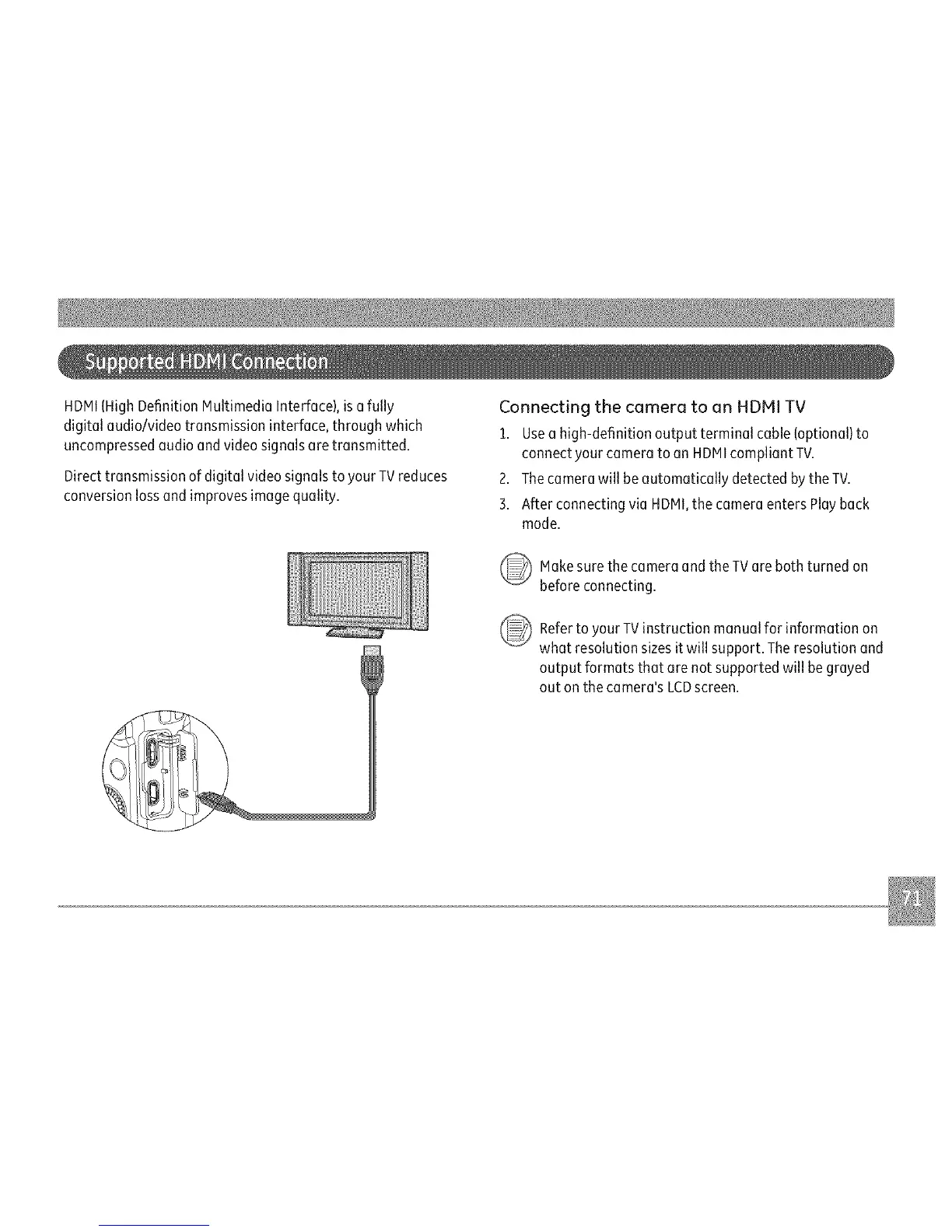
ConnectingthecameratoanHDMITV
1.Useehigh-definitionoutputterminalcable(optional)to
connectyourcameratoonHDMIcampliantTV.
2.ThecamerawillbeautomaticallydetectedbytheTV.
3.AfterconnectingvieHDMI,thecameraentersPlayback
mode.
MokesurethecameraandtheTVerebothturnedon
beforeconnecting.
_ Referto TVinstructionmanualforinformationon
your
whetresolutionsizesitwillsupport.Theresolutionend
outputformatsthatorenotsupportedwillbegreyed
outonthecamera'sLCDscreen.



 To Next Page