Trim
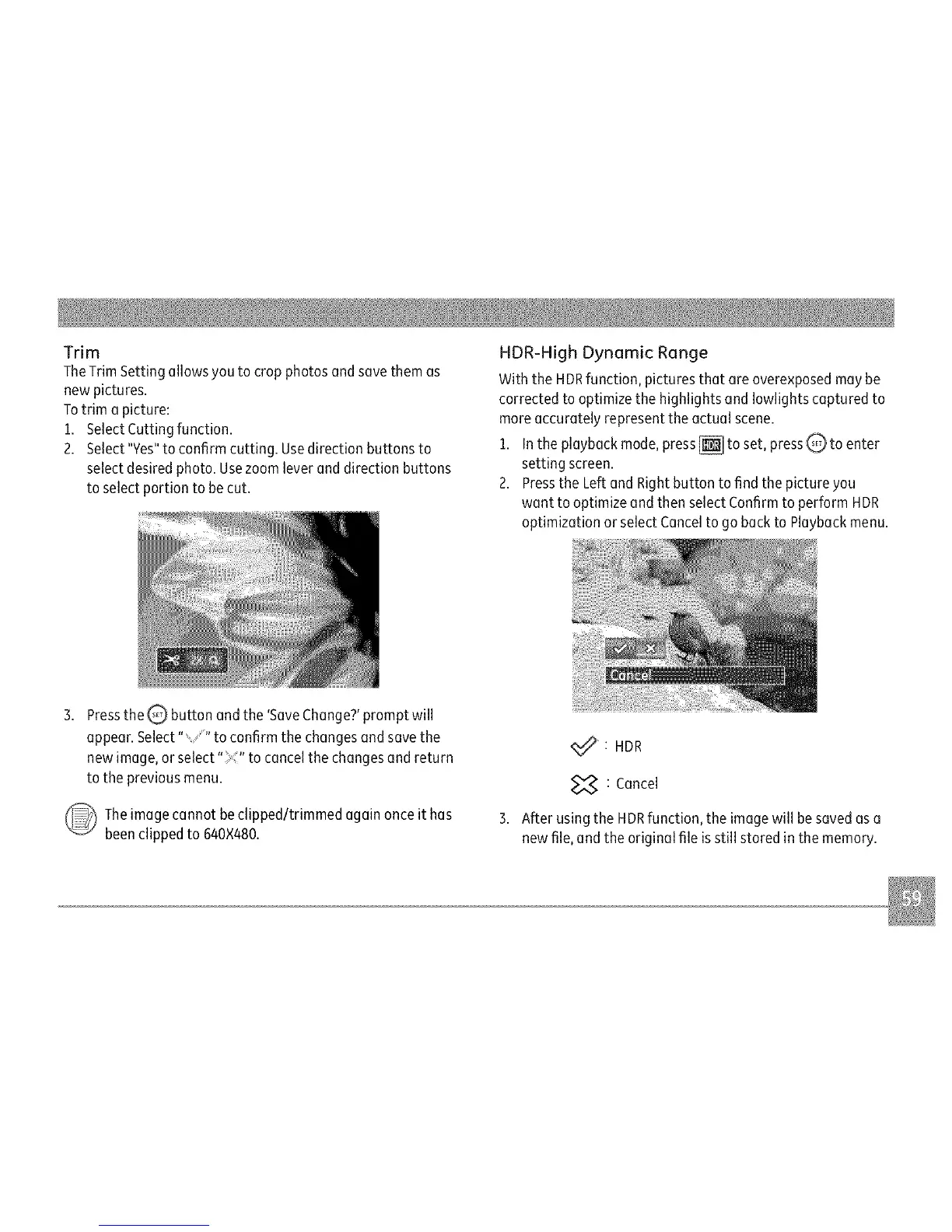
TheTrimSettingallowsyoutocropphotosandsavethemas
newpictures.
Totrimapicture:
1.SelectCuttingfunction.
2.Select"Yes"toconfirmcutting.Usedirectionbuttonsto
selectdesiredphoto.Usezoomleveranddirectionbuttons
toselectportiontobecut.
HDR-HighDynamicRange
WiththeHDRfunction,picturesthatareoverexposedmaybe
correctedtooptimizethehighlightsandIowlightscapturedto
moreaccuratelyrepresenttheactualscene.
1.Intheplaybackmode,press_toset,pressQtoenter
settingscreen.
2.PresstheLeftandRightbuttontofindthepictureyou
wanttooptimizeandthenselectConfirmtoperformHDR
optimizationorselectCanceltogobacktoPlaybackmenu.
PresstheQ buttonandthe'SaveChange?'promptwill
appear.Select""toconfirmthechangesandsavethe
newimage,orselect"_"tocancelthechangesandreturn
tothepreviousmenu.
Theimagecannotbeclipped/trimmedagainonceithas
beenclippedto640×480.
<_":HDR
_7._:Cancel
3.AfterusingtheHDRfunction,theimagewillbesavedasa
newfile,andtheoriginalfileisstillstoredinthememory.



 To Next Page
 Loading...








