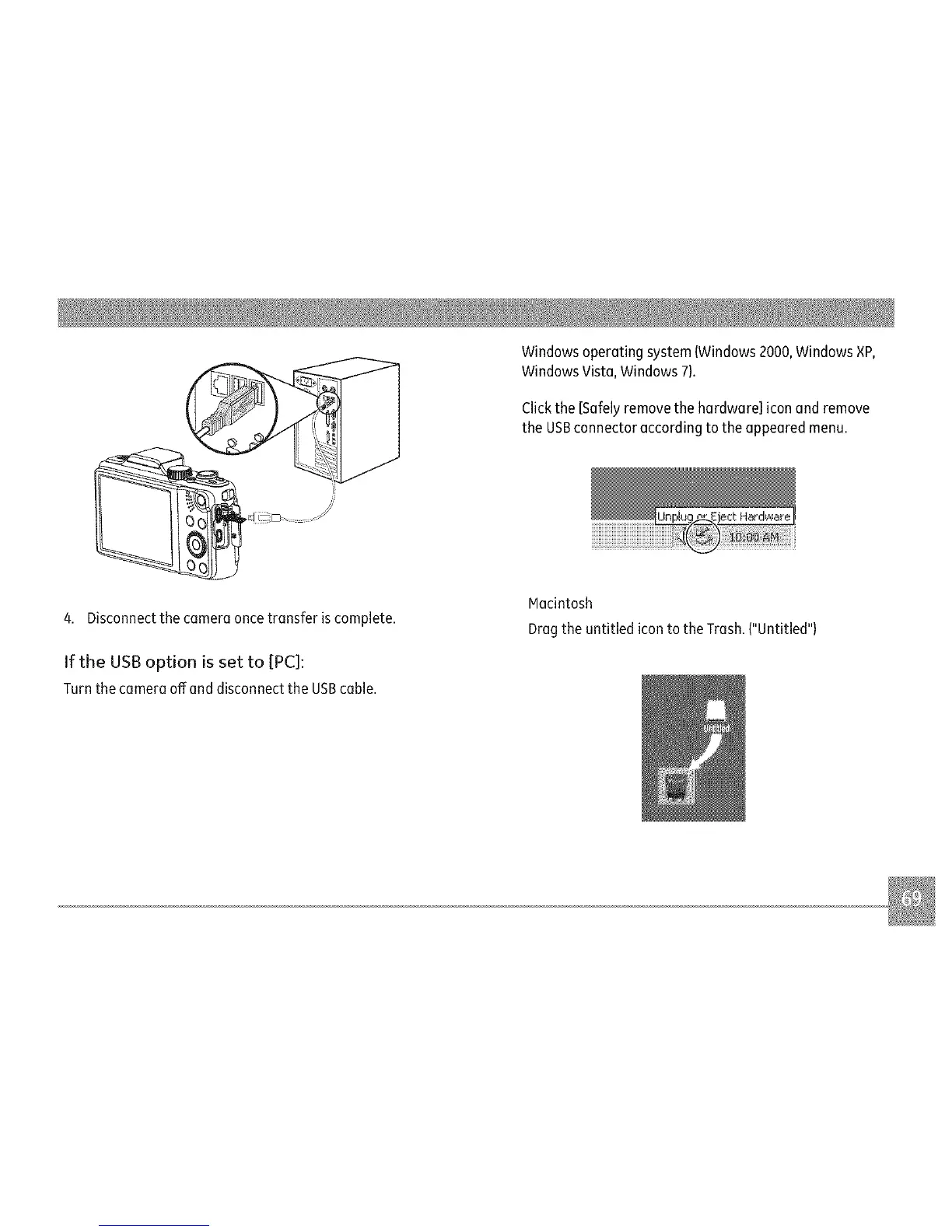
4.Disconnectthecameraoncetransferiscomplete.
IftheUSBoptionissetto[PC]:
TurnthecameraoffanddisconnecttheUSBcable.
Windowsoperatingsystem(Windows2000,Windows×P,
WindowsVista,Windows7).
Clickthe[Safelyremovethehardware]iconandremove
theUSBconnectoraccordingtotheappearedmenu.
Macintosh
DragtheuntitledicontotheTrash.("Untitled"}



 To Next Page