WhenselectingShutterPriority(S)mode,youcanadjustthe
shutterspeedandEVvalue.Selectingahighershutterspeed
willcapturefastermovingobjectsclearly.Selectingaslower
shutterspeedwillresultinmotionblurofmovingobjects.
1.SetthemodedialtoSandpressthe buttontoenter
theShutterPrioritysettingsmenu.
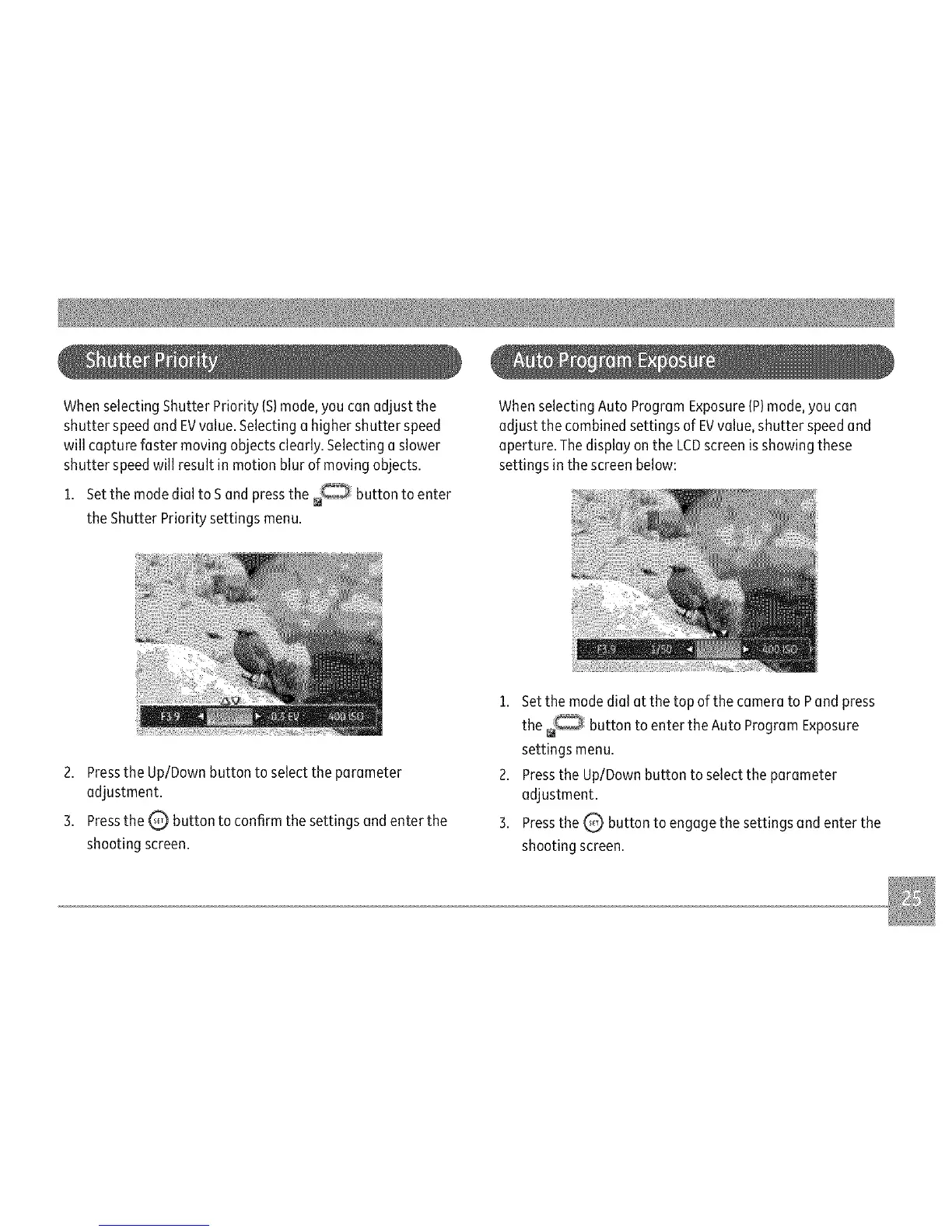
WhenselectingAutoProgramExposure(P)mode,youcan
adjustthecombinedsettingsofEVvalue,shutterspeedand
aperture.ThedisplayontheLCDscreenisshowingthese
settingsinthescreenbelow:
2.PresstheUp/Downbuttontoselecttheparameter
adjustment.
3.PresstheQ buttontoconfirmthesettingsandenterthe
shootingscreen.
1.SetthemodedialatthetopofthecameratoPandpress
the buttontoentertheAutoProgramExposure
settingsmenu.
2.PresstheUp/Downbuttontoselecttheparameter
adjustment.
3.PresstheQ buttontoengagethesettingsandenterthe
shootingscreen.



 To Next Page