InPlaybackMode,youcanpresstheDown/Deletebuttonto
deleteanunwantedphotoorvideo.
Todeletephotosorvideos:
1.PresstheC>buttontoswitchtoplaybackmode.
2.Selectapictureorvideoclipyouwanttodeletewiththe
Left/Rightbutton.
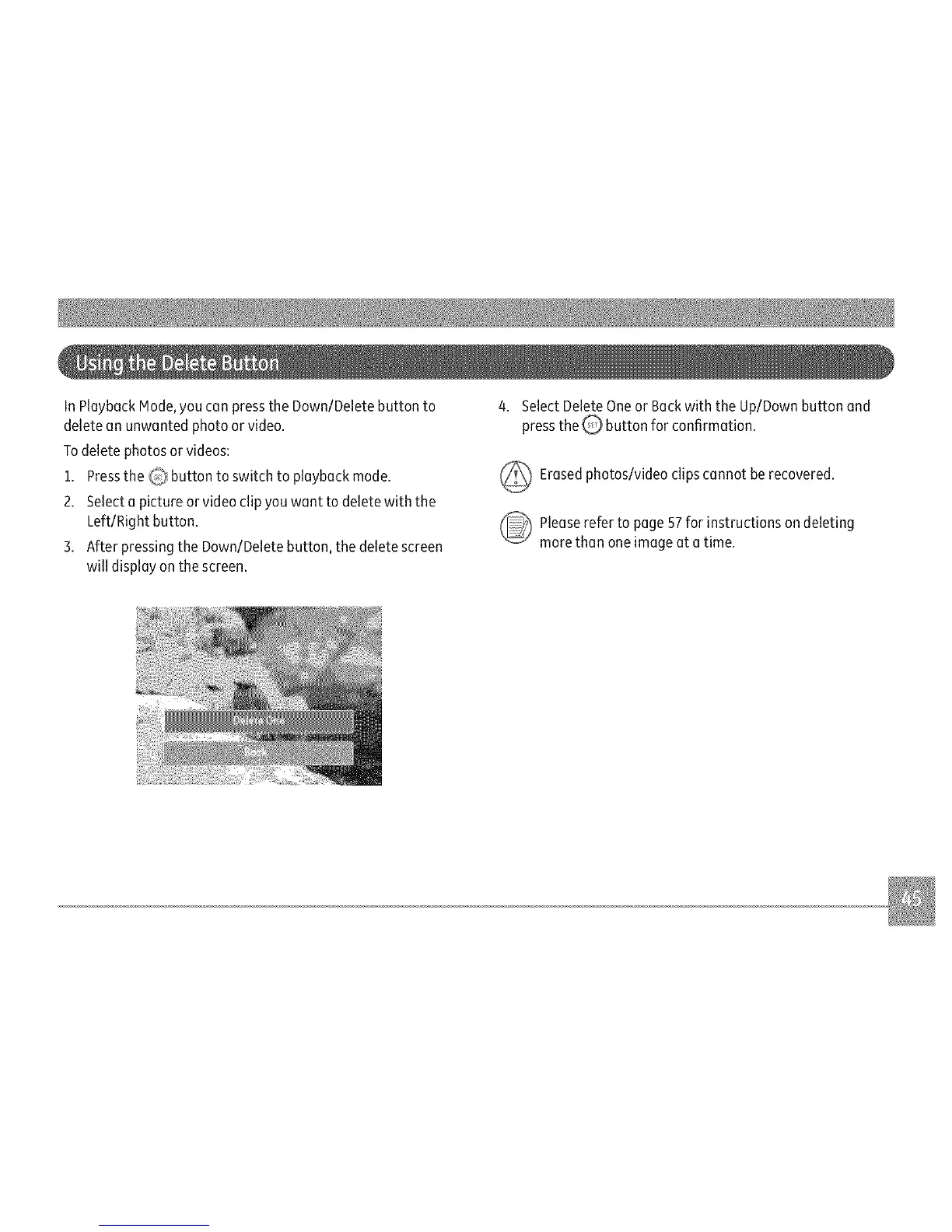
3.AfterpressingtheDown/Deletebutton,thedeletescreen
willdisplayonthescreen.
4.SelectDeleteOneorBackwiththeUp/Downbuttonand
presstheQ'buttonforconfirmation.
_ Erasedphotos/videoclipscannotberecovered.
_ leaserefertopage57forinstructionsondeleting
morethanoneimageatatime.



 To Next Page