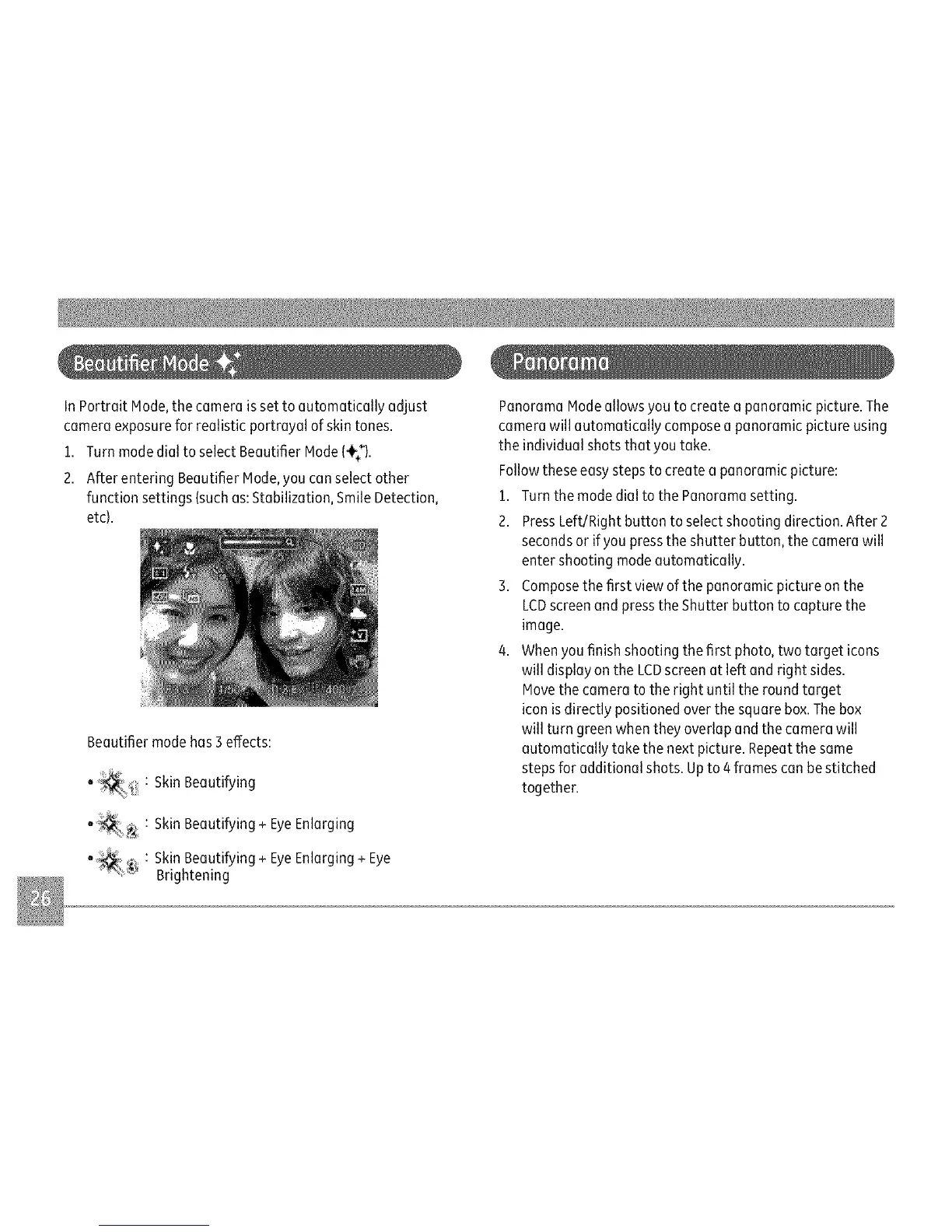
InPortraitNode,thecameraissettoautomaticallyadjust
cameraexposureforrealisticportrayalofskintones.
1.TurnmodedialtoselectBeautifierNode(÷_).
2.AfterenteringBeautifierNode,youcanselectother
functionsettings{suchas:Stabilization,SmileDetection,
etc).
Beautifiermodehas3effects:
:SkinBeautifying
:SkinBeautifying÷EyeEnlarging
' :SkinBeautifying÷EyeEnlarging÷Eye
"_i Brightening
PanoramaNodeallowsyoutocreateapanoramicpicture.The
camerawillautomaticallycomposeapanoramicpictureusing
theindividualshotsthatyoutake.
Followtheseeasystepstocreateapanoramicpicture:
1.TurnthemodedialtothePanoramasetting.
2.PressLeft/Rightbuttontoselectshootingdirection.After2
secondsorifyoupresstheshutterbutton,thecamerawill
entershootingmodeautomatically.
3.Composethefirstviewofthepanoramicpictureonthe
LCDscreenandpresstheShutterbuttontocapturethe
image.
4.Whenyoufinishshootingthefirstphoto,twotargeticons
willdisplayontheLCDscreenatleftandrightsides.
Movethecameratotherightuntiltheroundtarget
iconisdirectlypositionedoverthesquarebox.Thebox
willturngreenwhentheyoverlapandthecamerawill
automaticallytakethenextpicture.Repeatthesame
steps for additional shots. Up to 4 frames can bestitched
together.



 To Next Page