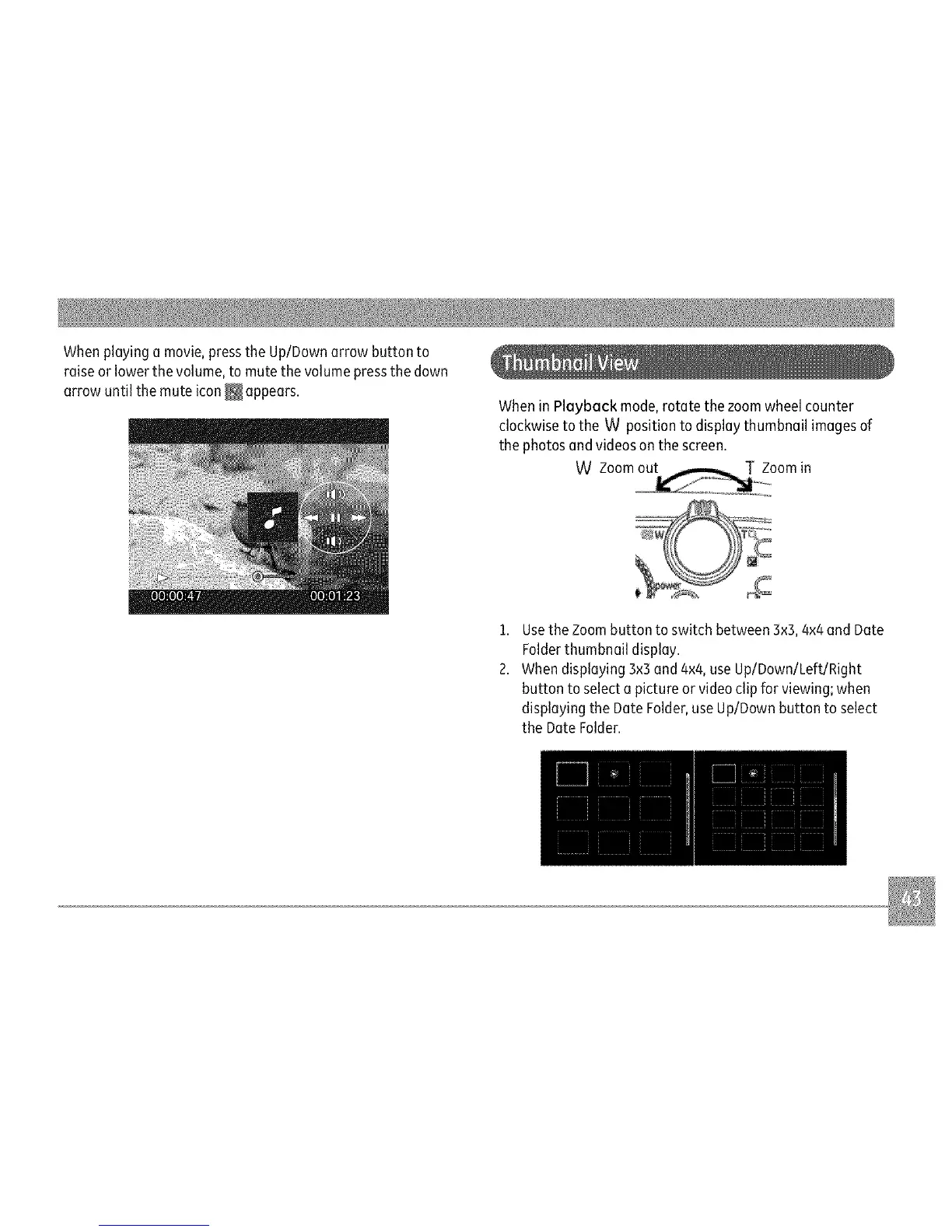
Whenplayingamovie,presstheUp/Downarrowbuttonto
raiseorlowerthevolume,tomutethevolumepressthedown
arrowuntilthemuteicon_ appears.
WheninPlaybackmode,rotatethezoomwheelcounter
clockwisetotheWpositiontodisplaythumbnailimagesof
thephotosandvideosonthescreen.
WZoom Zoomin
L:
1. Usethe Zoombutton to switch between 3×5,4x4and Date
Folderthumbnail display.
2. When displaying 3x3and 4x4,use Up/Down/Left/Right
button to select a picture or videoclip for viewing; when
displaying the Date Folder,useUp/Down button to select
the Date Folder.



 To Next Page