3 Press_ buttontoselectcontinuousshootingplayback
anddateplayback.
4.PressUp/Down/Left/Rightbuttontoselectapictureora
groupofphotosoravideowithcontinuouscapture,press
,Qbuttontoreturntotheoriginalsize.
TheDateFolderisdisplayedindateorderbasedon
camera'sdate/timesettings.
When_icon appears,thisindicatesacontinuous
capturegroupfile.
lfthe_ indicatorappearsontheLCD,thenamovie
fileiscurrentlybeingdisplayed.
_ resstheQ buttontorestoreapreviewicontoits
originalimagesize.
Thezoombuttonscanalsobeusedduringplayback.This
allowsyoutomagnifyphotosbetween2xto8x.
1.Pressthe(_buttontoswitchtoplaybackmode.
2.UsetheLeft/Rightnavigationbuttonstoselectaphototo
magnify.
3.Rotatethezoomwheelclockwiseto{T}tozoomin.
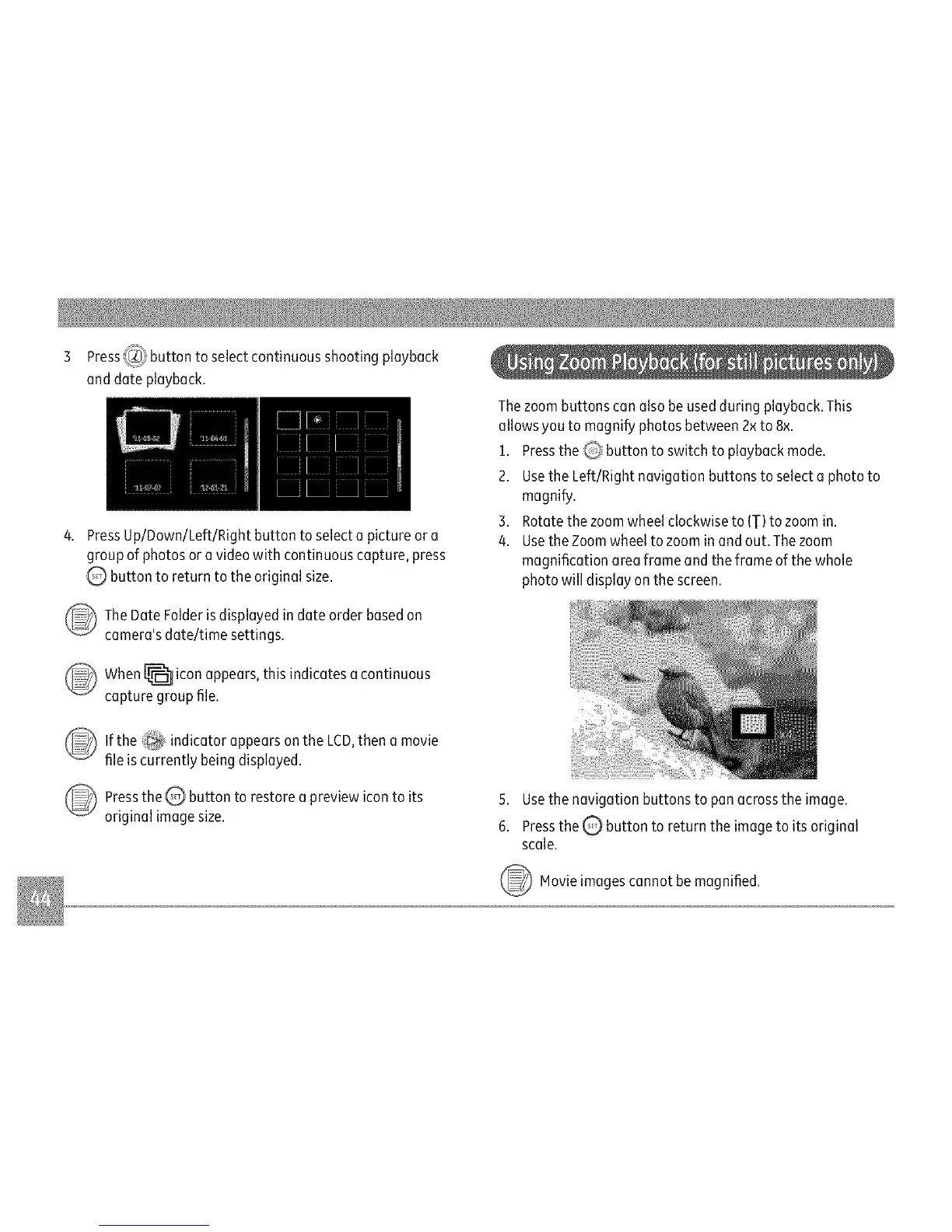
4.UsetheZoomwheeltozoominandout.Thezoom
magnificationareaframeandtheframeofthewhole
photowilldisplayonthescreen.
5.Usethenavigationbuttonstopanacrosstheimage.
6.Pressthe_ buttontoreturntheimagetoitsoriginal
scale.
_ Movieimagescannotmagnified.
be



 To Next Page