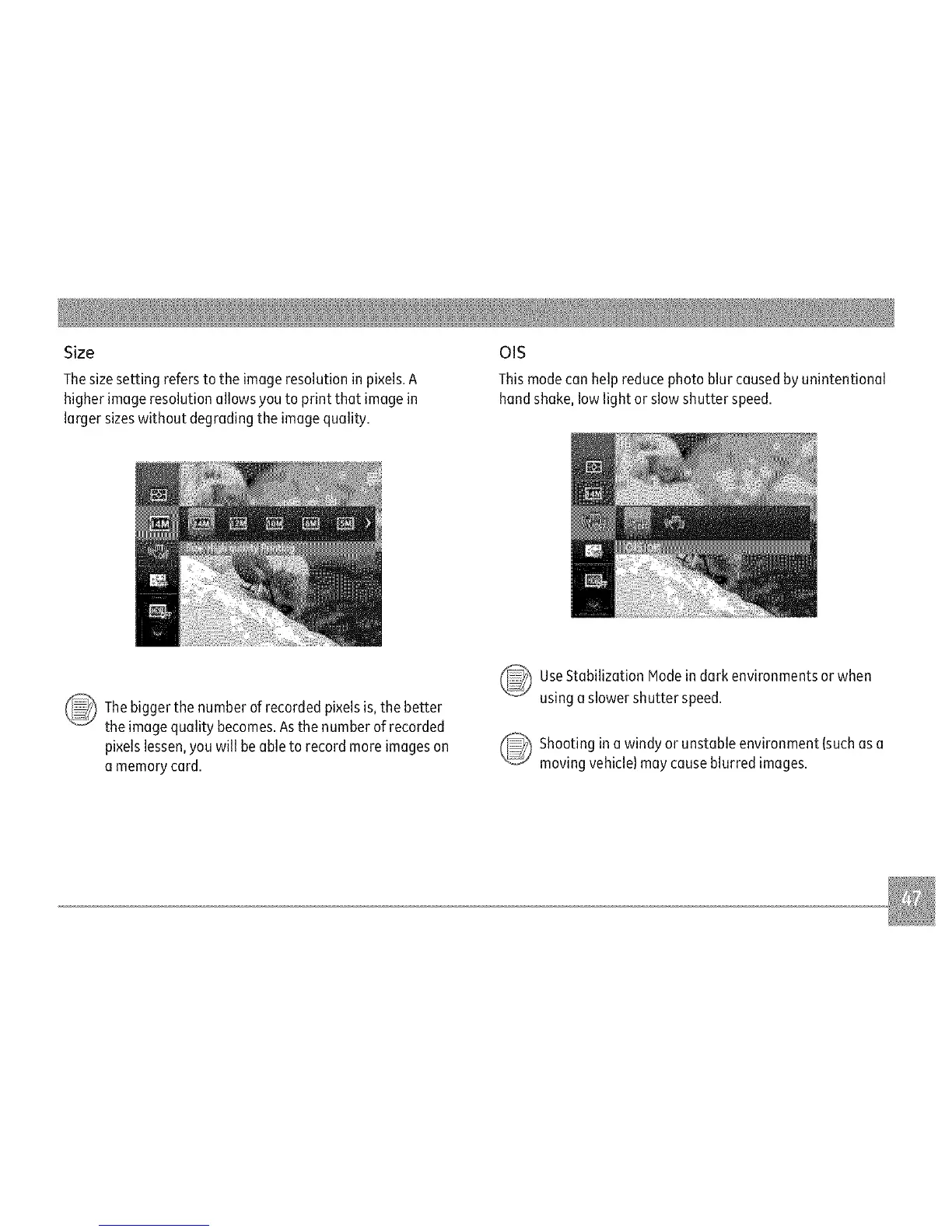
Size
Thesize setting refers to the image resolution in pixels.A
higher imageresolution allows you to print that image in
larger sizeswithout degrading the imagequality.
OIS
Thismodecan help reduce photo blur caused by unintentional
hand shake, low light or slow shutter speed.
Thebigger the number of recorded pixels is,the better
the image quality becomes.Asthe number of recorded
pixels lessen,you will be able to record more images on
a memory card.
UseStabilization Modein dark environments or when
using aslower shutter speed.
_ hooting in a windy or unstable environment (suchas a
moving vehicle)may causeblurred images.



 To Next Page