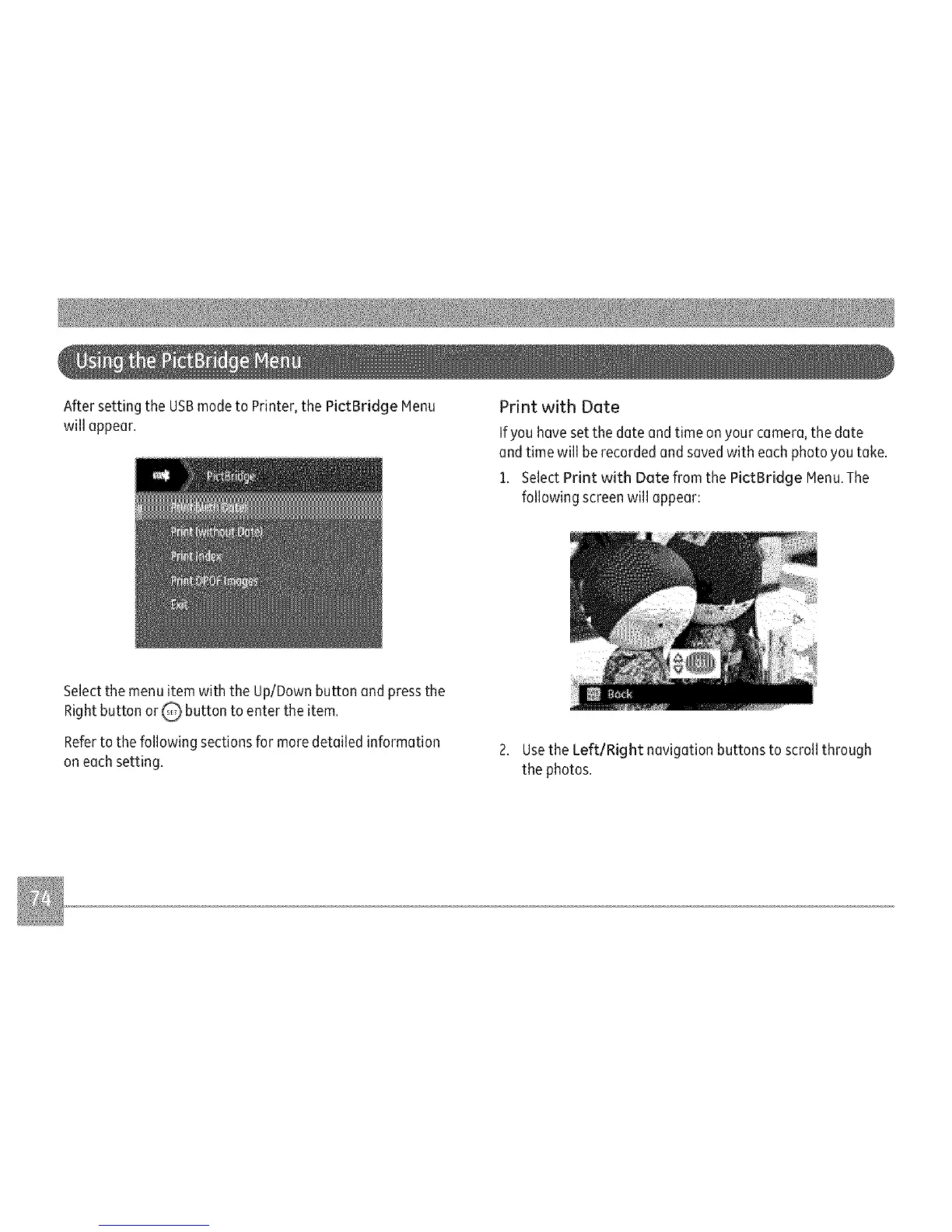
AftersettingtheUSBmodetoPrinter,thePictBridgeMenu
willappear.
PrintwithDate
Ifyouhavesetthedateandtimeonyourcamera,thedate
andtimewillberecordedandsavedwitheachphotoyoutake.
1.SelectPrintwithDatefromthePictBridgeMenu.The
followingscreenwillappear:
SelectthemenuitemwiththeUp/Downbuttonandpressthe
RightbuttonorQ,buttontoentertheitem.
Refertothefollowingsectionsformoredetailedinformation
2.UsetheLeft/Rightnavigationbuttonstoscrollthrough
oneachsetting, thephotos.



 To Next Page