Mode:Q
in Playbackmode, pressthe O button to enter the Playback
Menu.
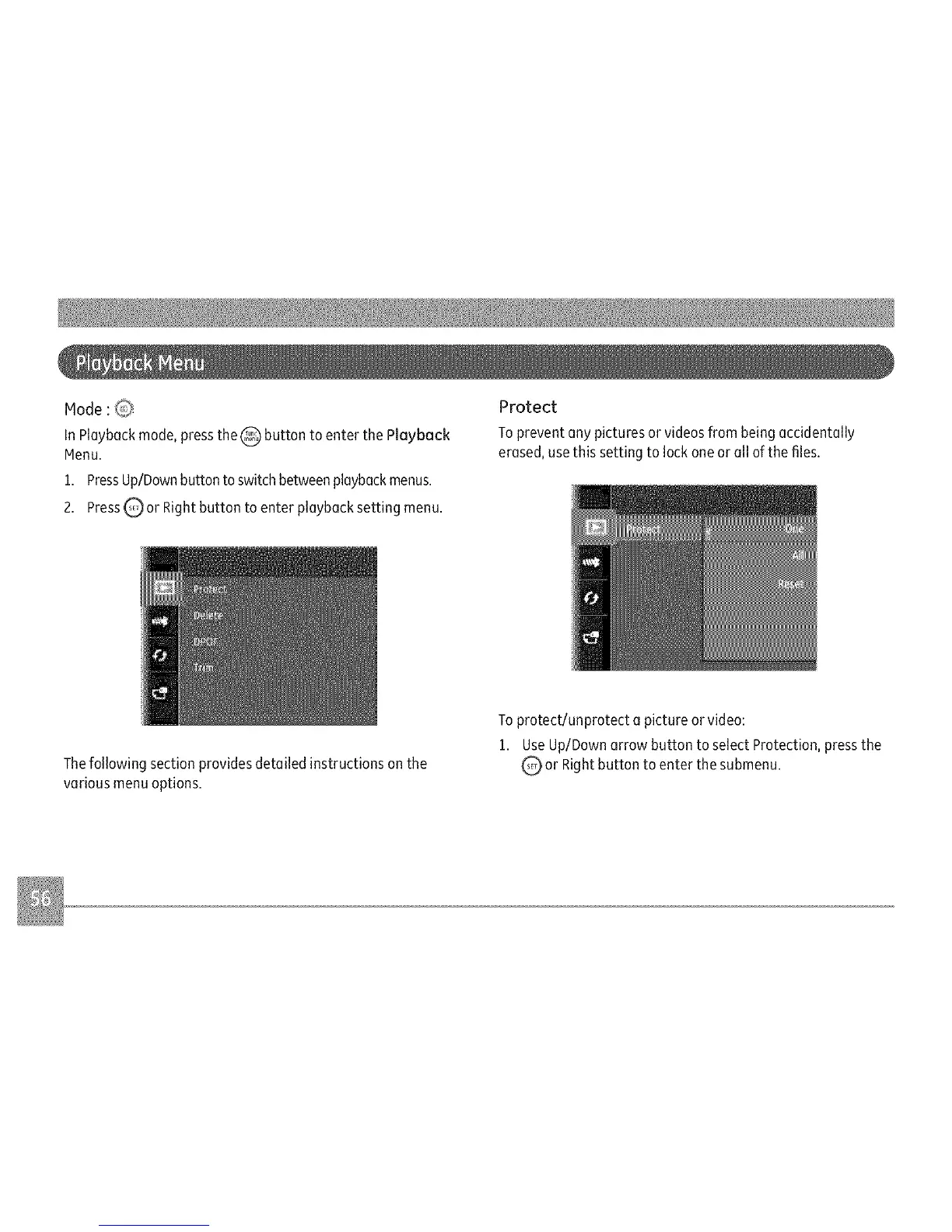
1. PressUp/Downbutton toswitch betweenplaybackmenus.
2. PressQ or Right button to enter playback setting menu.
Protect
To prevent ony pictures or videosfrom beingaccidentally
erased,usethis setting to lock one or oil of the files.
Thefollowing section provides detailed instructions on the
various menu options.
To protect/unprotect a picture or video:
1. Use Up/Down orrow button to select Protection, press the
or Right button to enter the submenu.



 To Next Page