Resize
Thissettingallowsyoutoresizeapicturetoaparticular
resolution,andsavesitasanewpicture.
1.Intheplaybackmode,pressLeft/Rightbuttontoselectthe
photowhichyouwouldliketoresize.
2.Inthe_ menu,select_ toset,pressQ toentersetting
screen.
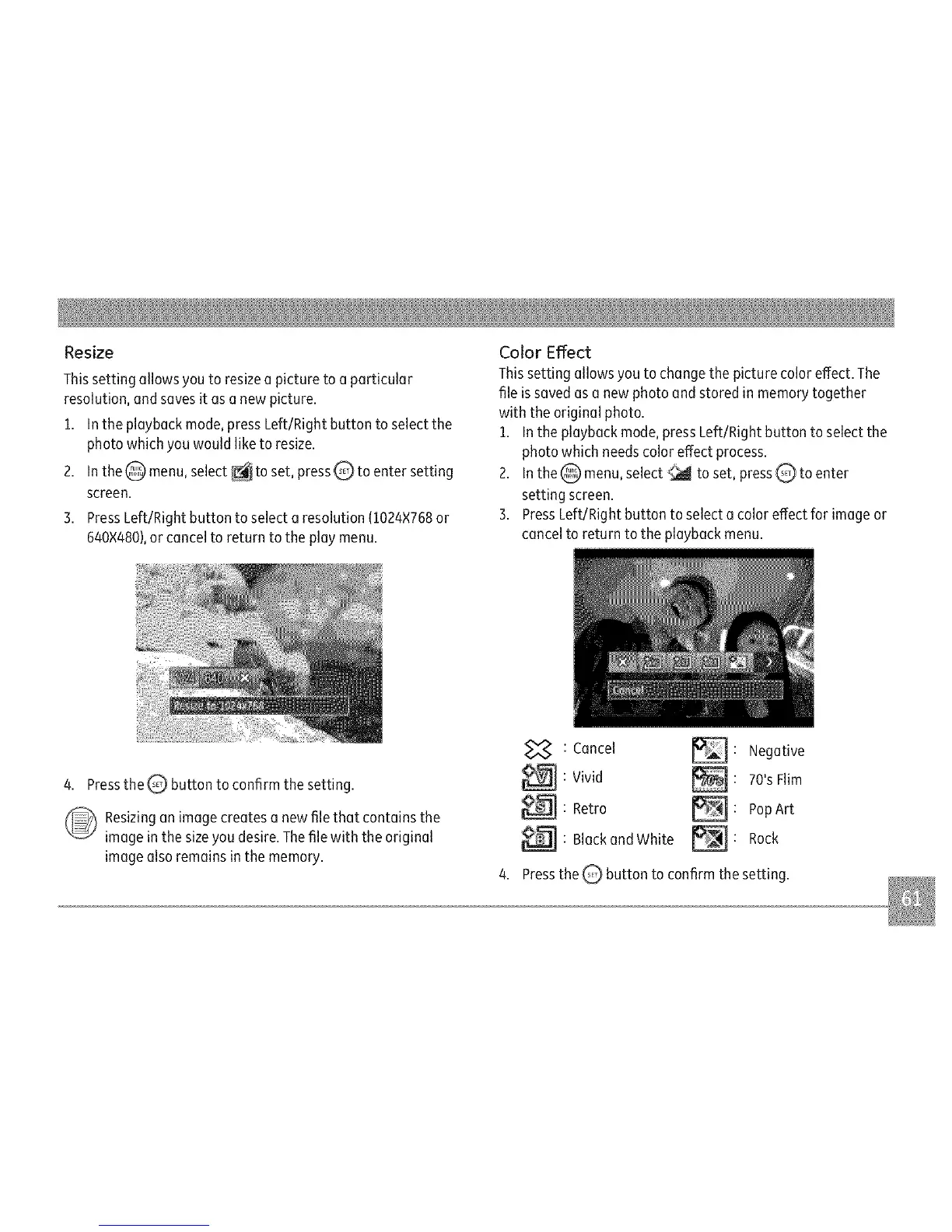
3.PressLeft/Rightbuttontoselectaresolution(1024×768or
640×480),orcanceitoreturntothepiaymenu.
ColorEffect
Thissettingallowsyoutochangethepicturecoloreffect.The
fileissavedasanewphotoandstoredinmemorytogether
withtheoriginalphoto.
1.Intheplaybackmode,pressLeft/Rightbuttontoselectthe
photowhichneedscoloreffectprocess.
2.Inthe_ menu,select_ toset,pressQtoenter
settingscreen.
3.PressLeft/Rightbuttontoselectacoloreffectforimageor
canceltoreturntotheplaybackmenu.
4. Press the _ button to confirm the setting.
_ esizing an image creates a new file that contains the
image in the size you desire. The file with the original
image also remains in the memory.
: Cancel _ : Negative
_:Vivid _: 70'sFlim
_ : Retro _: PopArt
: Blackand White _ : Rock
4. Press the _ button to confirm the setting.



 To Next Page