3.UsetheUp/Downnavigationbuttonstoselectthe
numberofprintsforthedisplayedphoto.
4.PresstheQ buttonandthefollowingscreenwillappear.
PrintwithoutDate
Usethissettingtoprintthephotoswithoutdatesonthem.
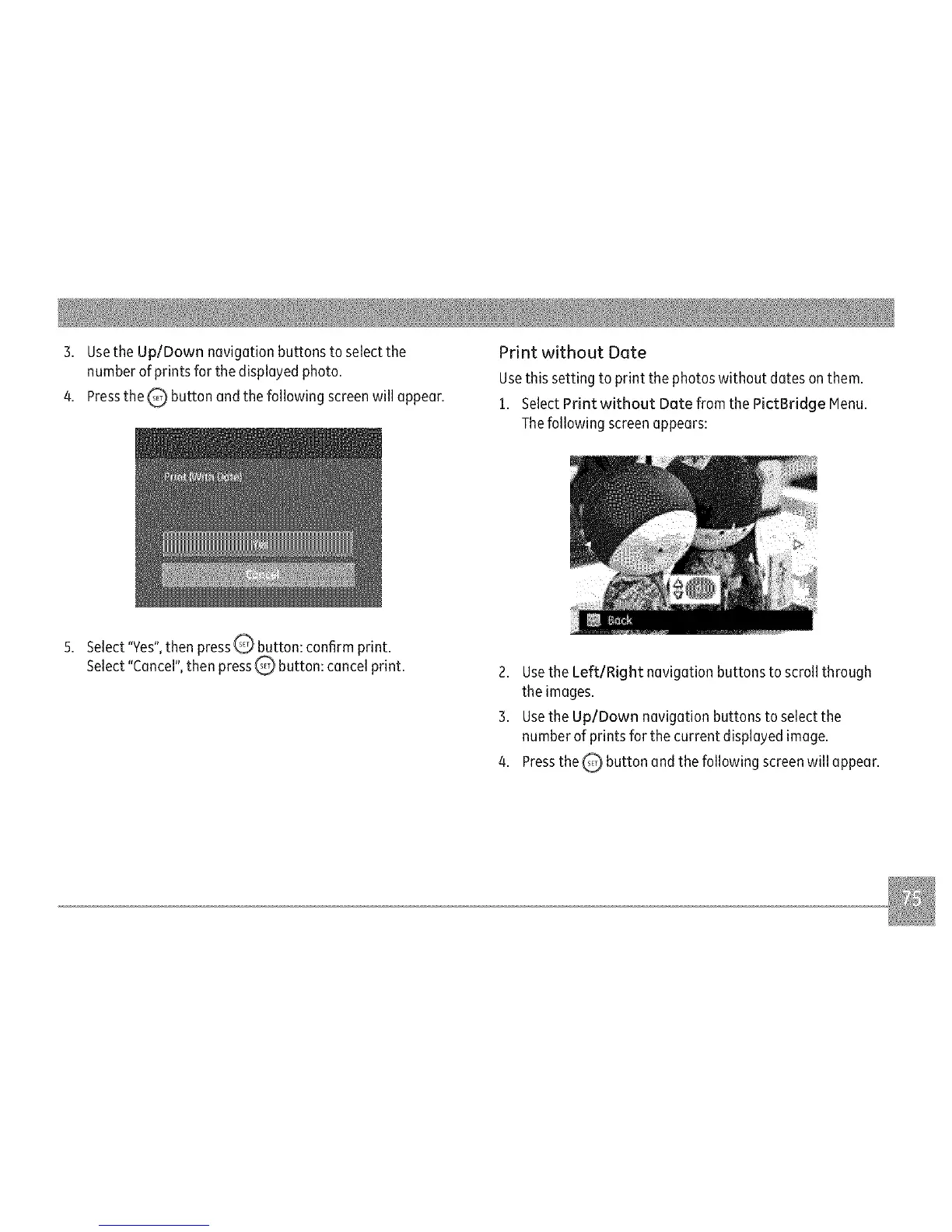
1. SelectPrint without Date from the PictBridge Menu.
Thefollowing screenappears:
Select"Yes",then pressQ button: confirm print.
Select"Cancel",then press_ button: cancel print.
2. Use the Left/Right navigation buttons to scroll through
the images.
3. Use the Up/Down navigation buttons to select the
number of prints for the current displayed image.
4. Press the _ button and the following screen will appear.



 To Next Page