Mode: i M S P *;
Inanyof the abovePhoto Modes,pressthe _ button to go to
the PhotoSetup Menu.
Toadjust each setting:
PressUp/Down button to switch between shooting menu and
camera setting menu. PressLeft/Right to enter and change
function settings.
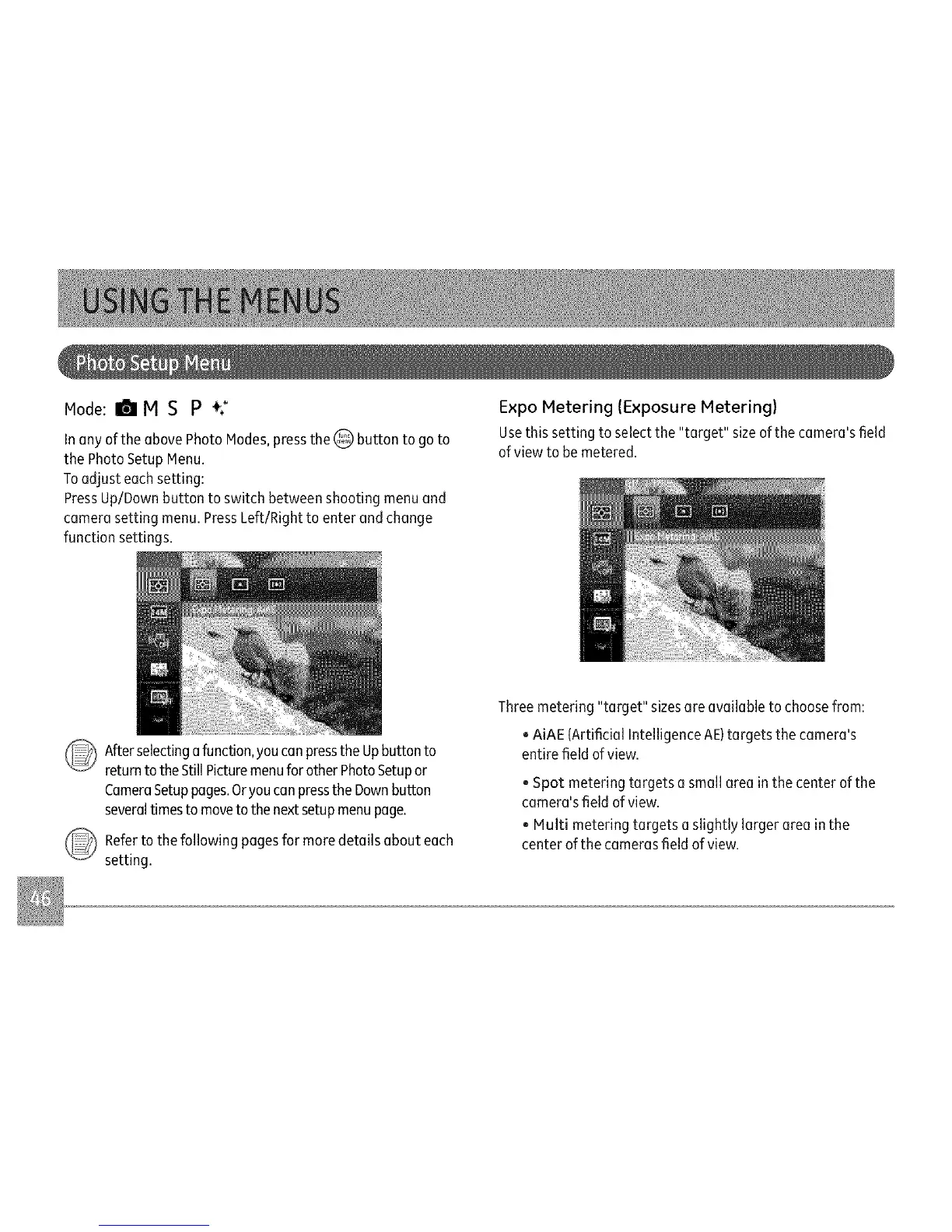
Expo Metering (Exposure Metering)
Usethis setting to selectthe "target" sizeof the camera'sfield
ofview to be metered.
_ fter selectinga function,youcanpressthe Upbutton to
returnto the StillPicturemenufor otherPhotoSetupor
CameraSetuppages.Oryoucanpressthe Downbutton
severaltimes tomoveto the nextsetupmenupage.
_ efer to the following pagesfor moredetails abouteach
setting.
Three metering "target" sizes are available to choosefrom:
, AiAE {Artificial Intelligence AE)targets the camera's
entire field ofview.
, Spot metering targets a small area in the center of the
camera's field of view.
, Multi metering targets a slightly larger area in the
center of the cameras field of view.



 To Next Page