Slideshow
Thissetting allows you to view all the stored pictures as a
slideshow.
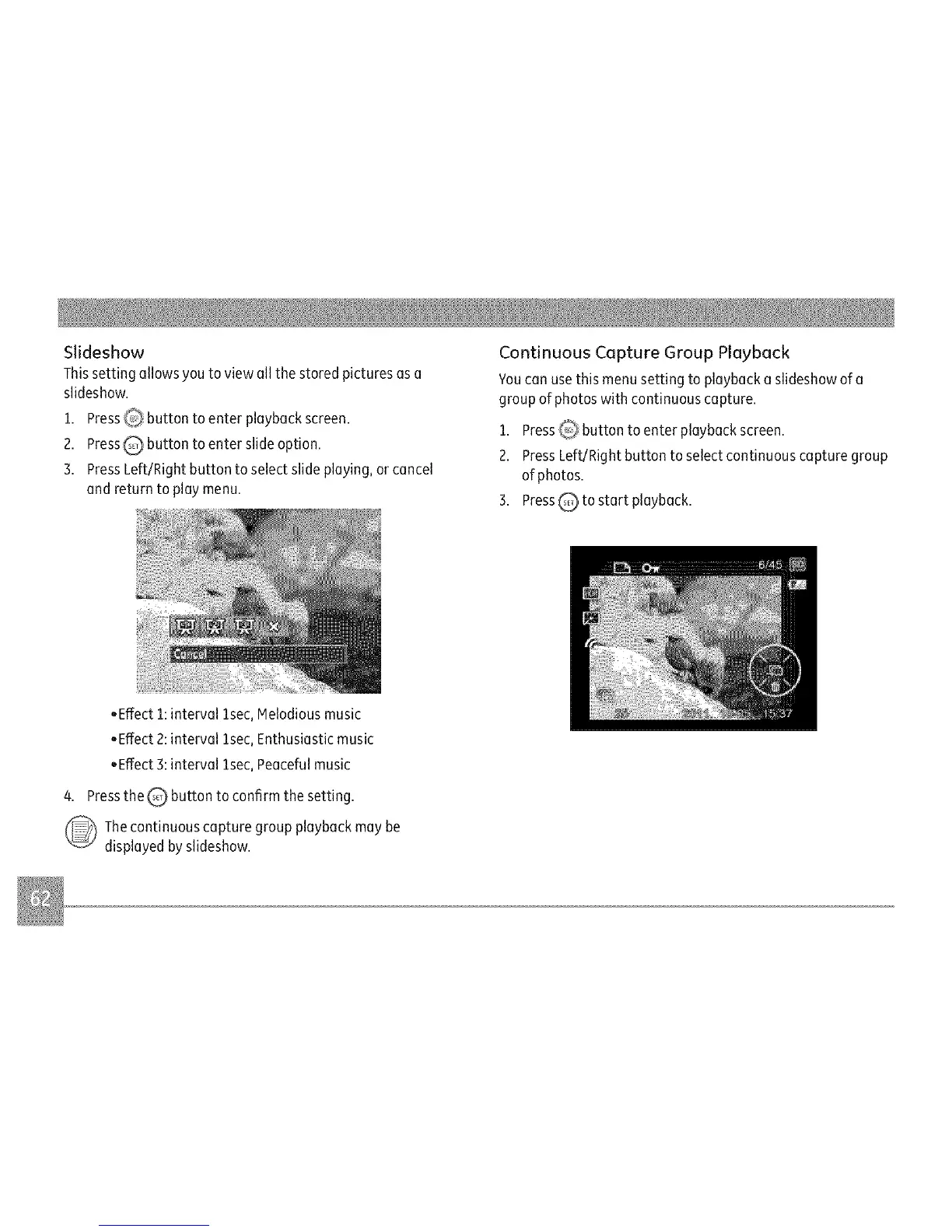
1. Press_ button to enter playback screen.
2. PressQ button to enter slide option.
3. PressLeft/Right button to select slide playing, orcancel
and return to playmenu.
Continuous Capture Group Playback
you canusethis menusetting to playback aslideshow of a
groupof photos with continuous capture.
1. PressQ_ button to enter playback screen.
2. PressLeft/Right button to selectcontinuous capture group
of photos.
3. PressQ to start playback.
,Effect 1:interval lsec, Melodiousmusic
,Effect 2:interval lsec, Enthusiastic music
• Effect3:interval lsec, Peacefulmusic
4. Pressthe _ button to confirm the setting.
Thecontinuous capture group playback may be
displayed by slideshow.



 To Next Page