TheWhiteBalancesettingallowsyoutoadjustthecolor
temperaturefordifferentlightingsourcestoensurethemost
accuratecolorreproduction.
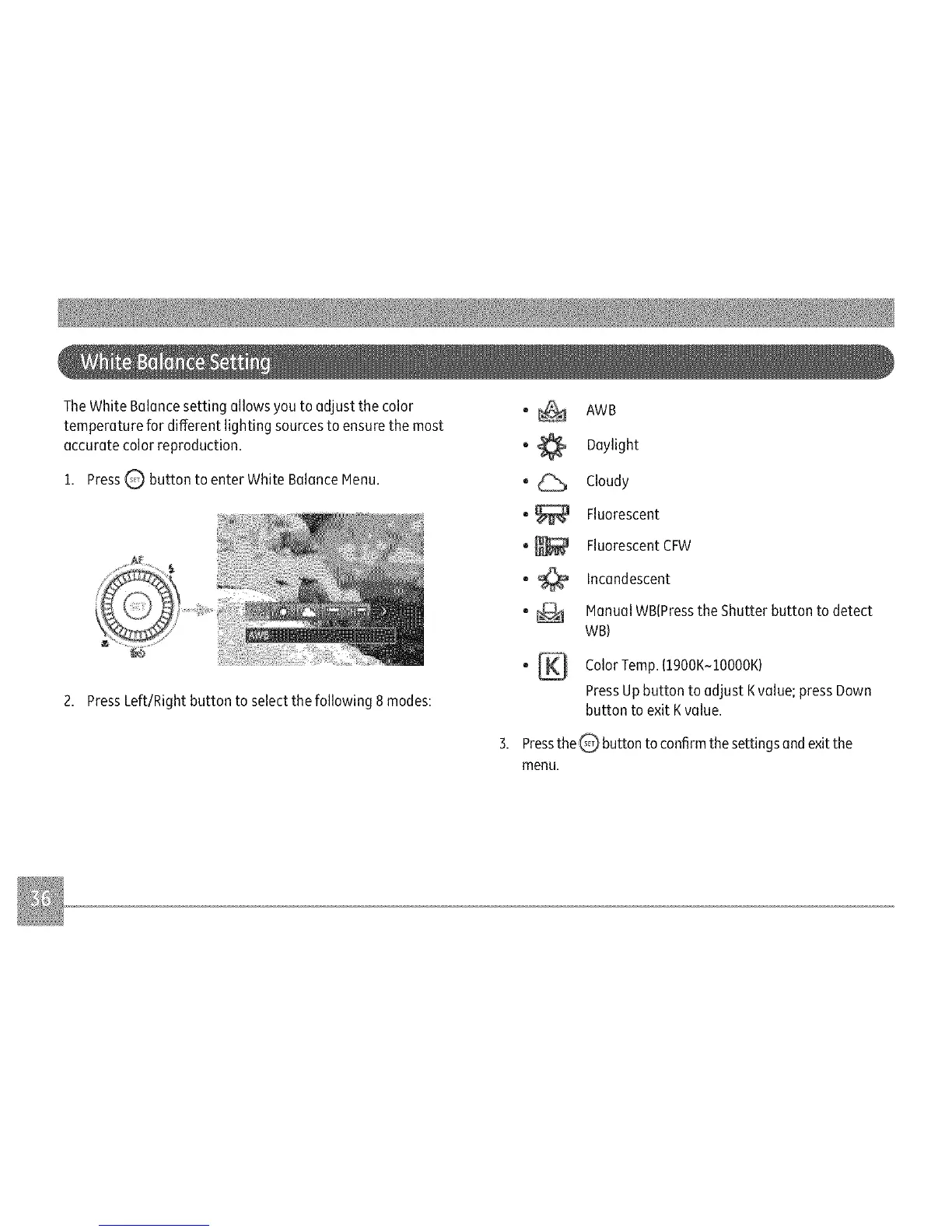
1.PressQ buttontoenterWhiteBalanceMenu.
2.PressLeft/Rightbuttontoselectthefollowing8modes:
o_ AWB
_ Daylight
_ Cloudy
_ Fluorescent
FluorescentCFW
_ Incandescent
_ ManualWB(PresstheShutterbuttontodetect
WB)
_ ColorTemp.(1900K~10000K}
PressUpbutton to adjust Kvaluel press Down
button to exit Kvalue.
the Q button to confirmthe settingsand exitthe
Press
menu.



 To Next Page