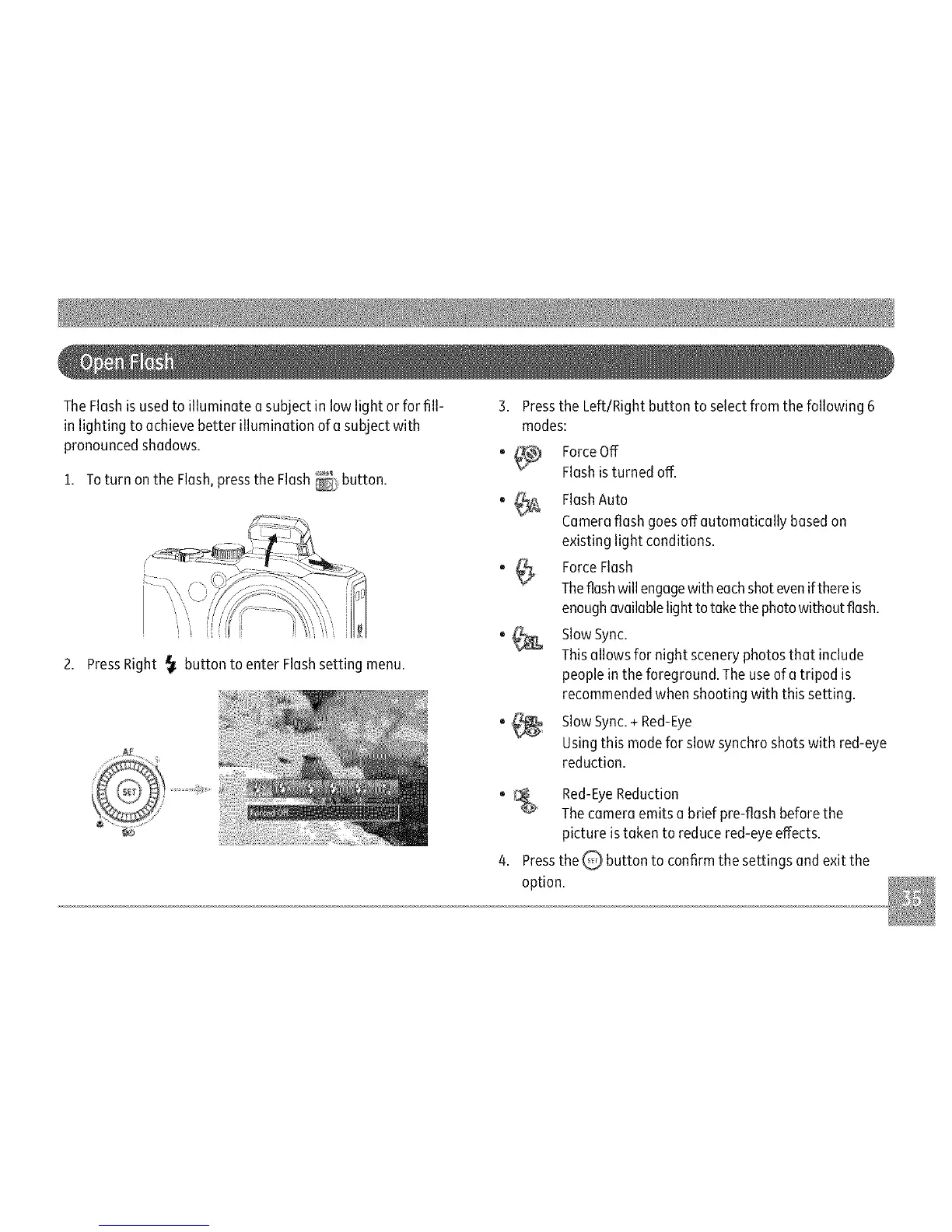
TheFlashisusedtoilluminateasubjectinlowlightorforfill-
inlightingtoachievebetterilluminationofasubjectwith
pronouncedshadows.
1. Toturn on the Flash,pressthe Flash button.
2. PressRight _ button to enter Flashsetting menu.
3. Pressthe Left/Right button to select from the following 6
modes:
o _ ForceOff
Flashisturned off.
0 #o
"(_
FlashAuto
Cameraflash goesoffautomatically basedon
existing light conditions.
ForceFlash
Theflashwill engagewith eachshotevenif thereis
enoughavailablelight to take thephotowithout flash.
SlowSync.
Thisallows for night scenery photosthat include
peoplein the foreground. The useof a tripod is
recommended when shooting with this setting.
SlowSync.+ Red-Eye
Usingthis modefor slow synchroshots with red-eye
reduction.
_ Red-EyeReduction
Thecamera emits a brief pre-flash beforethe
picture istaken to reduce red-eye effects.
4. Pressthe Q, button to confirm the settings and exit the
option.



 To Next Page