PictBridgeallowsprintingofimagesfroman
SDmemorycardinadigitalcameradirectlyto
aprinter,regardlessofbrand.Tofindoutifa
Pi_ltfidgeprinterisPictBridgecompatible,simplylookfor
thePictBridgelogoonthepackagingorcheck
theowner'smanualforspecifications.WiththePictBridge
functiononyourcamera,you can print the captured photos
directly to a PictBridgecompatible printer usingthe supplied
USBcable, without the needfor a PC.
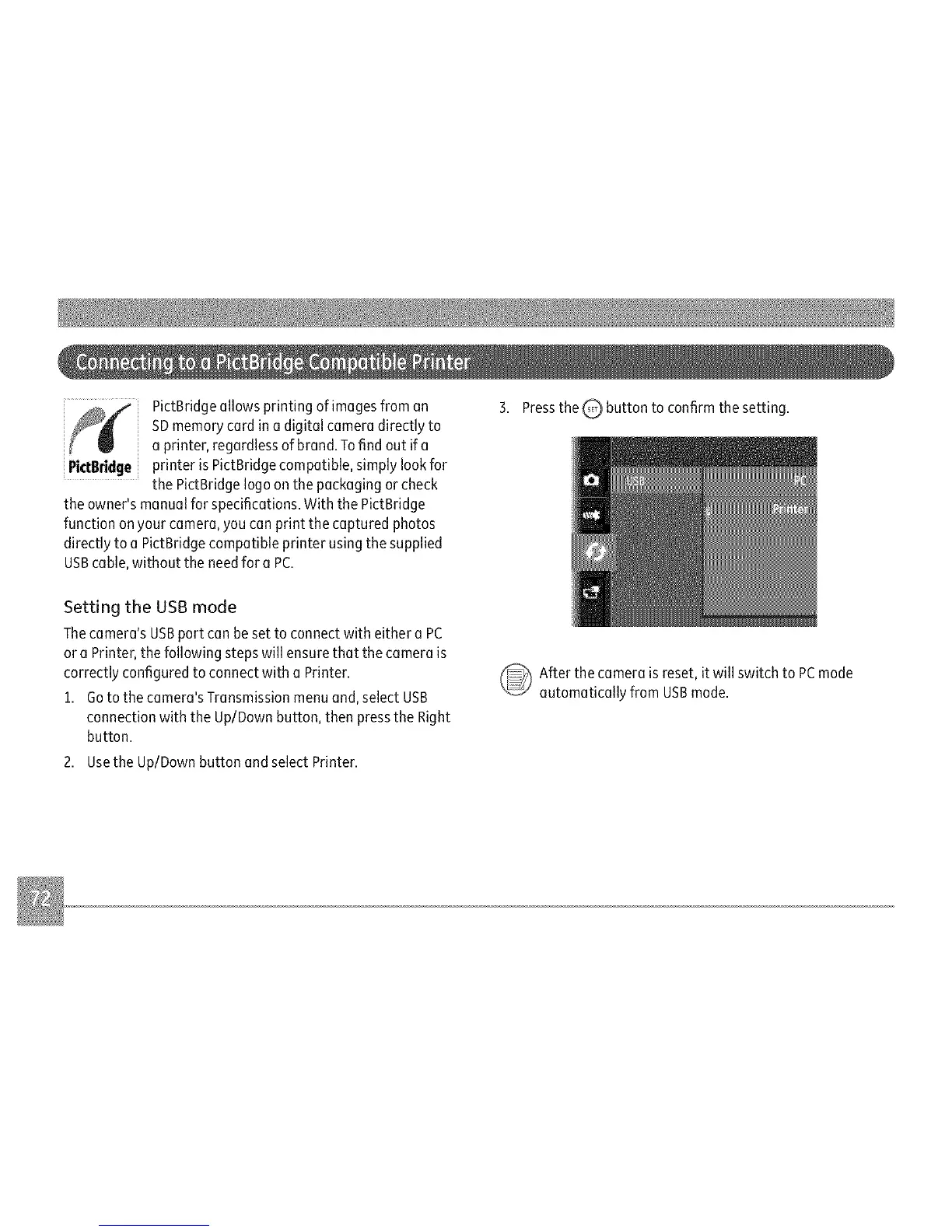
3. Pressthe Q button to confirm the setting.
Setting the USB mode
Thecamera's USBport canbe set to connect with either a PC
or a Printer, the following steps will ensure that the camera is
correctly configured to connect with a Printer.
1. Goto the camera'sTransmission menu and, select USB
connection with the Up/Down button, then pressthe Right
button.
2. Usethe Up/Down button andselect Printer.
_ fter the camera is reset, it will switch to PCmode
automatically from USBmode.



 To Next Page