PressUp/Downbuttontoselectbetweenprotection
options:
, Single, to protect a single selected photo or video
, All, to protect all photos and videos stored in built-in
memory and/or SD card
Press Q button to confirm and enter photo/video
protection interface.
Select Protectto lockdisplayed photosor videos,or select
Unprotect to unlock, then pressQ and select "Back"to
return to the playback menu.
Delete
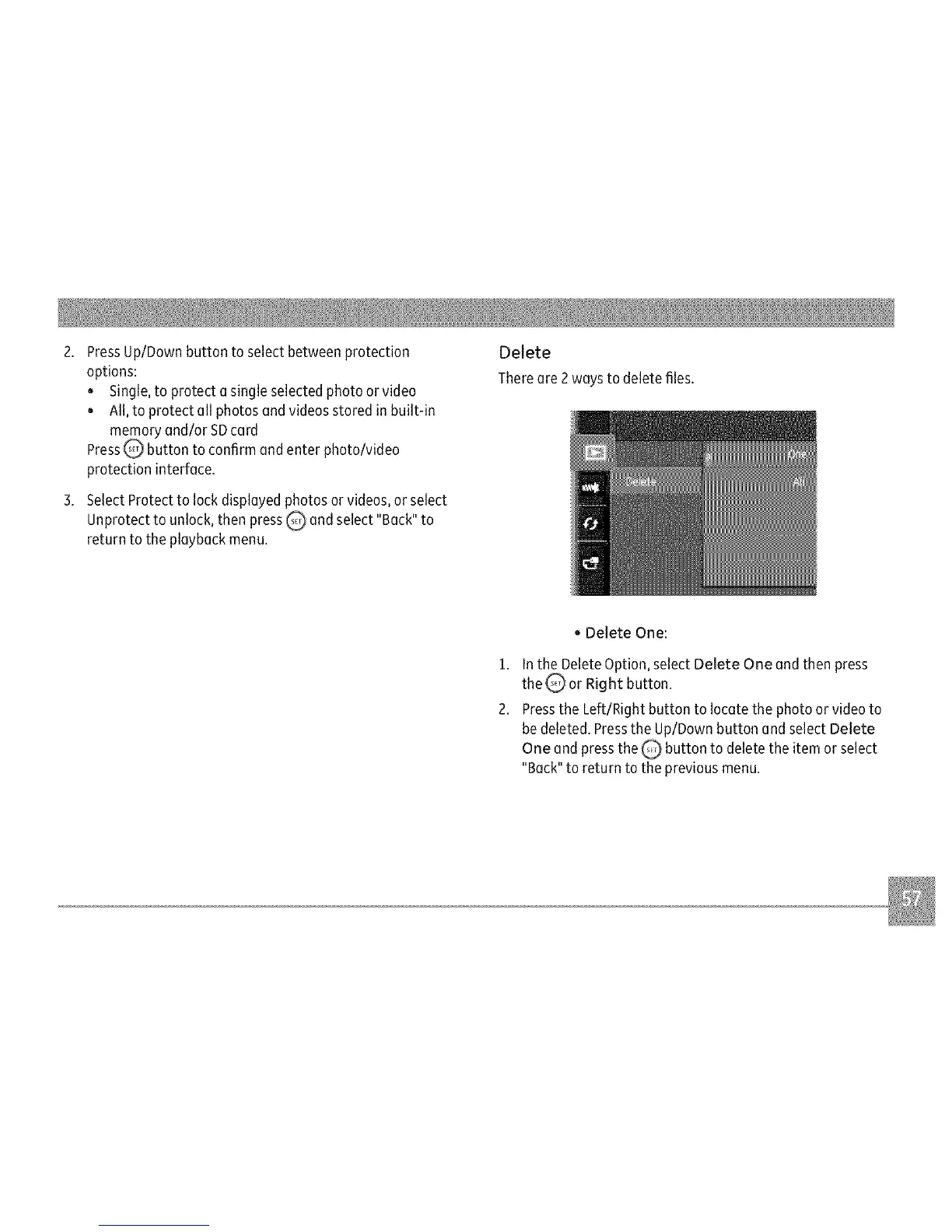
There are 2waysto deletefiles.
, Delete One:
1. In the Delete Option, select Delete One and then press
the_or Right button.
2. Press the Left/Right button to locate the photo or video to
be deleted. Press the Up/Down button and select Delete
One and press the _ button to delete the item or select
"Back" to return to the previous menu.



 To Next Page