5. Select"Yes",then pressQ button: confirm print.
Select"Cancel",then pressQ button: cancel print.
Print Index
Youcan usethis setting to print an index ofall the photos
currently inyour camera's memory.
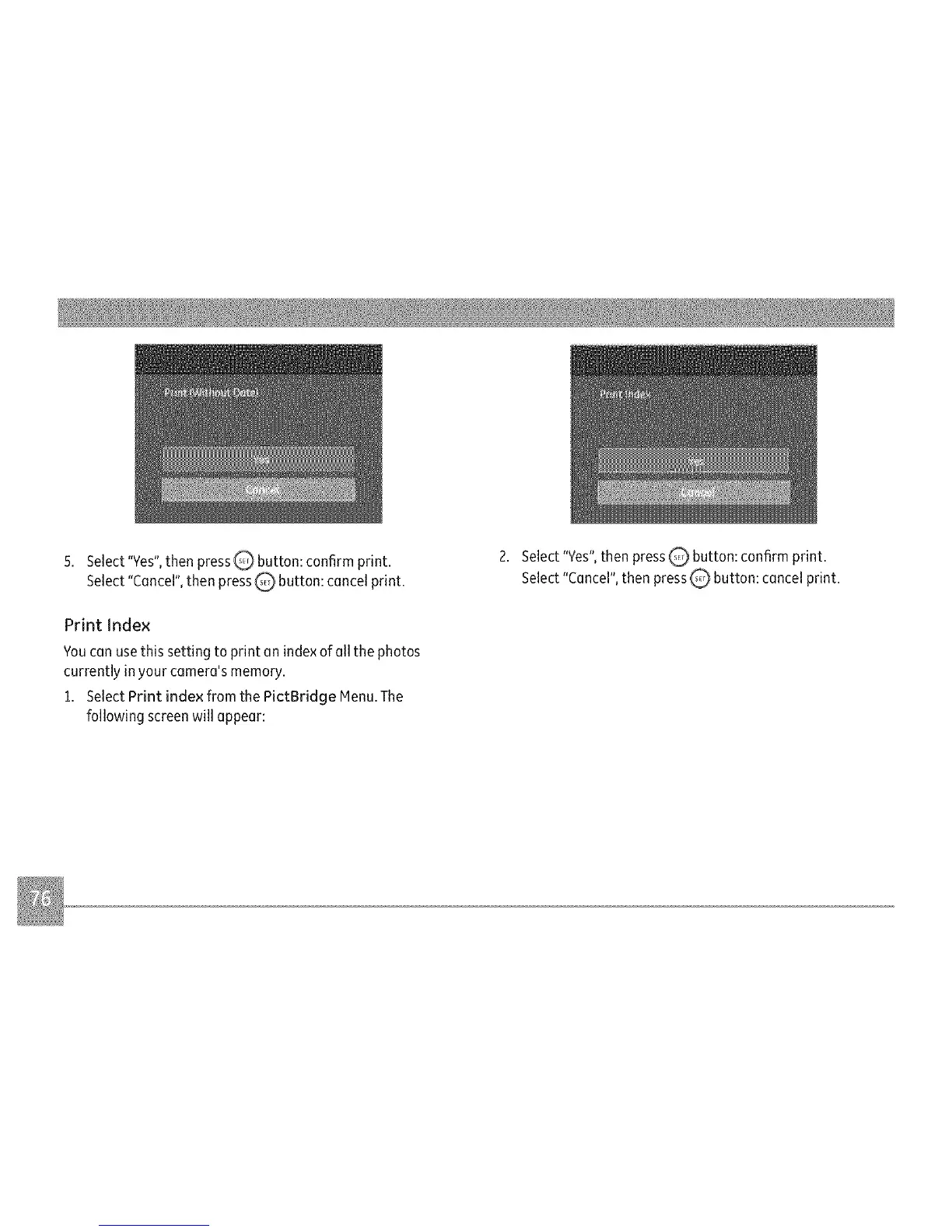
1. Select Print index from the PictBridge Menu.The
following screenwill appear:
2. Select"Yes",then press_ button: confirm print.
Select"Cancel",then press_ button: cancel print.



 To Next Page