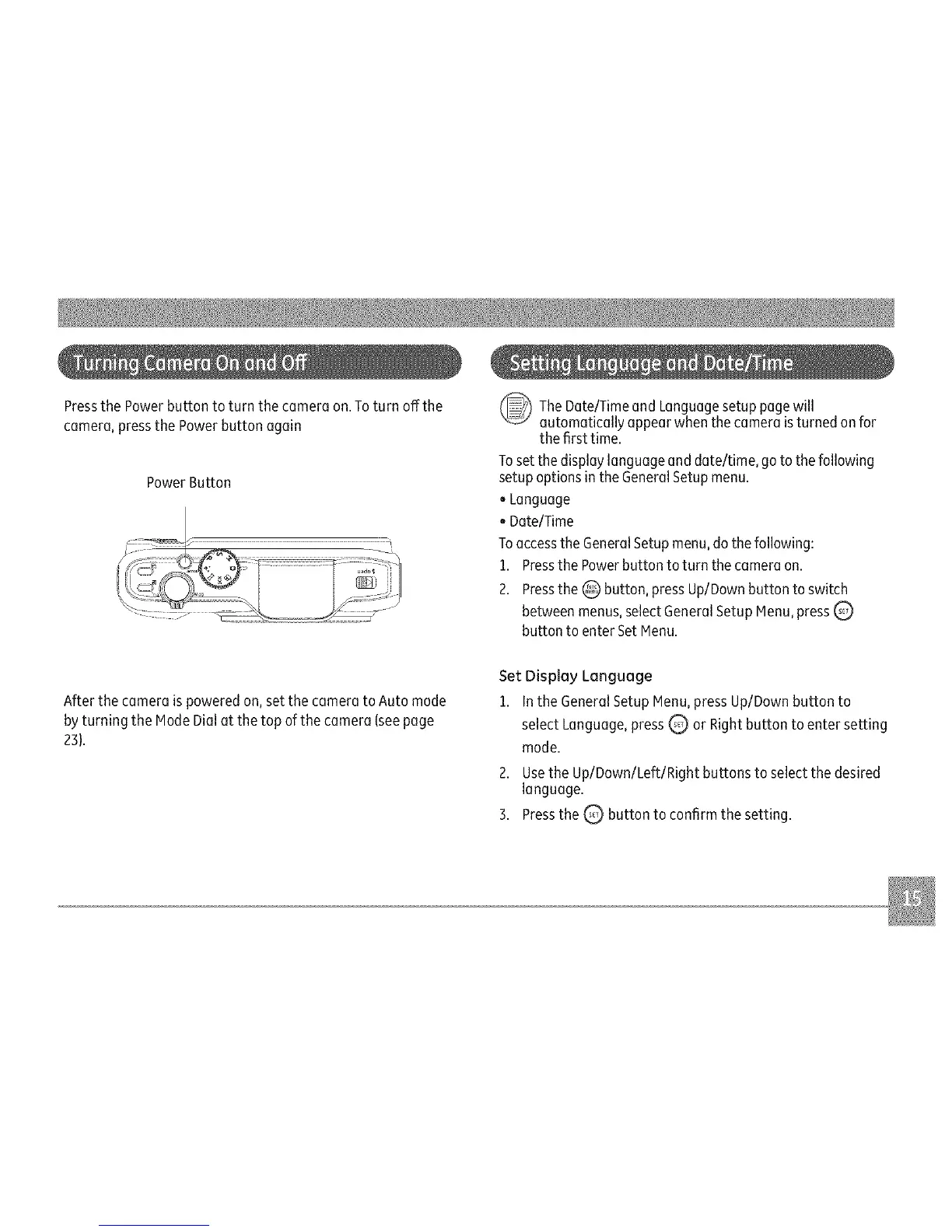
Pressthe Power button to turn the camera on.Toturn offthe
camera, pressthe Powerbutton again
PowerButton
The Date/Timeand Languagesetup will
page
automatically appear when the camera isturned onfor
the first time.
Toset the display language and date/time, go tothe following
setupoptions in the GeneralSetupmenu.
oLanguage
oDate/Time
Toaccessthe GeneralSetupmenu,do thefollowing:
1. Pressthe Powerbutton to turn the camera on.
2. Pressthe @ button, pressUp/Downbutton to switch
between menus,selectGeneralSetupMenu,pressQ
button to enterSet Menu.
After the camera ispowered on, set the camera to Auto mode
by turning the Mode Dialat the top of the camera (seepage
23).
Set Display Language
1. In the GeneralSetup Menu,pressUp/Downbutton to
select Language,pressQ or Rightbutton to enter setting
mode.
2. Usethe Up/Down/Left/Right buttons to select the desired
language.
3. Pressthe _ button to confirm the setting.



 To Next Page