PrintDPOF(Digital Print Order Format)
TouseDPOFprinting, you must select your photos for printing
using the DPOFsettings beforehand.See"DPOF" section on
page 58.
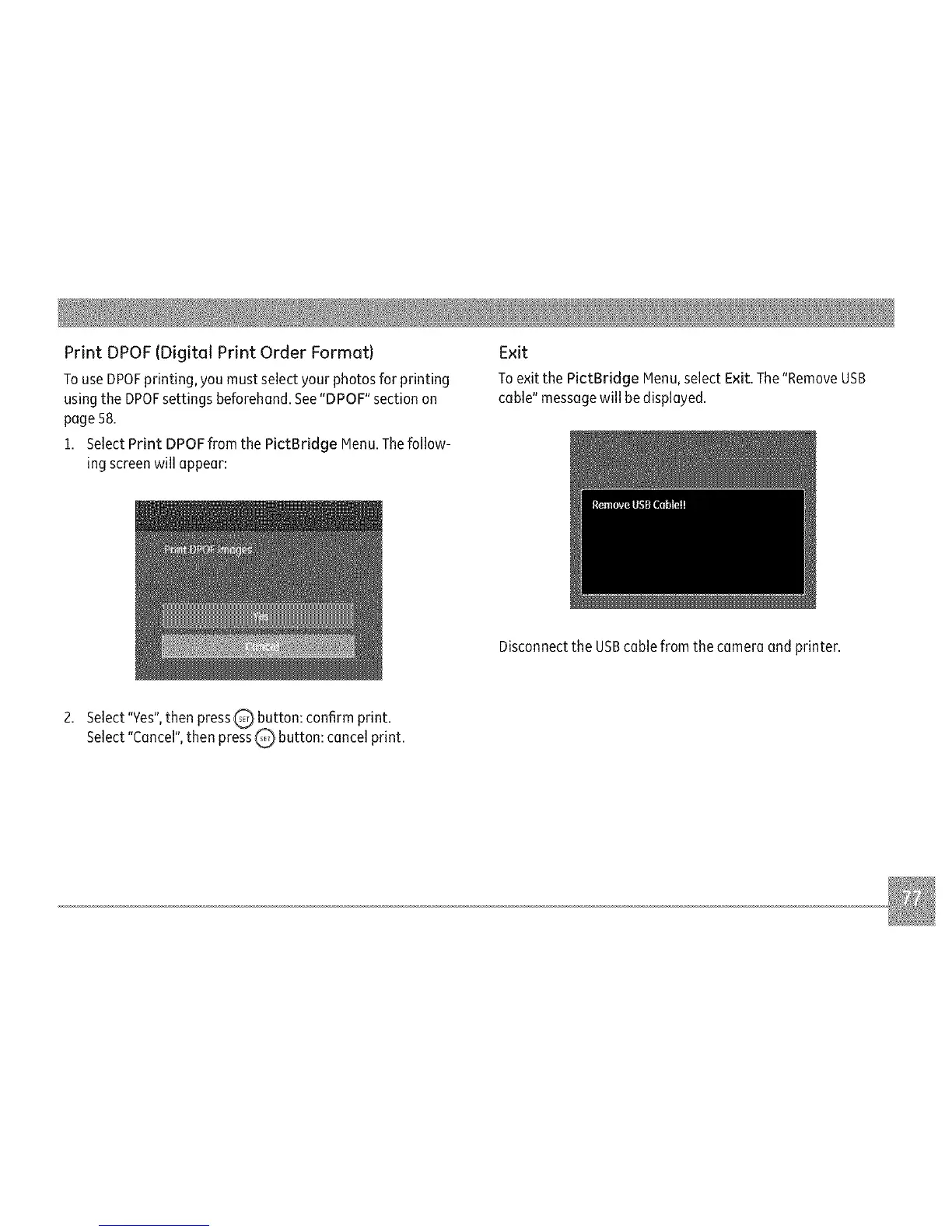
1. Select Print DPOF from the PictBridge Menu.Thefollow-
ing screenwill appear:
Exit
Toexit the PictBridge Menu,select Exit. The"RemoveUSB
cable" messagewill be displayed.
Disconnectthe USBcable from the camera and printer.
2. Select"Yes",then pressQ button: confirm print.
Select"Cancel",then pressQ button: cancel print.



 To Next Page