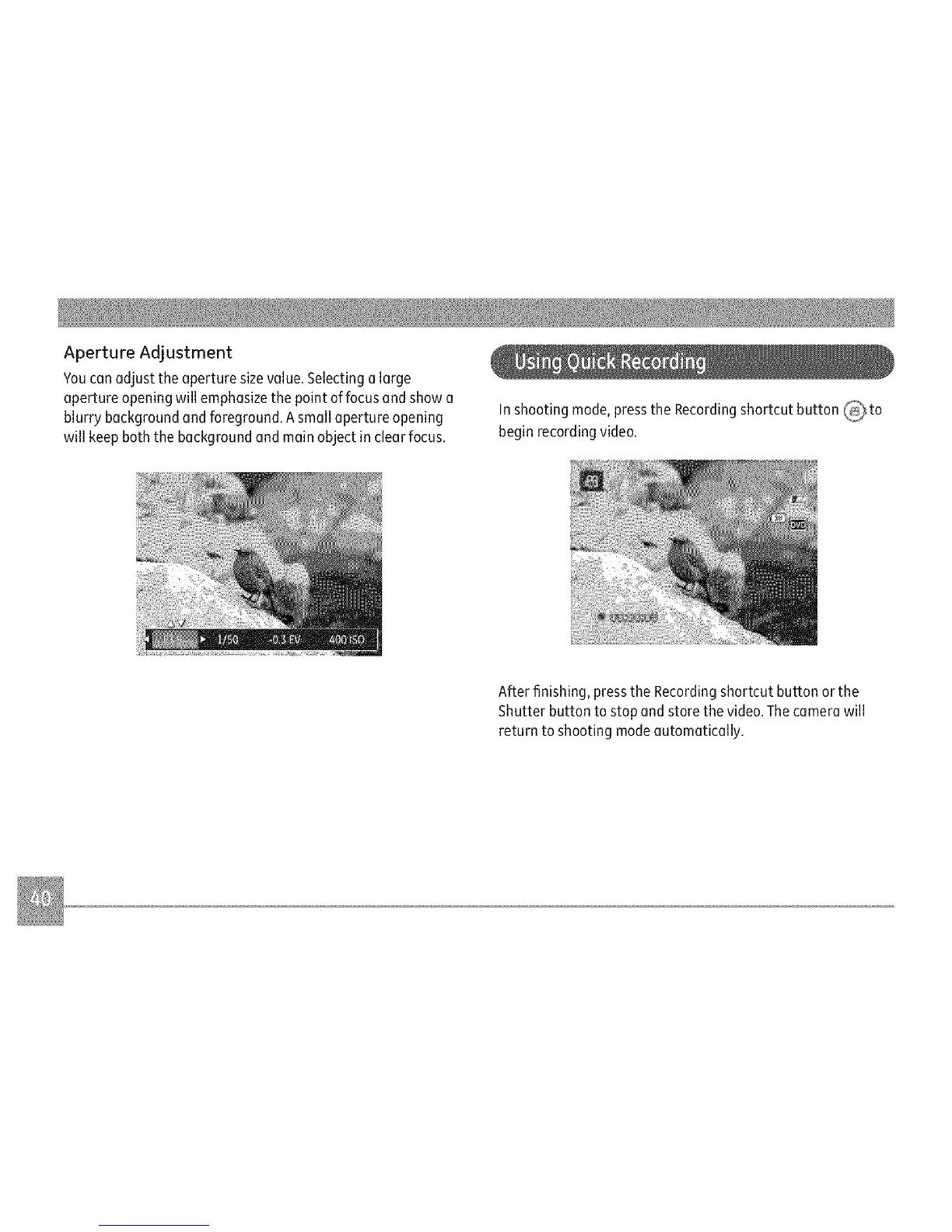
ApertureAdjustment
Youconadjusttheaperturesizevalue.Selectingolarge
apertureopeningwillemphasizethepointoffocusandshowa
blurrybackgroundandforeground.Asmallapertureopening
willkeepboththebackgroundandmainobjectinclearfocus.
Inshootingmode,presstheRecordingshortcutbutton_ to
beginrecordingvideo.
Afterfinishing,presstheRecordingshortcutbuttonorthe
Shutterbuttontostopandstorethevideo.Thecamerawill
returntoshootingmodeautomatically.



 To Next Page