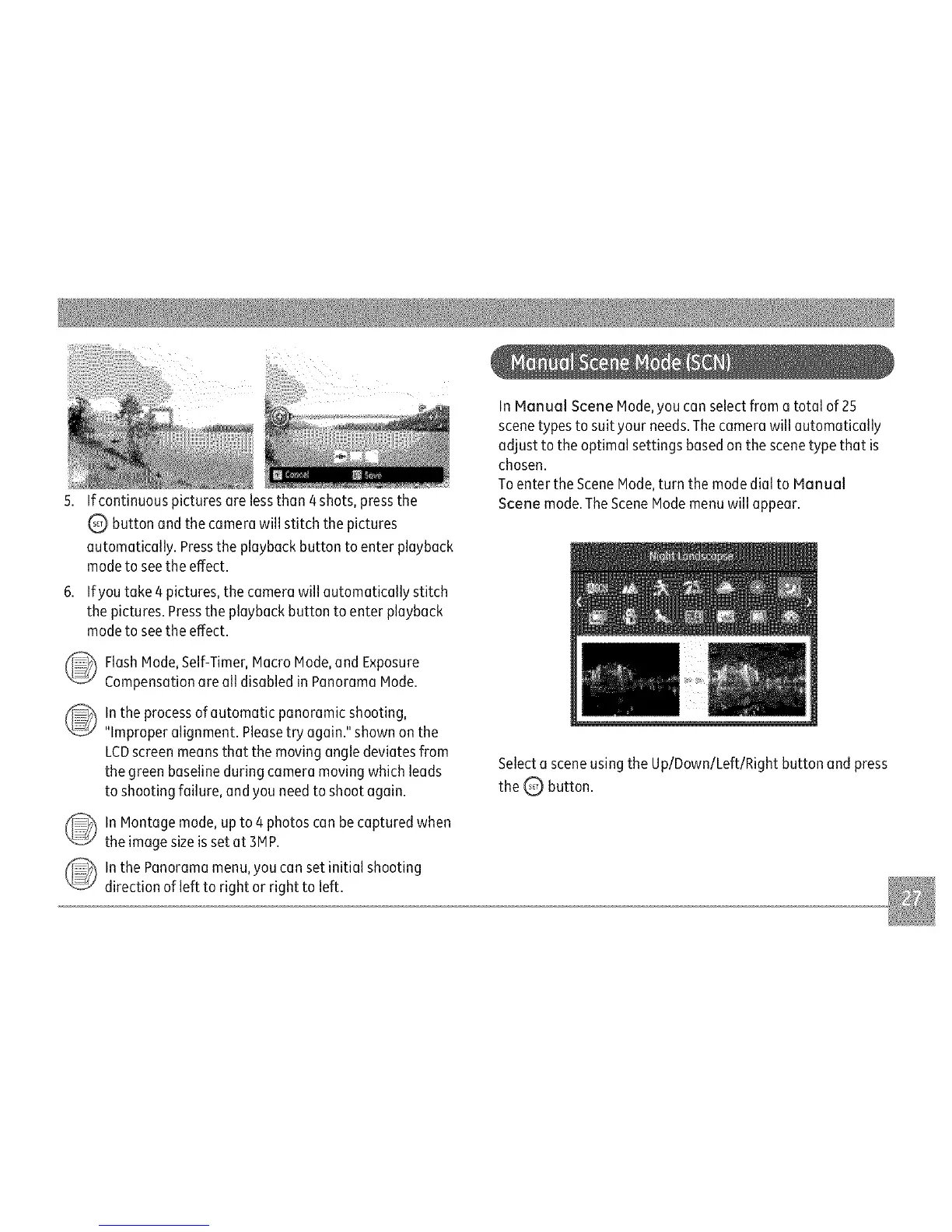
5.Ifcontinuouspicturesarelessthan4shots,pressthe
Q buttonandthecamerawillstitchthepictures
automatically.Presstheplaybackbuttontoenterplayback
modetoseetheeffect.
6.Ifyoutake4pictures,thecamerawillautomaticallystitch
thepictures.Presstheplaybackbuttontoenterplayback
modetoseetheeffect.
_ lashMode,Self-Timer,MacroMode,andExposure
CompensationarealldisabledinPanoramaMode.
lntheprocessofautomaticpanoramicshooting,
"Improperalignment.Pleasetryagain."shownonthe
LCDscreenmeansthatthemovingangledeviatesfrom
thegreenbaselineduringcameramovingwhichleads
toshootingfailure,andyouneedtoshootagain.
lnMontagemode,upto4photoscanbecapturedwhen
theimagesizeissetat3MP.
lnthePanoramamenu,youcansetinitialshooting
directionoflefttorightorrighttoleft.
InManualSceneMode,youcanselectfromatotalof25
scenetypestosuityour needs.Thecamera will automatically
adjust to the optimal settings basedon the scenetype that is
chosen.
Toenter the SceneMode,turn the modedial to Manual
Scene mode.TheSceneModemenu will appear.
Selecta scene using the Up/Down/Left/Right button and press
the Q button.



 To Next Page