ActionStep
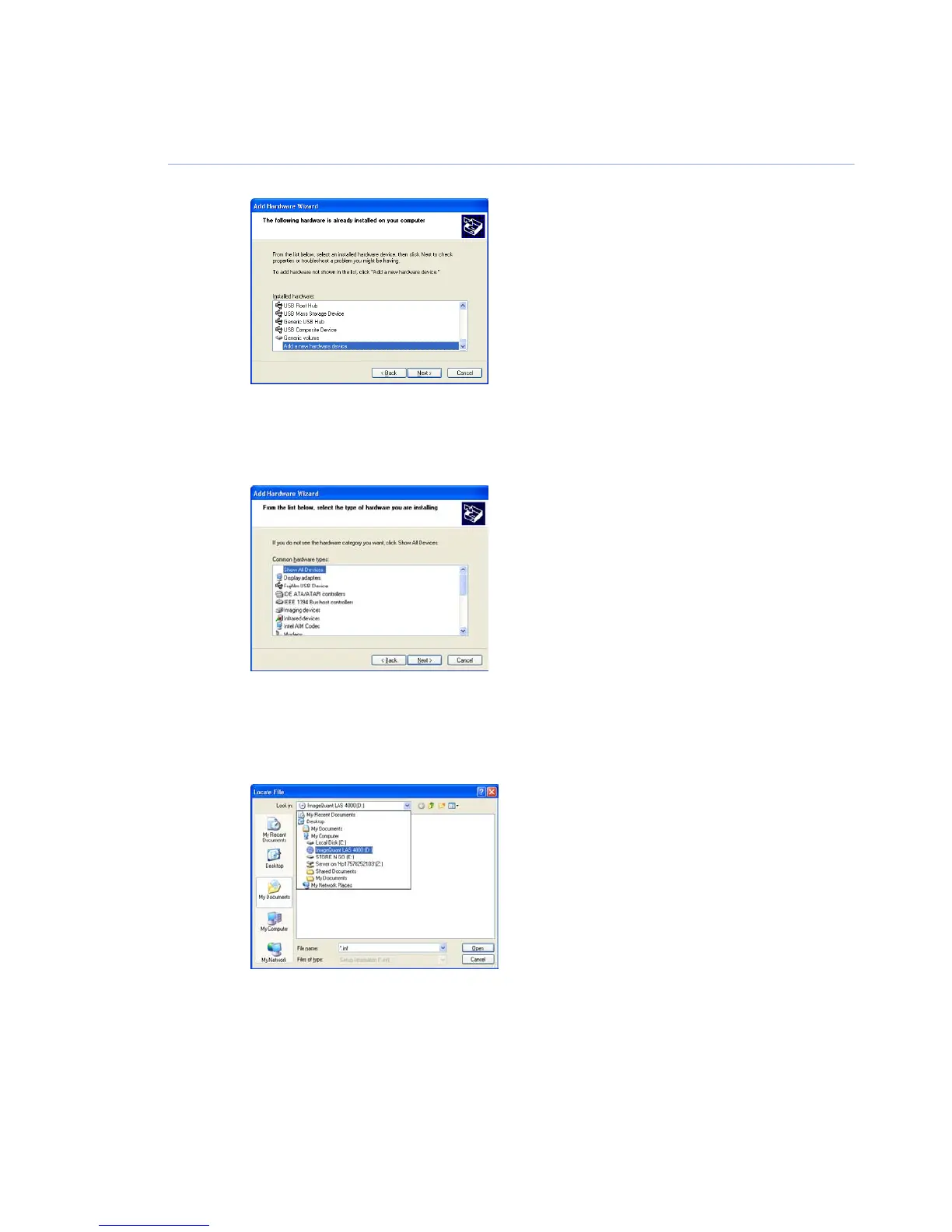
Select Add a new hardware device and click the Next button.6
Select Install the hardware that I manually select from a list [Advanced] and click the
Next button.
7
Select Show All Devices and click the Next button.8
Click the Have Disk button in the Add hardware wizard.9
Insert the ImageQuant LAS 4000 Control Software CD and click the Browse button.10
Select to install the driver from the ImageQuant LAS 4000 Control Software CD.11
110 ImageQuant LAS 4000 User Manual 28-9607-42 AB
6 Installing ImageQuant LAS 4000 Control Software
6.2 Install ImageQuant LAS 4000 Control Software under Windows XP



 To Next Page